
how to fix phone not charging to 100 percent usually comes down to one of three things: your phone is intentionally stopping early to protect the battery, the charging setup is underperforming, or a software or battery-health issue is in the way.
If you’ve noticed your phone “stuck” at 80%, 90%, or 99%, it’s easy to assume something is broken, but a lot of modern phones behave like this on purpose, especially overnight or when the device gets warm.
What matters is figuring out which situation you’re in, because the fix for “battery optimization is working” looks totally different from “your cable is failing” or “your battery is aging.” This guide gives you a quick way to diagnose it, then walk through practical fixes without wasting time on random tweaks.
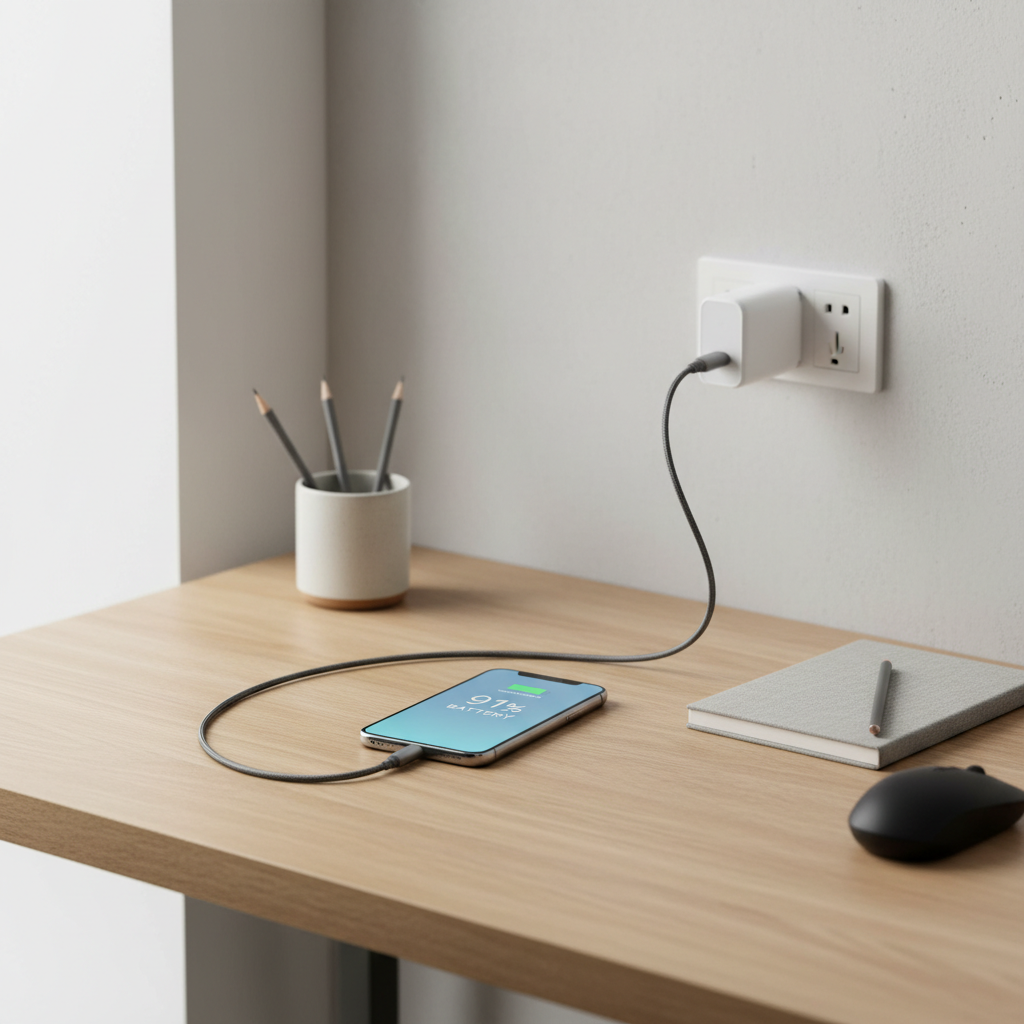
Why your phone won’t charge to 100% (and when it’s normal)
Phones not charging all the way isn’t always a defect. Many models use battery-protection features that intentionally pause charging near full, then top off later to reduce wear.
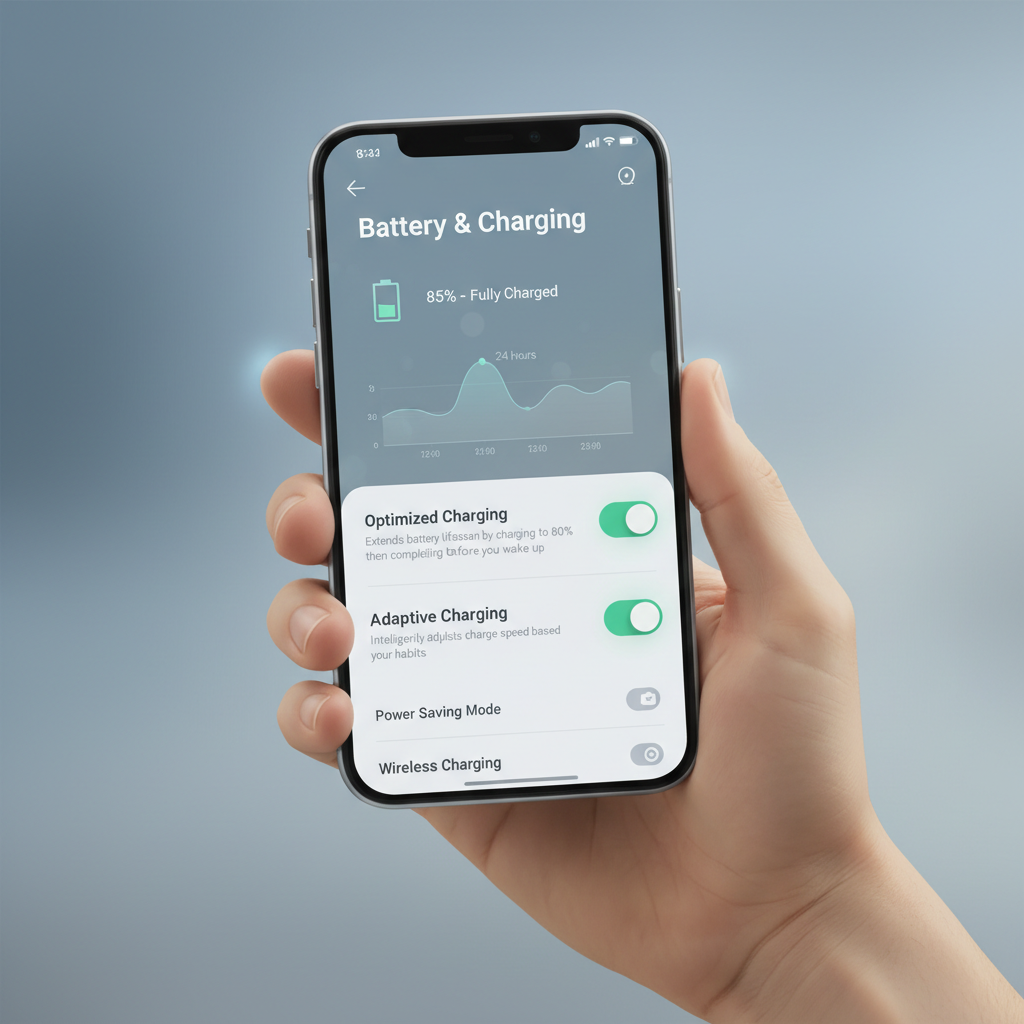
- Battery optimization features: iPhone “Optimized Battery Charging” or Android “Adaptive Charging” can hold at ~80% and finish closer to when you typically unplug.
- Heat management: if the phone is warm, charging may slow down or stop near the top end.
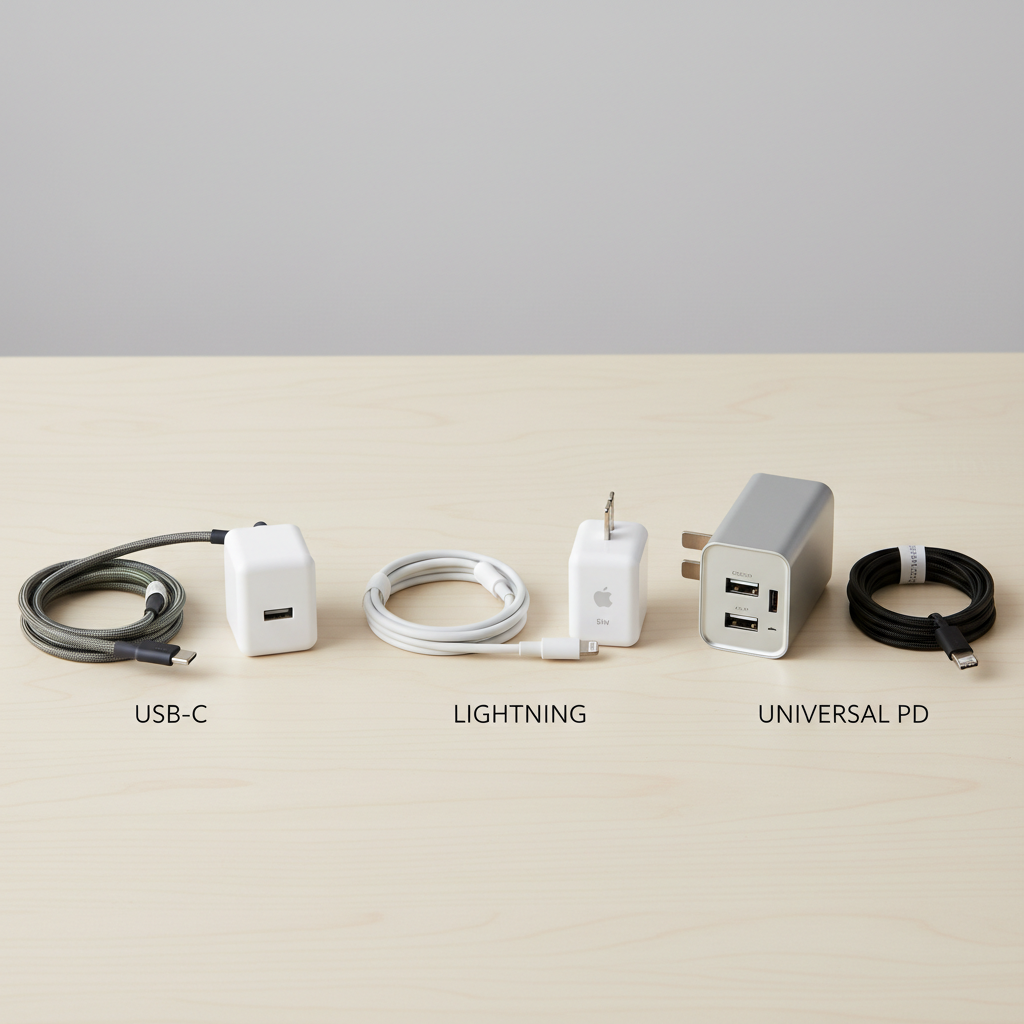
- Power source limitations: weak wall adapters, worn cables, dirty ports, or low-power USB ports can plateau charging.
- Software behavior: a stuck charging indicator or an OS bug can make it look like it won’t reach full.
- Battery aging: older batteries may charge unevenly, slow near 90–100%, or report capacity inaccurately.
According to Apple Support, optimized charging is designed to reduce battery aging by limiting time spent fully charged. That’s a big clue: if your phone reliably hits 100% sometimes, this might be working as intended.
Quick self-check: which situation are you in?
Before changing settings, do a quick reality check. Most people can narrow the cause in 5 minutes.
Fast diagnosis checklist
- Pattern check: does it stop at the same percentage (often 80%) mostly overnight? That points to optimization.
- Heat check: does the phone feel warm or hot, or is it on a bed/couch while charging? Heat is a common limiter.
- Accessory check: does swapping to a different cable/adapter fix it immediately? If yes, accessories are likely the issue.
- Location check: does it charge to 100% in a wall outlet but not in a car or laptop USB port? Power source mismatch.
- Battery health check: is the phone older (2+ years) or showing fast drain? Battery wear becomes more likely.
If you’re trying how to fix phone not charging to 100 percent, this step prevents you from “fixing” a feature that’s actually protecting your battery.
Fixes that work most often (start here)
These are the highest-signal fixes. They’re simple, and they also tell you something: if one of them changes the behavior quickly, you’ve basically identified the culprit.
1) Replace the cable and wall adapter (don’t just reseat them)
Cables can look fine and still fail under load, especially near the “top-off” phase from 90% to 100% where charging behavior gets more sensitive.
- Try a known-good cable (preferably OEM or certified).
- Try a known-good wall adapter with adequate wattage for your phone.
- Avoid charging from a laptop USB port for testing, it often provides lower or variable power.
2) Clean the charging port (gently)
Lint in the port can cause weak contact, which sometimes shows up as “stalls at 99%” or frequent connect/disconnect cycles.
- Power the phone off if possible.
- Use a wooden toothpick or plastic pick, move slowly, no metal tools.
- If the port looks corroded or wet, stop and consider professional service.
3) Let it charge cool and undisturbed
Heat is a silent killer for fast charging, and many phones reduce charge rate to protect the battery.
- Remove thick cases while testing.
- Charge on a hard surface in a cooler room.
- Avoid gaming, GPS, or video calls while charging.
Battery protection features: when to keep them on (and when to test turning them off)
A lot of “won’t reach 100%” reports are really “my phone is holding at 80% by design.” If your phone hits 100% later in the morning, that’s a strong sign the feature is doing its job.
iPhone (common checks)
- Check Settings > Battery > Battery Health & Charging for Optimized Battery Charging.
- If you need a one-time full charge quickly, temporarily turn it off, then turn it back on later.
Android (common checks)
- Look for Adaptive Charging, Battery protection, or Charging limit under Battery settings (names vary by brand).
- Some phones allow an 80% limit for longevity, make sure it’s not enabled.
According to Google’s Android Help resources, adaptive charging may learn your routine and delay full charging until closer to unplug time. If you change your routine, it can behave “weird” for a bit, that’s not unusual.
When it’s the power source: fast charging, wireless charging, and cars
Charging to 100% is easiest to test with the simplest setup: a wall outlet, a quality cable, and a compatible adapter. Once that works, you can troubleshoot the rest.
Common scenarios and what to do
- Wireless charging stalls: reposition the phone, remove magnetic accessories, and try a different pad. Heat buildup is common on wireless.
- Car chargers cap out: some ports are low power, and voltage can fluctuate. Try a reputable USB-C PD car adapter.
- Charging from a computer: it may be too slow, and the phone can consume power faster than it receives, especially near full.
Troubleshooting table: symptom → likely cause → what to try
If you want a more mechanical way to approach how to fix phone not charging to 100 percent, use this table and work top to bottom.
| What you see | Likely cause | What to try first |
|---|---|---|
| Stops around 80% overnight | Optimized/adaptive charging | Check battery settings, test turning it off once |
| Stuck at 99% for a long time | Normal top-off behavior, weak cable, heat | Swap cable/adapter, cool the phone |
| Charges to 100% sometimes, not others | Accessory variability, power source differences | Use one known-good setup for a few cycles |
| Charging rapidly disconnects/reconnects | Dirty port, damaged cable, loose connector | Clean port gently, replace cable |
| Never reaches 100% anywhere | Software issue or battery health decline | Update OS, reboot, check battery health |
Software and battery health steps (when hardware looks fine)
If accessories and heat aren’t the issue, software checks become worth your time. These won’t magically fix a worn battery, but they can fix reporting glitches and charging control bugs.
Do these in order
- Restart the phone: simple, but it clears stuck charging state surprisingly often.
- Update the OS: install pending iOS/Android updates, charging and thermal fixes commonly ship in maintenance releases.
- Check battery health: on iPhone, Battery Health shows maximum capacity; on Android it varies by brand, some offer a health indicator.
- Try Safe Mode (Android): if a third-party app causes heat or power draw, charging may stall near full.
If your phone is older and battery health is notably reduced, it may still reach 100%, but the last few percent can take longer and feel inconsistent, that’s often just aging chemistry.
Common mistakes that waste time (or make it worse)
- Chasing 100% at all costs: living at 100% all day can increase battery wear in many cases, so don’t treat this as an emergency unless you need the runtime.
- Using random “battery optimizer” apps: some increase background activity or add ads, and don’t address charging control.
- Ignoring heat: fast charging plus a thick case plus a warm room is a perfect recipe for slowdowns.
- Cleaning the port with metal tools: you can damage pins or cause a short, if you’re unsure, ask a repair shop.
When to get professional help
If you’ve tried a known-good cable/adapter, cooled the phone, checked settings, and it still won’t reach full charge, it’s reasonable to suspect a hardware problem.
- Battery service: swelling, sudden drops, or very short runtime are warning signs, don’t ignore them.
- Port or charging IC issues: intermittent charging across multiple cables can point to port wear or internal charging circuitry.
- Liquid exposure: if the phone had recent water contact, charging behavior can become unstable; consider a certified technician.
According to Federal Trade Commission (FTC) guidance on consumer repairs, it’s smart to request a written estimate and ask what parts will be replaced before authorizing a repair, especially if you suspect battery replacement.
Key takeaways and practical next steps
If you’re still thinking about how to fix phone not charging to 100 percent, don’t overcomplicate it: test one clean charging setup, confirm whether battery protection is active, and control heat. Those three steps solve most cases.
- Most reliable test: wall outlet + known-good cable + compatible adapter in a cool room.
- Most common “non-problem”: optimized/adaptive charging holding at ~80% overnight.
- Most common real issue: worn cable or weak adapter that fails near the top end.
Pick one change to try today: swap the cable first, then check battery settings. If nothing moves after a couple charge cycles, checking battery health and getting a repair estimate is a reasonable next step.
FAQ
Why is my phone stuck at 80% and won’t charge to 100%?
Many phones intentionally pause around 80% with optimized or adaptive charging, especially overnight. Check Battery settings for a charging limit or optimization feature, then test one cycle with it turned off.
Is it bad if my phone never charges to 100%?
It depends. If it’s a consistent 80% limit due to a battery protection setting, that’s usually intentional. If it caps at random percentages across different chargers, it may point to accessories, heat, or battery wear.
Why does my phone sit at 99% for a long time?
The last 1% can be slow because charging often shifts into a gentle “top-off” phase. If it feels excessive, try a different cable/adapter and keep the phone cooler during charging.
Will a new charger help my phone reach 100%?
In many cases, yes, especially if the current cable or adapter is worn or underpowered. For the clearest test, use a reputable adapter and a cable designed for your phone model.
Can wireless charging prevent my phone from reaching full charge?
Wireless charging can generate more heat and is more sensitive to alignment, both can slow or pause charging near the top. Reposition the phone, remove thick cases, and test with wired charging to compare.
Should I turn off optimized charging to fix it?
If you need a one-time full charge quickly, turning it off temporarily can help you confirm whether the feature causes the “stopping early” behavior. For day-to-day use, leaving it on often helps long-term battery health.
How do I know if it’s my battery health?
If the phone is older, runtime has dropped, or it behaves inconsistently across multiple known-good chargers, battery aging becomes more likely. Check the built-in battery health screen if your phone provides one, otherwise a repair shop can typically test it.
If you’re trying to stop the guessing and want a more straightforward path, use one known-good charging kit and run the checklist for two charge cycles, it’s the quickest way to separate “normal battery protection” from “something in my setup is failing.”