
Best budget earbuds for kids usually come down to three things parents can actually feel in day-to-day use: a safe-ish volume approach, a comfortable fit that stays put, and durability that survives backpacks and couch cushions.
The problem is the word “budget” can tempt you into random no-name earbuds that sound fine on day one, then either get too loud, stop pairing, or become uncomfortable after 20 minutes. For kids, those annoyances turn into “I hate these” fast, and the purchase becomes a repeat expense.
This guide focuses on what matters in 2026 shopping: practical safety features, real-world fit, easy controls, and the tradeoffs you accept at lower prices. I’ll also share a quick self-check list and a short table you can use while comparing listings.
What “budget” should still include for kids (non-negotiables)
Even when you’re trying to keep cost down, there are a few specs that are worth treating as deal-breakers, because they map to comfort and hearing safety concerns.
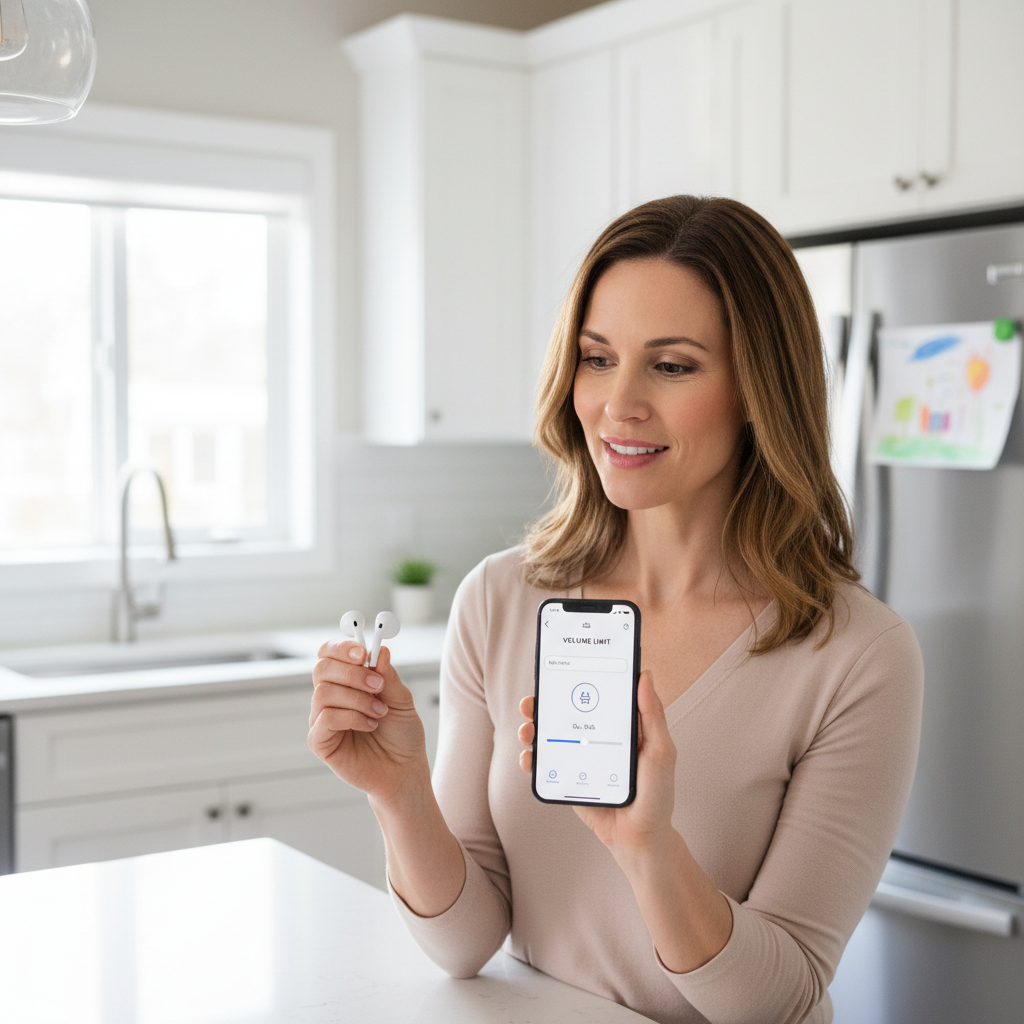
Volume management you can trust matters more than marketing stickers. Many products claim “kids safe,” but don’t explain whether they cap volume in hardware or just suggest you turn it down. According to CDC guidance on noise exposure, keeping listening levels reasonable and limiting time helps reduce risk of hearing damage, so a reliable cap or strong parental controls is a meaningful advantage.
- Look for: a volume limiter feature, an app with a max-volume setting, or a “kids mode” that persists after reconnecting.
- Be cautious with: vague claims like “safe sound” with no mention of how it’s enforced.
Fit that doesn’t hurt is the second non-negotiable. Kids’ ear canals are often smaller, and many “adult” earbuds feel like a rock after a short bus ride. If the listing includes extra-small tips or specifically mentions small ears, that’s not fluff, that’s a practical comfort cue.
Microphone quality and simple controls also matter in 2026 because kids use earbuds for remote tutoring, calls with family, and school apps. One-button controls that avoid accidental long-press chaos are usually easier for younger kids.
Quick comparison table: what to check before you buy
Use this table when you’re scanning Amazon, Target, Walmart, or brand sites. It’s not about finding the “perfect” earbud, it’s about dodging predictable problems.
| Feature | Why it matters for kids | What to look for on listings |
|---|---|---|
| Volume limiting | Reduces risk from accidental high volume | Hardware cap, app max-volume, persistent kids mode |
| Tip sizes | Comfort and seal without pain | XS/S tips included, “small ears” mention |
| Durability | Budget earbuds often fail at hinges or case lids | IP rating, reinforced hinge, sturdy case reviews |
| Battery life | Less mid-day charging drama | 5+ hours per charge, 20+ hours with case (typical) |
| Controls | Fewer accidental touches, easier pausing in class | Physical button or well-tuned touch controls |
| Transparency/ANC | Safety and awareness outdoors | Transparency mode, adjustable ANC (when present) |
Common reasons budget earbuds fail for kids (so you can avoid them)
If you’ve already bought a “fine” pair that got abandoned in a drawer, it usually falls into one of these buckets.
- They don’t stay in, so the kid turns volume up to compensate for a poor seal, or keeps adjusting them every minute.
- Pairing becomes a chore after a few weeks, especially when switching between an iPad, Chromebook, and a parent’s phone for troubleshooting.
- The case is flimsy, hinges loosen, lids crack, or charging pins stop making consistent contact.
- Touch controls misfire, hair or hoodies trigger taps, and suddenly the kid “called grandma” during math practice.
- They get too isolating in the wrong setting, and the kid can’t hear a teacher or a parent calling them.
Budget shopping can still work, you just want to be picky about where you accept compromises. Sound “a little less rich” is fine, but unreliable controls or painful fit becomes a daily battle.
A fast self-check: which type of kid earbud shopper are you?
Before you pick a model, answer these quickly. This is the part most listings won’t help you with.
- Age & control: Is your kid likely to respect “keep it low,” or do you need a strict max-volume setting?
- Main use: School calls and videos, long car rides, or outdoor walks? The priorities change.
- Sensory tolerance: Do they dislike in-ear tips? If yes, you may prefer semi-in-ear designs, with the tradeoff of less isolation.
- Environment: Quiet room, noisy bus, shared bedroom? Noisy spaces push kids to raise volume.
- Loss risk: If earbuds vanish weekly, consider cheaper pairs plus a bright case, or add a small routine like “earbuds live in the same pocket.”
If you’re aiming for the best budget earbuds for kids, matching the earbud style to the real setting usually beats chasing “top-rated” badges.
How to choose the right features by scenario (practical picks, not hype)
Rather than naming one “winner,” here’s how experienced buyers tend to narrow options without overpaying.
For school and video calls
Prioritize stable Bluetooth, a decent mic, and controls that can mute/pause quickly. If your kid uses a Chromebook or school-issued tablet, check compatibility notes and return policies, because some budget earbuds behave differently across devices.
- Nice to have: sidetone (hearing your own voice) or clear call mode, though it’s not common at low prices.
- Avoid: overly sensitive touch controls if your kid fidgets.
For travel and noisy places
Passive isolation from well-fitting tips often matters more than cheap “ANC” claims. If active noise cancellation exists at budget pricing, treat it as a bonus, not a guarantee. According to NIDCD (National Institute on Deafness and Other Communication Disorders), loud noise can damage hearing, so reducing noise without cranking volume is the healthier direction, even if the solution is simply better fit.
- Look for: multiple tip sizes, secure fit, and a volume limit.
- Extra helpful: a case with a strong lid, travel is rough on gear.
For outdoor use and safety
Transparency mode can help kids stay aware near bikes, crossings, or in busy areas. If the earbud isolates strongly, consider limiting use to supervised settings or using only one earbud when appropriate.
- Look for: transparency/ambient mode, or a less-sealed fit if awareness is priority.
- Talk with your child: when earbuds are okay vs not, this matters more than any spec sheet.
Step-by-step: buying and setup tips that make budget earbuds work better
This is where many families waste money, not because they picked “bad earbuds,” but because setup stays on default settings.
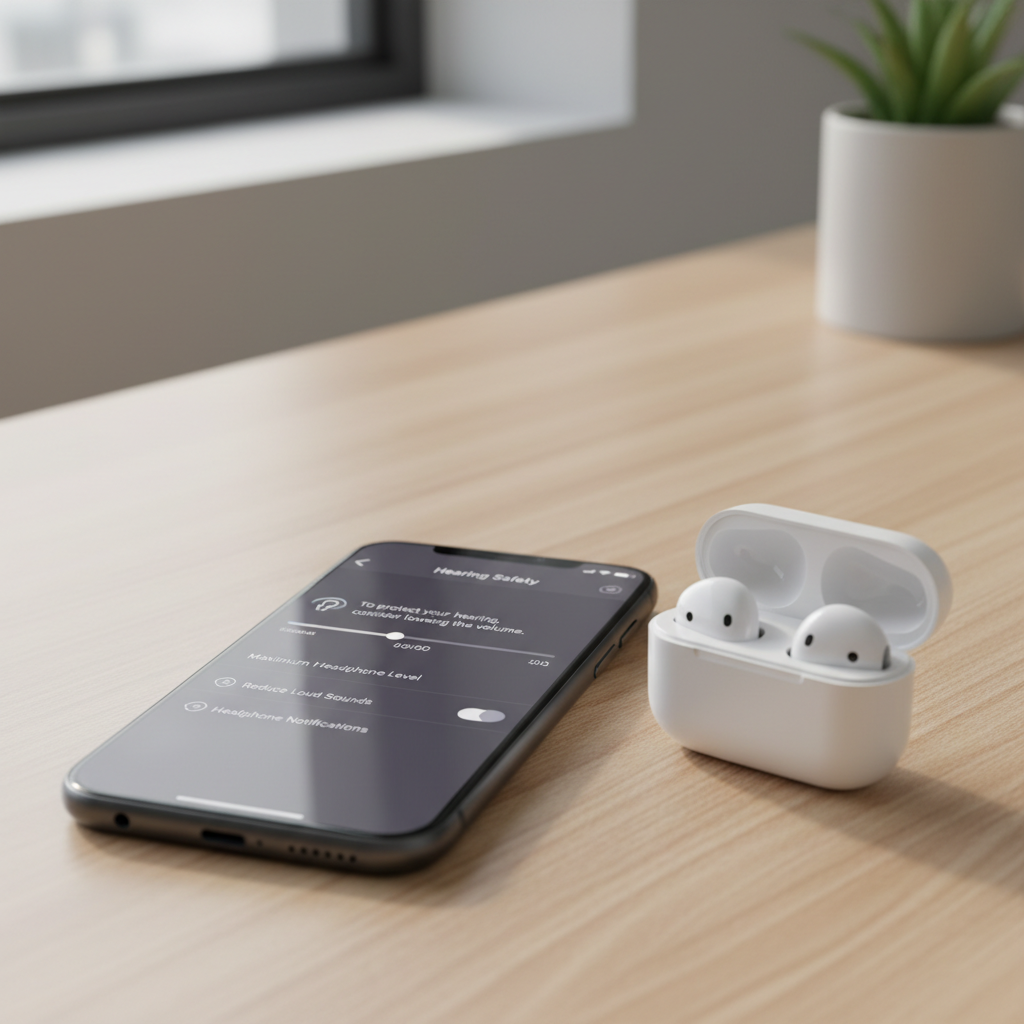
1) Set a volume ceiling before the first long session
Use device controls when available. On many phones and tablets you can limit maximum volume or enable hearing-related settings. If you’re unsure what’s appropriate for your child, it’s reasonable to ask a pediatrician or hearing professional, especially if your child already complains about ringing, muffled hearing, or headaches after listening.
2) Spend five minutes on fit
Try smaller tips first, then go up only if the earbuds fall out. A proper seal usually improves sound at lower volume, which is the whole point.
- Quick test: play a familiar voice track at low volume, if the kid says “I can’t hear,” try a different tip size before raising volume.
3) Reduce pairing friction
Name the earbuds in Bluetooth settings so your kid can spot them, and remove old pairings if connections get weird. Many budget models struggle when they’re paired to too many devices at once.
4) Teach one simple habit to prevent loss
Pick a consistent “home” for the case, and keep it boring. When kids treat earbuds like a toy, the tiny parts disappear fast.
Common mistakes (and what to do instead)
- Mistake: buying purely by star rating. Do instead: read a few recent reviews that mention small ears, school devices, and durability, those are closer to your use case.
- Mistake: assuming “kids” branding means safe volume. Do instead: confirm how limiting works, and still set device limits when possible.
- Mistake: choosing the smallest-looking earbuds without tip options. Do instead: prioritize multiple tip sizes, because shape matters as much as size.
- Mistake: relying on ANC to protect hearing. Do instead: aim for comfort and seal so volume stays low in the first place.
If you’re shopping for the best budget earbuds for kids in 2026, the “right” buy often looks boring: simple controls, comfortable fit, and settings you can lock down.
When it’s worth getting professional help (or switching product type)
If your child frequently complains that earbuds hurt, experiences ringing in the ears, or keeps turning volume up in normal environments, it may be worth discussing with a pediatrician or an audiologist. Sometimes the issue isn’t the earbud model, it’s sensitivity, earwax buildup, or a listening habit that needs a reset.
Also consider switching to kid-sized on-ear headphones if in-ear tips cause discomfort, or if you want more visible supervision. That’s not a downgrade, it’s just a better match for some families.
Key takeaways + a simple conclusion
Key points: prioritize volume management, comfort, and durability over flashy features, use device-level limits, and treat fit as a safety tool, not just comfort.
My practical conclusion is this: the best budget earbuds for kids are the ones your child can wear comfortably at lower volume, with controls that don’t create chaos. If you take ten minutes to set limits and dial in tips, even modest earbuds can feel like a smart buy instead of a disposable one.
If you’re comparing options today, pick two models within your budget, then choose the one with clearer volume controls and better tip variety, those tend to pay off within the first week.
FAQ
What is a safe volume level for kids using earbuds?
There isn’t one single number that fits every child and every situation, but lower volume for shorter periods is generally safer. According to CDC guidance on noise exposure, limiting volume and time helps reduce risk, and if you’re unsure, a pediatrician or hearing professional can give personalized advice.
Do “volume-limited” earbuds actually prevent loud listening?
Sometimes. Some models cap volume in hardware, others rely on an app or marketing language. If the limiter resets after reconnecting, it’s less helpful, so it’s worth checking reviews that mention whether the limit “sticks.”
Are wired earbuds better than wireless for kids?
Wired models can be simpler and cheaper, and they avoid pairing issues. Wireless is often more convenient and reduces snagging, but adds charging and connection complexity. For many families, wireless wins if the case is sturdy and setup is locked in early.
Should kids use noise canceling earbuds?
Noise canceling can reduce background noise, which may help kids avoid turning volume up, but budget ANC quality varies a lot. In many cases, good fit and passive isolation do most of the work.
How do I stop my child from losing earbuds?
Make the storage habit automatic: earbuds go straight into the case, case goes into one specific pocket of the backpack. Bright cases or a small label can also help, but consistency beats accessories.
What if earbuds keep falling out of my kid’s ears?
Try smaller tips first, then experiment with tip materials if your model supports it. If nothing stays comfortable, consider semi-in-ear designs or kid-sized on-ear headphones, because constant readjusting usually leads to higher volume and frustration.
Do cheap earbuds work well with iPads and Chromebooks?
Often yes, but not always smoothly. If your child switches devices a lot, prioritize models with stable pairing and easy reset steps, and buy from a retailer with a straightforward return policy.
When should I replace kids earbuds instead of troubleshooting?
If charging becomes inconsistent, one earbud drops out frequently across multiple devices, or the case stops holding a charge, replacement may be more realistic than repeated fixes, especially at budget prices.
If you’re trying to keep spending sensible while still getting something your child will use, it helps to shortlist budget models that clearly explain volume controls and include multiple tip sizes, then do a quick setup on day one so the earbuds start off “kid-ready.”