
best external ssds for storage 2026 is really a question about risk, workflow, and patience, because the “right” drive depends on what you store, how often you move files, and how painful a restore would be if something breaks.
If you just want something small and fast for photos, school, or a travel laptop, you can buy differently than someone backing up a work MacBook, a gaming library, or a 4K video project folder that changes daily.
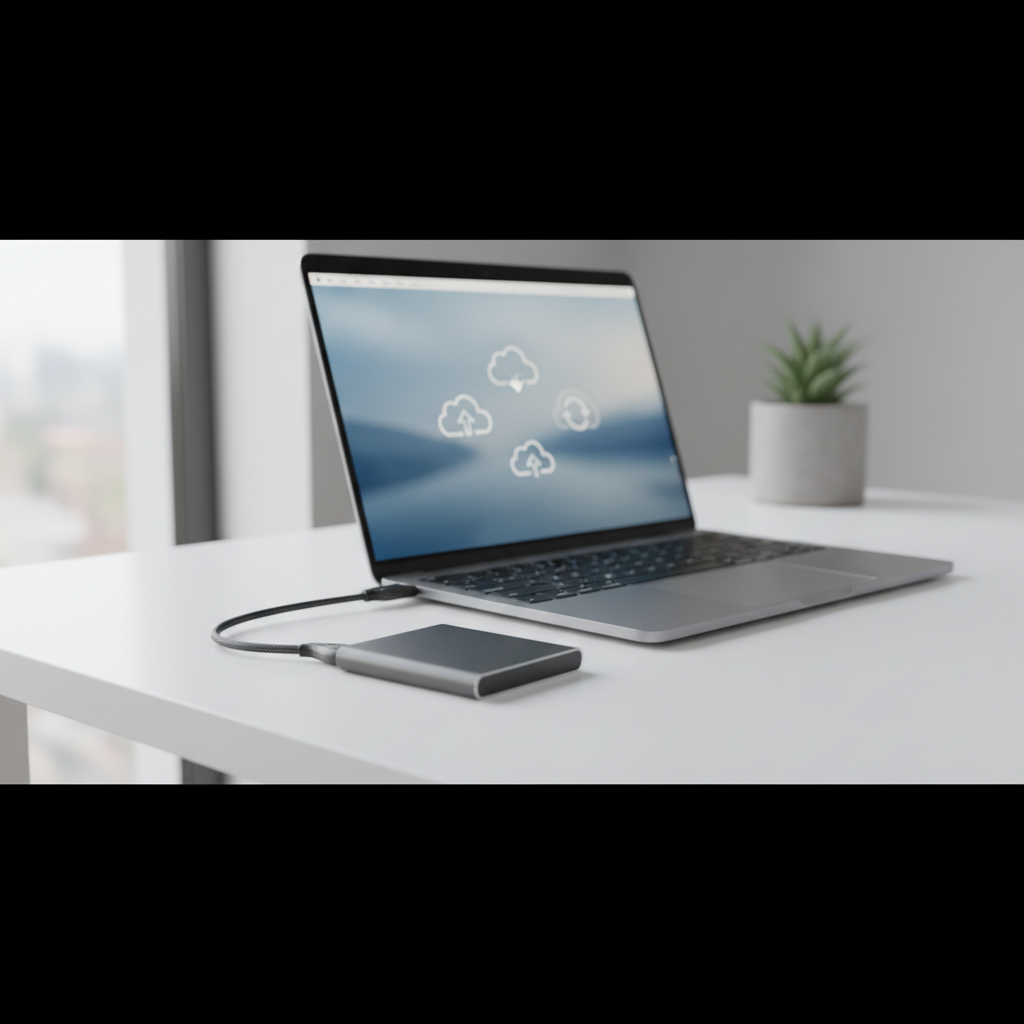
One more thing people miss, an external SSD can be “fast” and still feel slow if your port, cable, or enclosure caps performance. So this guide stays practical, what to buy, what to check on your computer, and how to set it up for storage and backup without overcomplicating it.
What actually matters when choosing an external SSD in 2026
On product pages, everything looks the same: big “up to” speed numbers, rugged buzzwords, and tiny fine print. In real use, a few specs and behaviors do most of the work.
- Interface and port match: USB 3.2 Gen 2 (10Gbps) is common, USB 3.2 Gen 2x2 (20Gbps) is faster but not supported on many Macs, Thunderbolt is fastest but costs more.
- Sustained writes: copying a 2GB folder differs from writing 300GB continuously, some drives slow down after their cache fills.
- Thermals: small metal drives can get warm, heat can trigger throttling, especially during long backups.
- Durability: “rugged” usually means shock resistance and sometimes water/dust ratings, good for travel, not a substitute for a second backup.
- Encryption support: hardware encryption varies, software encryption works broadly but adds steps.
- Warranty and support: boring, but when a drive fails, this becomes the only thing you care about.
According to NIST (National Institute of Standards and Technology), encryption is a key control for protecting sensitive data at rest, which matters if you carry an external SSD with client files or personal records.
Quick comparison table: top external SSD categories for storage & backup
Rather than pretending one model “wins,” it helps to pick a lane, then shop within it.
| Use case | What to prioritize | Typical interface | Who it fits |
|---|---|---|---|
| Everyday storage | Value, reliability, compact size | USB 3.2 Gen 2 (10Gbps) | Students, home users, light creators |
| Travel & field backup | Rugged build, IP rating, tethered cable | USB 3.2 Gen 2 | Photographers, consultants, commuters |
| Creator scratch + backup | Sustained writes, thermals | USB 3.2 Gen 2x2 or Thunderbolt | Video editors, audio production |
| Mac-first workflows | Real-world speed on macOS, TB support | Thunderbolt / USB 10Gbps | MacBook Pro/Air users |
| Budget backup rotation | Cost per TB, warranty | USB 3.2 Gen 2 | Families, small offices |
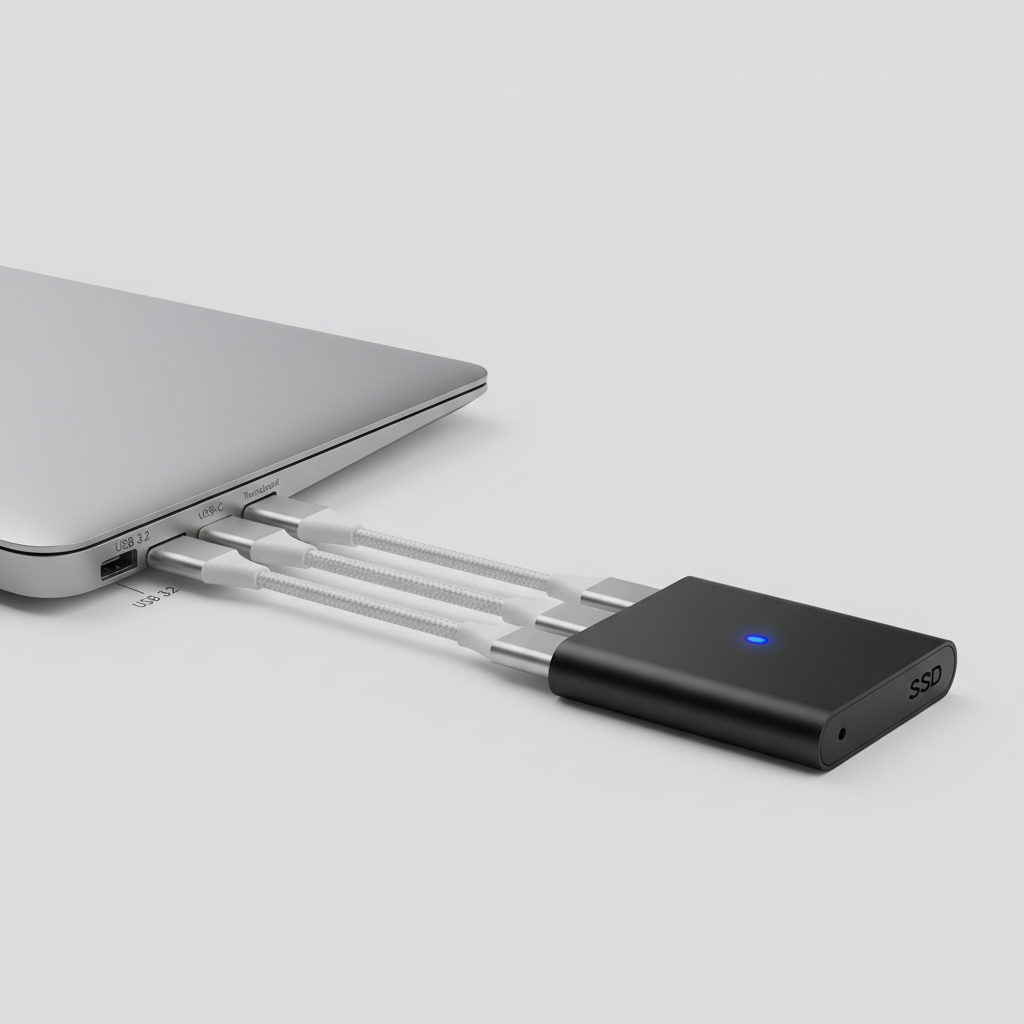
If you are shopping the best external ssds for storage 2026, this table is the simplest way to avoid paying for a speed tier you cannot use.
A fast self-check: what type of buyer are you?
Pick the first line that sounds like you on a normal week, not your “ideal workflow.”
- I mainly need a safe place for photos and documents → prioritize reliability, 1–2TB, USB 10Gbps, decent warranty.
- I run Time Machine or Windows backups regularly → prioritize sustained writes, thermals, and a cable that stays connected.
- I edit video off the drive → prioritize high sustained throughput, consider Thunderbolt, avoid tiny plastic shells.
- I travel and toss gear in bags → prioritize rugged casing, IP rating, and a shorter cable so it does not snag.
- I handle sensitive data → prioritize encryption workflow and how you will manage passwords or recovery keys.
Once you know your bucket, choosing the best external ssds for storage 2026 becomes much less about brand debates and more about fit.
Recommended picks by scenario (what to buy, not what to worship)
I’m not going to claim a single “#1” drive for everyone, because availability and pricing move around, and your ports matter. These are the types of external SSDs that tend to work well in the US market.
1) Best everyday portable SSD (most people)
- Look for: USB 3.2 Gen 2, reputable NAND/controller, 3–5 year warranty.
- Capacity sweet spot: 2TB if you keep photos/videos, 1TB if it’s mostly docs and light media.
- Why it works: quick enough for big copies, affordable per TB, usually cooler than ultra-fast models.
2) Best rugged SSD for travel and field backup
- Look for: rubberized or armored shell, IP rating for dust/water resistance, included short USB-C cable.
- Reality check: rugged helps with drops and weather, but it does not prevent accidental deletion or ransomware.
3) Best high-performance SSD for creators
- Look for: consistent sustained write performance, thermal design, 20Gbps USB (if your PC supports it) or Thunderbolt (especially on Mac).
- Typical pitfall: buying 20Gbps and using it on a 10Gbps port, it will still work, just not at the speed you paid for.
4) Best “build your own” external SSD (value + control)
- What it is: an NVMe SSD plus a quality USB-C enclosure.
- Why people like it: you can replace parts, choose capacity, and sometimes get better sustained performance per dollar.
- Where it gets tricky: enclosure chipset quality, heat, and power draw vary, this is not always the most “plug-and-forget.”
Setup that prevents regrets: formatting, encryption, and backup habits
Buying the drive is half the job, the rest is making it easy to recover data when you are stressed.
Format correctly (Mac vs Windows)
- Mac-only: APFS usually makes sense for SSDs, especially for Time Machine on newer macOS versions.
- Windows-only: NTFS is typical for large files and permissions.
- Cross-platform: exFAT is common for sharing, but it can be less forgiving if you unplug improperly, many people still use it successfully, just be careful.
According to Apple Support, Time Machine works best when the backup disk is set up specifically for Time Machine, which is a reminder not to treat “one drive for everything” as the default.
Use encryption when the drive leaves your desk
- Mac: FileVault protects the internal drive, for externals you can use encrypted APFS volumes.
- Windows: BitLocker can encrypt external drives on supported editions.
If you store regulated or highly sensitive information, it’s worth checking company policy or consulting a security professional, because key management and recovery rules matter as much as the checkbox.
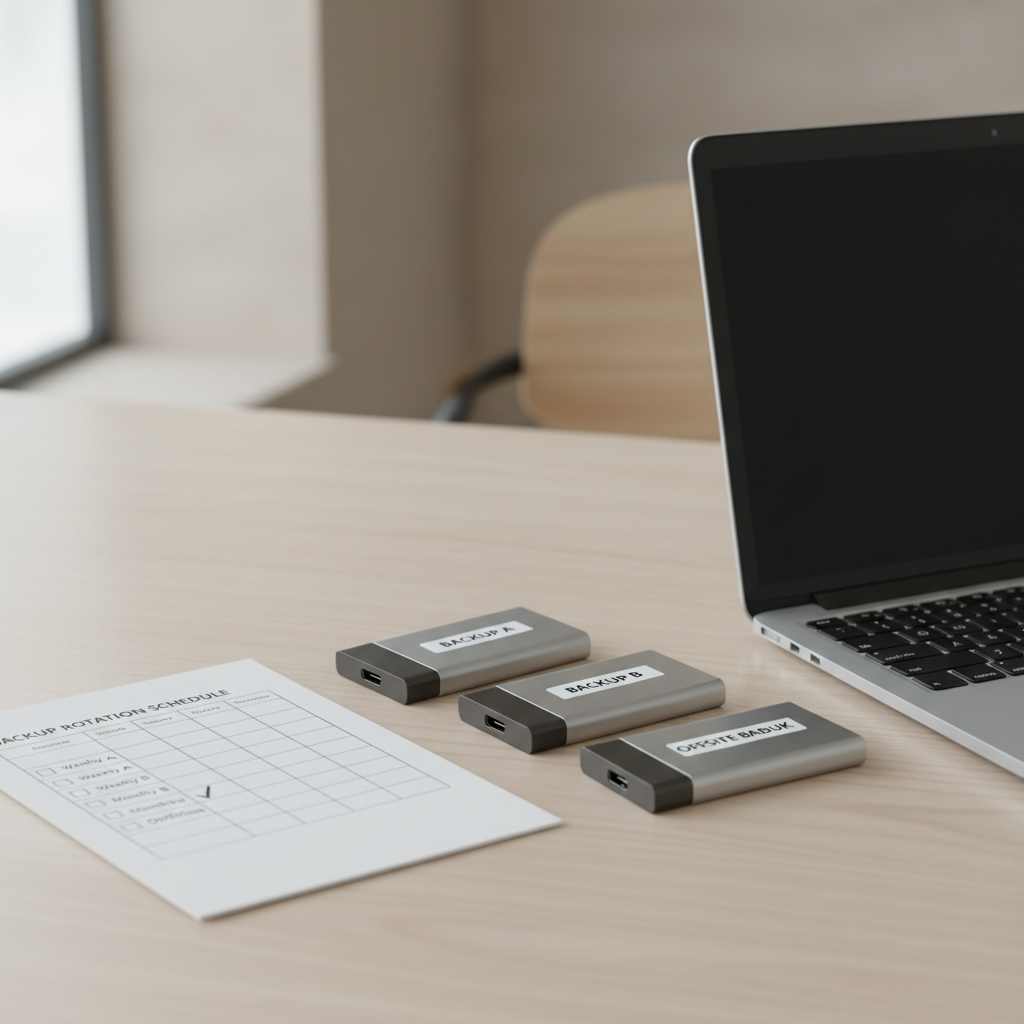
Adopt a simple backup routine (that you will actually keep)
- Keep two copies: one “working” external SSD and one second copy, rotated weekly or biweekly.
- Unplug safely: ejection reduces file system issues, especially on exFAT.
- Test restores: once in a while, open a few files from the backup, a backup you never tested can surprise you.
According to CISA (Cybersecurity and Infrastructure Security Agency), keeping backups and ensuring you can restore them is a key step in improving resilience against cyber incidents, which is relevant even for home users who worry about ransomware.
Common mistakes that make a “good SSD” feel bad
- Using the wrong cable: a charge-only USB-C cable can throttle speeds or fail to connect reliably.
- Expecting peak speed on small ports: if your laptop only supports 5Gbps, a premium drive cannot magically outrun the port.
- Filling it to 99%: SSDs can slow down when nearly full, leaving free space helps performance and wear leveling.
- One-drive mentality: an external SSD is not a full backup strategy by itself, it’s one layer.
- Confusing rugged with invincible: water resistance does not mean safe in every scenario, check IP rating details and connector sealing.
If your goal is the best external ssds for storage 2026, avoiding these mistakes often matters more than chasing one more spec tier.
Conclusion: how to pick the right external SSD this year
The practical way to shop is simple: match the drive to your port, match the performance tier to your real workload, then put a backup routine around it. Most people in the US do well with a USB 10Gbps portable SSD in 1–2TB, while creators and Mac power users are the ones who truly benefit from Thunderbolt or higher sustained performance designs.
If you want a clean next step, check your computer’s port capabilities today, then decide whether you are buying for everyday storage, travel backup, or creator work, that one decision narrows the options fast.
FAQ
What size external SSD should I buy for backups in 2026?
A lot of people underestimate growth, so 2TB is often the comfortable pick for mixed photos, phone videos, and laptop backups. If you only back up documents and light media, 1TB can still be fine.
Is a portable SSD reliable enough for long-term storage?
Usually yes for active storage and backups, but “long-term” still benefits from redundancy. For important data, keep at least one additional copy somewhere else, because any single drive can fail.
Do I need Thunderbolt to get the best external SSD experience on a Mac?
Not always. Many Mac users are happy with USB 10Gbps drives for backups and photo libraries, Thunderbolt tends to matter when you edit large projects directly off the drive or move huge datasets constantly.
Why is my external SSD slower than the advertised speed?
Common reasons include a slower port, a lower-spec cable, copying many small files, or the drive throttling when warm. Those “up to” numbers often reflect ideal conditions and short bursts.
Is exFAT a good format for an external SSD shared between Mac and Windows?
exFAT is popular for sharing and it works in many cases, but it can be more sensitive to improper unplugging. If cross-platform sharing is frequent and critical, consider a more structured workflow and be disciplined about safe eject.
Should I encrypt my external SSD?
If the drive travels, encryption is usually a smart move, especially for personal or client information. If you worry about losing access, make sure you have a secure recovery plan before turning it on.
Can I use an external SSD as a boot drive?
Sometimes, but it depends on your computer, OS rules, and performance expectations. It can be useful for testing or specific workflows, though for most people it adds complexity without improving backup safety.
If you want a more streamlined buying shortlist
If you’re trying to narrow the best external ssds for storage 2026 to a few realistic options, it often helps to start from your computer ports and your backup style, then filter by warranty and sustained performance rather than headline speeds.