
Best budget smart home starter kit shopping usually goes sideways for one simple reason, the “cheap” kit looks fine until you realize it needs three extra hubs, a subscription, or it won’t play nicely with what you already own.
If you want a starter setup that feels modern in 2026, the goal is not buying the most devices, it’s buying the few right ones that connect reliably, cover your daily routines, and still leave room to expand.
This guide breaks down what to prioritize, what to skip, and how to choose a kit based on your home, your phone ecosystem, and your tolerance for tinkering.
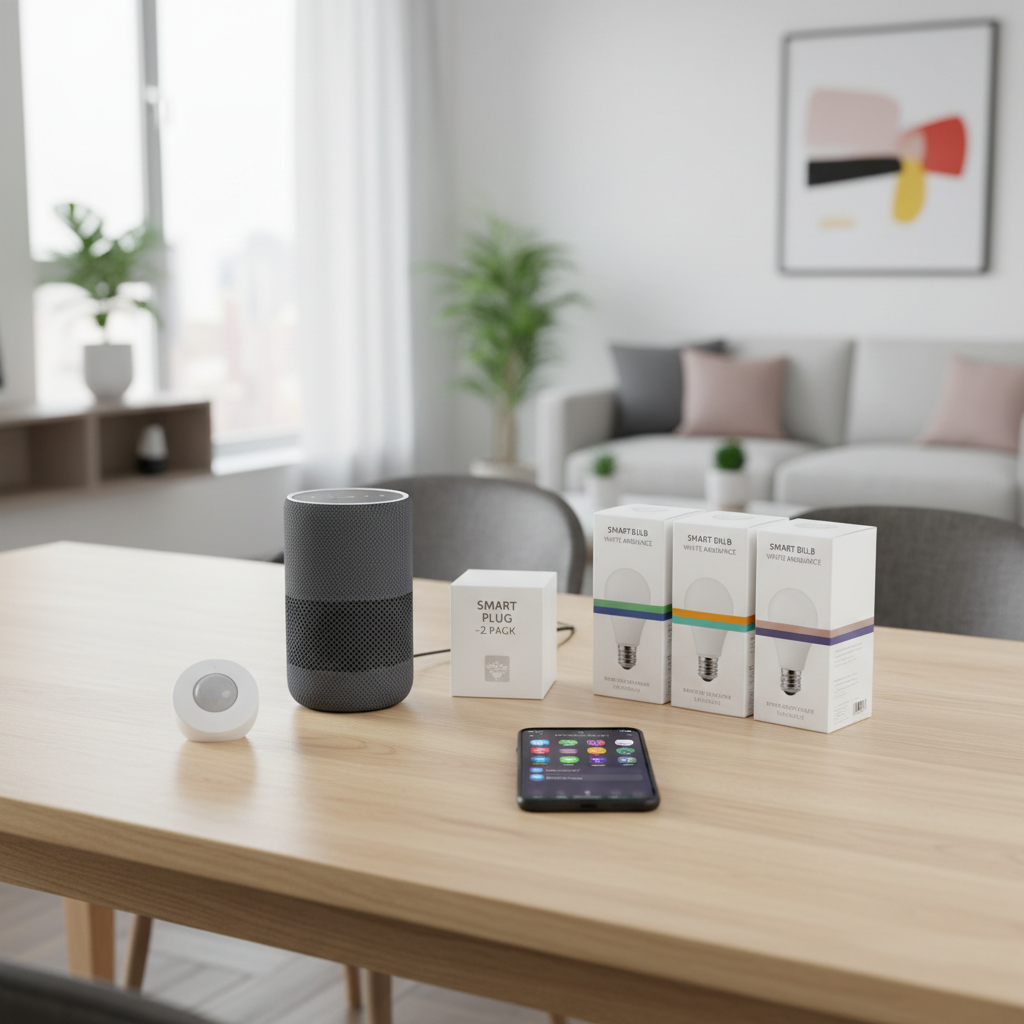
What “budget” really means for a smart home in 2026
Budget is less about sticker price and more about avoiding “surprise spending.” A low-cost bundle can still become expensive if it pushes you into paid plans, forces brand lock-in, or has unreliable connectivity that you end up replacing.
- Upfront cost: what you pay today for the core devices.
- Running cost: batteries, optional cloud subscriptions, and replacement hardware.
- Time cost: troubleshooting, resets, and app juggling.
In practice, a best budget smart home starter kit is one that hits the basics, lighting control, a couple of automations, and one safety sensor, without making you buy a whole second ecosystem later.
Pick your “brain” first: Alexa, Google, or Apple (and why it matters)
Most starter kits fail at the “everyday” stage, not because the devices are bad, but because the home’s control layer is messy. Decide what you want to talk to and what app you want to open.
Quick decision rules
- If you’re Android-heavy: Google Home often feels smoother for phone-first control.
- If you want the widest budget device selection: Alexa-compatible gear is still common.
- If privacy and on-device control matter most: Apple Home tends to be stricter, sometimes pricier, but consistent.
According to Apple and Google platform documentation, compatibility depends on both the device and the hub/app capability, so “works with” badges are helpful but not the whole story. If you plan to use Matter devices, you’ll still want to confirm your chosen platform supports the specific device category you’re buying.
The short list of devices that make a starter kit feel “complete”
For most homes, you don’t need 12 gadgets. You need a small set that produces noticeable daily wins, then you expand from there.
- 1 smart speaker or display (voice control + quick status)
- 2–4 smart bulbs (or one room’s worth)
- 2 smart plugs (lamps, coffee maker, fan)
- 1 motion sensor (automations that feel “magic”)
- 1 contact sensor (front door, garage door side entry, or a medicine cabinet)
If your budget is tight, choose plugs over bulbs for the first purchase, plugs move with you and work with almost any lamp. Bulbs make sense when you want dimming, color, or schedules without touching a switch.
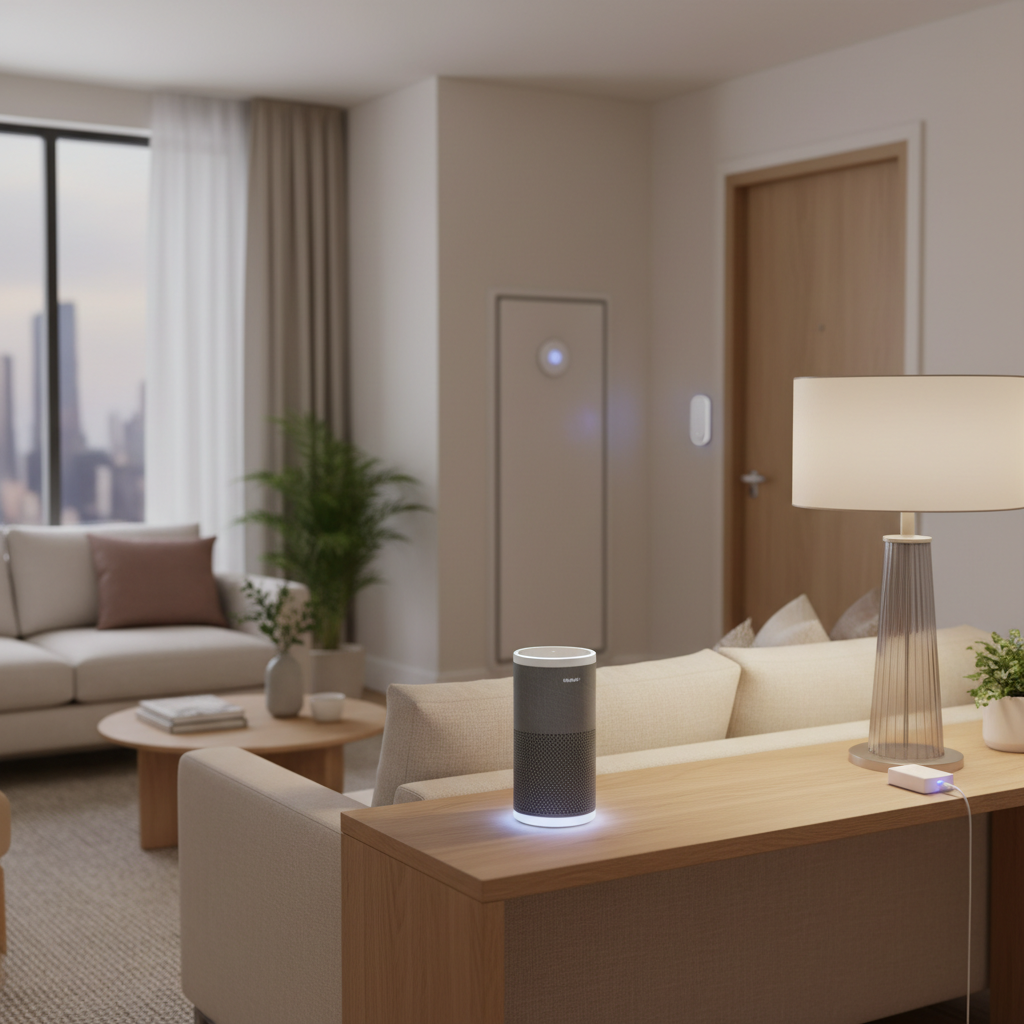
Budget starter kit options, compared (choose by scenario)
Instead of naming a single “winner,” it’s usually smarter to match the kit style to your home and your patience level. Here’s a practical comparison you can use while shopping.
| Kit style | Who it fits | Pros | Watch-outs |
|---|---|---|---|
| Matter-first mix-and-match | People who want flexibility across brands | Less lock-in, easier expansion | Not every “Matter” device behaves the same, verify categories and hub support |
| Platform bundle (Alexa/Google/Apple centric) | Anyone who wants a smoother setup | Cleaner app experience, fewer edge cases | Can push you toward brand ecosystem pricing later |
| Security-lite bundle (sensors + notifications) | Renters, apartments, side door users | Immediate peace of mind, useful automations | Some features may require subscriptions depending on brand |
| Lighting-first bundle | People who care about mood and routines | Most “visible” upgrade per dollar | Wall switches can break the experience unless you plan around them |
When you see a deal that looks too good, check what’s missing, a hub, a thread border router capability, enough bulbs for a room, or basic sensor support. That’s where budget builds quietly get expensive.
Self-check: are you about to buy the wrong kit?
Run this list before checkout. If you hit two or more “yes” answers, pause and adjust the cart.
- Will this kit require a separate hub you haven’t priced in?
- Does it rely on 2.4 GHz Wi‑Fi only and your router struggles already?
- Will someone in your home keep turning off the wall switch, killing smart bulbs?
- Do you need local control when internet drops, but you’re buying cloud-only gear?
- Is a “free” camera feature actually locked behind a paid plan for notifications or history?
According to Federal Trade Commission (FTC) consumer guidance on connected devices, it’s worth checking what data a device collects and how it’s shared. Even on a budget, you can make choices that fit your comfort level.
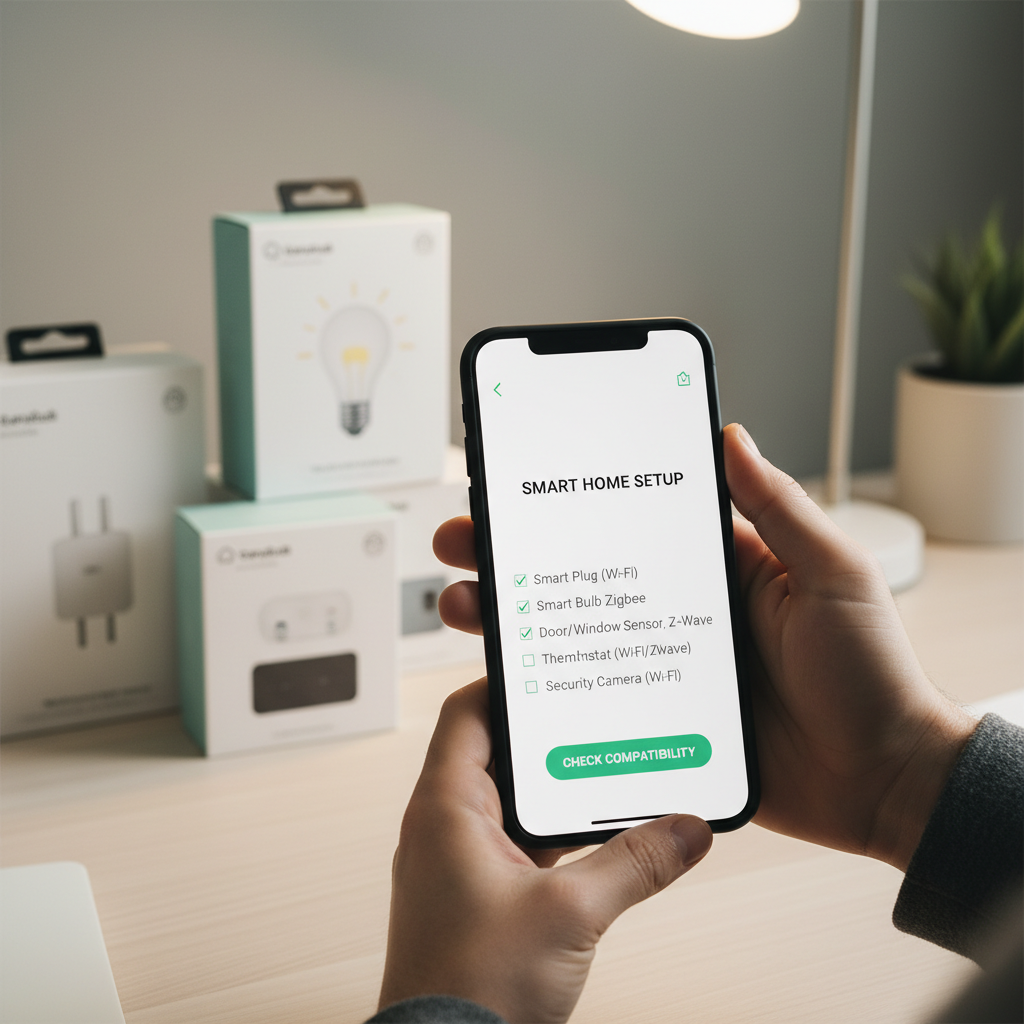
Practical setup plan: get results in one evening
You can absolutely spend a weekend perfecting automations, but most people just want it working, reliably, tonight. This sequence avoids the common rabbit holes.
- Step 1: Set up your hub or smart speaker first, then confirm voice control works.
- Step 2: Add smart plugs, name them clearly (Lamp-LivingRoom beats “Plug 1”).
- Step 3: Add lighting for one room and build a simple routine, “Good Night” turns off lights and the living room plug.
- Step 4: Add one motion sensor automation, hallway lights at low brightness after 10 PM.
- Step 5: Add the contact sensor, then set notifications only for the door that matters, too many alerts gets ignored.
Key point: keep automations boring at first. A best budget smart home starter kit becomes “premium” when it behaves predictably, not when it does 40 clever things.
Common mistakes that waste money (and how to avoid them)
- Buying based on app screenshots: the app experience varies, check recent user-facing release notes and compatibility details, not just marketing.
- Overbuying sensors: one motion sensor in the right spot beats five scattered ones you never tune.
- Ignoring Wi‑Fi reality: if coverage is weak, fix that before adding more devices. Mesh networking may help, but results vary by home layout.
- Camera-first for “security”: cameras can help, but placement, permissions, and storage plans matter, and they may create privacy tradeoffs.
On safety, smart locks, garage controllers, and alarm-style devices can introduce real risk if set up poorly. If you’re unsure, it’s reasonable to consult a qualified installer or your property manager, especially in rentals or shared buildings.
Conclusion: what to buy if you want the most value per dollar
If you want a clean start, build around one platform, buy a small set of devices that cover lighting and a couple of sensors, and make sure your network can handle it. That combination usually beats chasing the biggest bundle discount.
- Action 1: Choose your control platform today, then only buy devices that clearly support it (and Matter where it helps).
- Action 2: Start with plugs, a few bulbs, and one motion sensor, then expand after two weeks of real use.
If you treat your first purchase like a foundation, not a gadget haul, you’ll land on a best budget smart home starter kit that stays useful long after the sale ends.
FAQ
What’s the minimum I should buy for a smart home that feels useful?
A smart speaker or hub plus two smart plugs is often enough to feel the benefit right away. Add bulbs or sensors once you know which routines you actually use.
Is Matter always the best choice for a budget starter kit?
Matter can reduce lock-in, but it’s not a magic stamp. In many cases it works great, in others you may still miss niche features that a brand’s native integration offers, so confirm what matters to you before buying.
Do I need a hub if I’m using Wi‑Fi devices?
Not always, many Wi‑Fi devices run without a hub. The tradeoff is you can end up with more apps and more load on your router, which is where some “budget” setups start to feel fragile.
Are cheap smart bulbs worth it, or should I start with smart switches?
Bulbs are easier for renters and quick wins, but wall switches can interfere if people turn them off. Switches can feel more natural, but wiring and compatibility vary, and you may want an electrician if you’re not comfortable.
Will a starter kit slow down my home internet?
It can, depending on your router and how many 2.4 GHz devices you add. If your Wi‑Fi already drops in certain rooms, improving coverage first often prevents a lot of frustration.
How do I avoid subscription surprises with budget smart home gear?
Check what’s included for alerts, automations, and history, especially with cameras and security features. Many brands offer basic functions free, with optional paid storage, but the exact line differs by product.
What’s a realistic “first automation” that won’t annoy everyone?
Motion-activated hallway lighting at night, set to low brightness, is a crowd-pleaser. Keep it limited by time window so it doesn’t fire all day.
If you’re trying to keep costs down but want fewer compatibility headaches, it often helps to share your phone ecosystem, home size, and the two routines you want most, then pick a kit that supports those without extra hubs or subscriptions.