
Tech products in 2026 can feel like a minefield, too many “new” features, too many look-alike models, and prices that swing wildly depending on when you shop.
If you’re buying in the U.S., the stakes are usually practical, you want stuff that works with what you already own, stays supported for a few years, and doesn’t turn into e-waste after one update. The best purchases tend to be boring in a good way: reliable, easy to live with, and clearly better than what you’re replacing.

This guide focuses on what’s typically worth buying in 2026 across consumer electronics, smart home devices, wearable technology, wireless headphones, portable chargers, gaming peripherals, productivity gadgets, and computer accessories. You’ll also get a quick comparison table, a self-checklist, and a few “don’t waste money” notes that people usually learn the hard way.
What’s actually changing in 2026 (and what’s mostly marketing)
A lot of consumer electronics look “revolutionary” on the box, but the real upgrades usually cluster into a few themes: longer support cycles, better on-device AI features, improved batteries, and tighter ecosystem lock-in. That last one matters more than brands like to admit.
Three shifts to watch when picking tech products this year:
- Repairability and support: more devices now highlight parts availability, software support windows, and service programs. According to Federal Trade Commission (FTC), consumers benefit when repair options are more accessible, so it’s worth checking warranties and parts policies before buying.
- Connectivity standards: Wi‑Fi 6/6E remains common, Wi‑Fi 7 appears more often in home office tech, and USB‑C keeps spreading. You don’t need “the newest,” but you do want compatibility.
- AI features: helpful when it saves time (transcription, noise suppression, photo cleanup), annoying when it’s just a subscription gate.
What’s mostly hype: tiny spec bumps you won’t feel day-to-day, “pro” labels on midrange hardware, and features that require a paid plan to be useful.
Top categories worth buying in 2026 (quick picks by need)
If you want a fast shortlist, start with the category that solves an obvious problem. Most regret comes from buying upgrades without a clear use case.
Wireless headphones (comfort + calls matter more than codecs)
In 2026, the biggest quality gap in wireless headphones is rarely sound alone. It’s microphone performance, fit, and how well noise reduction works in real places like an open office or a subway platform. If you take calls, prioritize multipoint pairing and wind-noise handling.
- Buy when you need: better calls, better commute listening, or less listening fatigue
- Check for: multipoint, transparency mode you can tolerate, replaceable tips/pads
- Skip when: your current pair already fits well and battery still holds
Portable chargers (capacity is only half the story)
Portable chargers are a classic “looks simple, gets messy” purchase. Capacity (mAh) matters, but so does USB‑C Power Delivery output, port count, and whether it can charge your laptop or only your phone. According to UL Solutions, using certified chargers and cables can reduce safety risks, so look for reputable certification marks and avoid no-name bricks with inconsistent labeling.
- For phones: prioritize pocketability and 20W+ USB‑C PD
- For travel: consider 2+ ports and pass-through charging
- For laptops: look for higher wattage (often 45W+), but confirm your device needs
Smart home devices (buy for reliability, not “smartness”)
Smart home devices work best when they do one job consistently: lighting, security, climate, or routines. If you’re mixing brands, prioritize hubs and platforms that reduce friction. According to National Institute of Standards and Technology (NIST), basic cybersecurity hygiene matters for connected devices, so long-term updates and clear security practices should influence your purchase.
- Best “first smart home” buys: smart plugs, smart bulbs, a reliable smart speaker/display
- Security-focused: video doorbells/cameras with clear privacy controls
- Nice-to-have: smart locks, but only if your door and household routines fit
Wearable technology (choose the metric you’ll actually use)
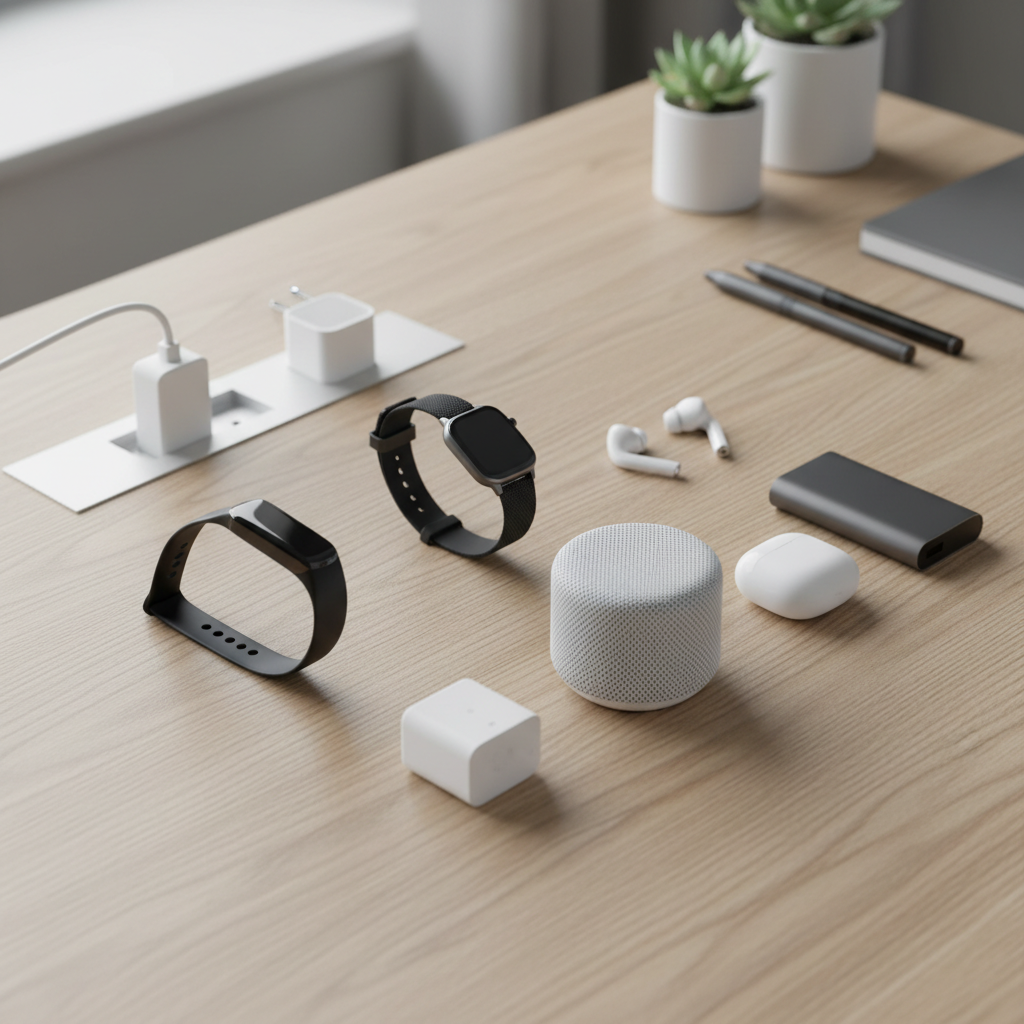
Wearables are great when they reinforce habits, less great when they create guilt. Pick based on the single metric you’ll act on, steps, sleep consistency, heart rate during workouts, or stress reminders. Health-related features can be useful, but for medical decisions you should consult a professional; wearables are not a diagnosis tool in many cases.
Gaming peripherals (feel and latency beat flashy RGB)
For gaming peripherals, comfort and consistency tend to outperform specs you’ll never notice. Keyboards and mice are “hands-on” purchases; return policies matter. If you stream or chat, a dedicated mic or better headset mic can be a bigger upgrade than another controller.
- Mouse: shape and sensor consistency, then weight
- Keyboard: switch feel, noise level, layout you won’t fight
- Controller: ergonomics and stick drift reputation
Productivity gadgets and home office tech (buy time back)
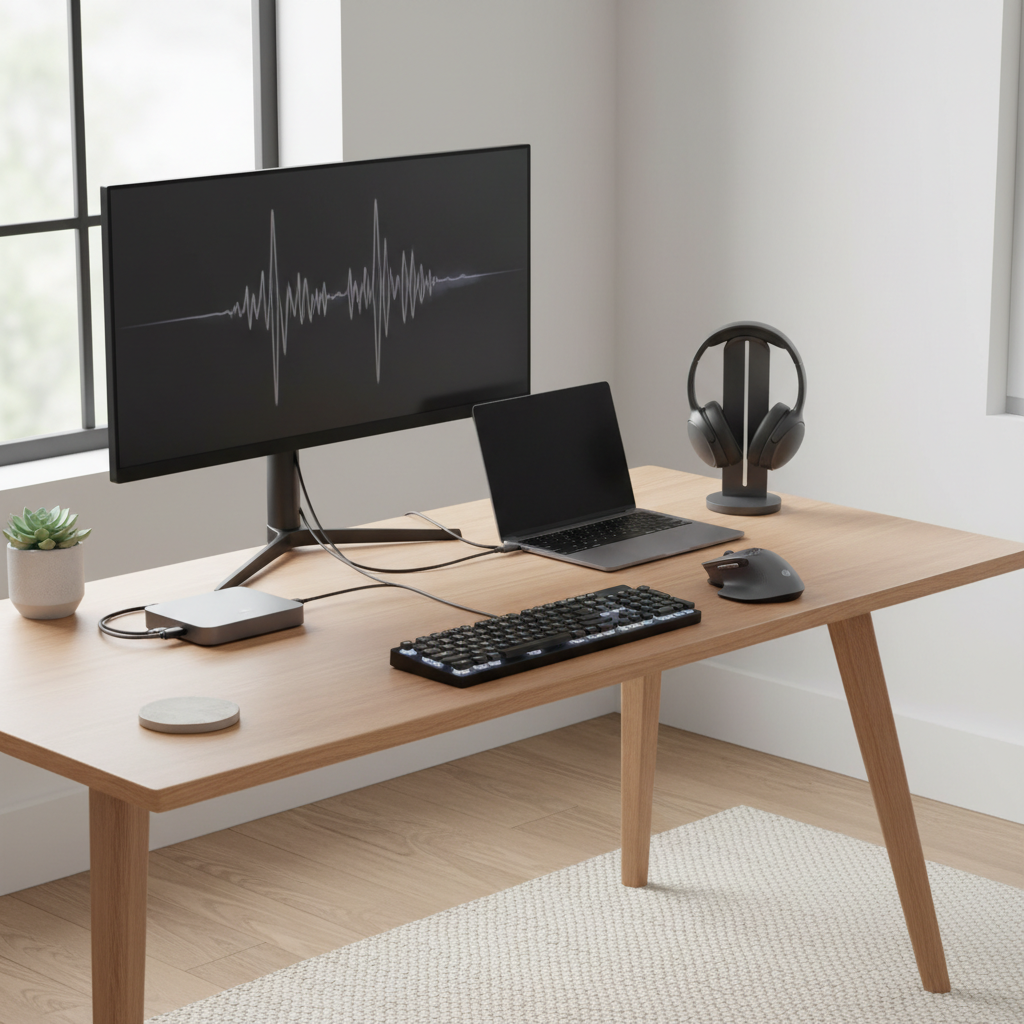
Productivity gadgets are only worth it when they remove friction: a docking station that ends cable juggling, an ergonomic mouse that reduces wrist strain, a webcam that makes you look professional without fiddling, or a second monitor that makes spreadsheet work less painful.
- High-impact upgrades: monitor, chair/lighting, dock, webcam, mic
- Common trap: buying “AI note gadgets” without a real workflow
Comparison table: what to buy based on your situation
This table isn’t a ranking, it’s a quick match between common U.S. shopper scenarios and the tech products that usually pay off.
| Situation | What to buy | Why it’s worth it | What to watch |
|---|---|---|---|
| Commute + calls | Wireless headphones | Better mic + noise control improves daily use | Fit comfort, multipoint, wind handling |
| Travel or long days out | Portable chargers | Prevents dead-battery emergencies | PD wattage, airline-friendly size, certifications |
| WFH or hybrid | Home office tech + computer accessories | Less friction, better meetings | Dock compatibility, cable standards, return policy |
| New apartment/house | Smart home devices | Convenience and basic automation | Security updates, platform compatibility |
| Fitness habit building | Wearable technology | Feedback loop keeps you consistent | Comfort, battery, privacy controls |
| PC/console gaming refresh | Gaming peripherals | Comfort + performance feel immediate | Ergonomics, durability, warranty |
Self-check: how to choose the right tech products for you
If you’re overwhelmed, this quick checklist narrows it down. The point is to avoid “feature shopping” and buy for your actual week.
- What annoys you at least 3 times a week? Dead battery, messy cables, bad call audio, slow setup, dim lighting, cluttered desk.
- Where will you use it? Home office, airport, gym, shared apartment, dorm.
- What must it work with? iPhone/Android, Windows/macOS, Alexa/Google/Apple Home, USB‑C vs USB‑A.
- What’s your “nope” factor? Subscription, app account requirement, bulky size, loud keyboard, privacy discomfort.
- How long do you need it to last? If you want 3–5 years, prioritize support and repair options over newest features.
Key point: in many categories, you’re picking an ecosystem as much as a device. That’s fine, just make it a conscious choice.
Practical buying steps (what experienced shoppers do)
You don’t need a complicated process, but a little structure saves money and returns.
1) Set a “job to be done” and a hard budget
Example: “I need clearer calls on Zoom” or “I need my phone to last two days of travel.” If the product can’t prove it does that job, it’s not for you.
2) Filter for compatibility before you compare features
For home office tech, confirm ports, OS support, and what cables you already own. For smart home devices, confirm your platform and whether the device still works if the internet drops.
3) Use return windows strategically
Fit-dependent items like wireless headphones, keyboards, chairs, and mice benefit from real-world testing. Buy from a retailer with a return policy you understand, and keep packaging until you’re sure.
4) Watch for the “hidden cost” line items
- Subscriptions for cloud storage, AI features, or camera recording
- Extra chargers, specific cables, mounting hardware
- Extended warranties that overlap with credit card benefits
According to Consumer Financial Protection Bureau (CFPB), it’s smart to understand what you’re paying for and what protections you already have, so check credit card purchase benefits before adding protection plans.
Common mistakes (and how to avoid them)
A few patterns show up every year, and they’re usually avoidable.
- Buying for a future self: that productivity gadget you “will use” can be great, but only if you already have a habit it supports.
- Chasing specs that don’t match the bottleneck: upgrading to faster Wi‑Fi gear won’t fix a bad ISP plan or a router placed in the worst corner of the house.
- Ignoring privacy and updates: smart home devices need ongoing support. If a brand has unclear policies, treat it as a risk.
- Over-accessorizing: too many computer accessories can create clutter and decision fatigue. Fix one pain point at a time.
When to get extra help (or at least slow down)
If your purchase touches safety, privacy, or health, it’s worth taking an extra beat. For example, smart locks and security cameras should fit your household and comfort level, and wearable technology health alerts can be informative but may require a clinician’s input if you’re concerned.
Also consider help when you’re building a full home office tech setup for work, IT requirements, VPNs, device management policies, and approved peripherals can limit what you’re allowed to use.
Conclusion: a smart 2026 tech list is smaller than you think
The best tech products to buy in 2026 usually aren’t the flashiest, they’re the ones that remove a daily annoyance and stay reliable. If you do one thing after reading this, pick one category tied to a real weekly problem, then buy for compatibility and comfort before you pay extra for headline features.
Action step: write down your top two friction points, then choose one purchase that solves one of them cleanly. Your future self will notice that more than another spec bump.
FAQ
What are the most practical tech products to buy in 2026?
For many people, it’s the unglamorous stuff: wireless headphones that improve calls, a portable charger that matches your devices, and home office tech like a dock or better lighting. Practical wins beat novelty.
How do I choose between smart home platforms in the U.S.?
Start with what you already use daily, iPhone vs Android, which voice assistant you prefer, and whether you want everything in one app. Mixing platforms can work, but it often adds setup friction.
Are expensive wireless headphones worth it for work calls?
Sometimes, yes, especially if you’re in noisy environments. But “expensive” doesn’t guarantee a better mic for your specific voice and room, so buy where you can test and return.
What portable charger specs matter most for travel?
USB‑C PD wattage, size/weight, and port count matter more than raw capacity claims. If you want to charge a laptop, confirm the wattage your laptop expects and choose accordingly.
Which wearable technology features should I prioritize?
Pick the one or two metrics you’ll act on, like sleep consistency or workout heart rate. Advanced health features can be helpful, but if something worries you, it’s safer to consult a professional rather than relying on a device alert alone.
What are good tech gift ideas for someone who “has everything”?
Go for low-friction upgrades: a quality charging kit, a compact portable charger, a simple smart plug starter, or comfortable wireless headphones. Gifts that reduce daily annoyance tend to land well.
How can I avoid buying consumer electronics that become obsolete fast?
Look for brands with clear update policies, common charging standards, and products that still work well without a subscription. If it needs an app, check how often it gets updated and whether it functions offline.
What computer accessories actually help productivity?
A second monitor, ergonomic mouse, reliable keyboard, and a dock that cleans up cables usually help more than niche gadgets. The right choice depends on your work style and desk space.
If you’re shopping and want a simpler path, make a short list of the three tech products that fix your most annoying daily issues, then compare only models that fit your ecosystem and return-policy comfort level, it cuts decision fatigue fast without forcing you into a “one brand for everything” approach.