
Best budget desk fans quiet options do exist, but you usually have to choose based on where the fan will live: a home office, a dorm, a bedside table, or a cubicle with close neighbors.
If you have ever bought a “quiet” fan that still buzzed, rattled, or pushed air in a narrow tunnel, you already know why this topic matters. On a budget, small design choices, like blade shape, motor type, and even the desk surface, can make the difference between “background hum” and “why is this so loud.”
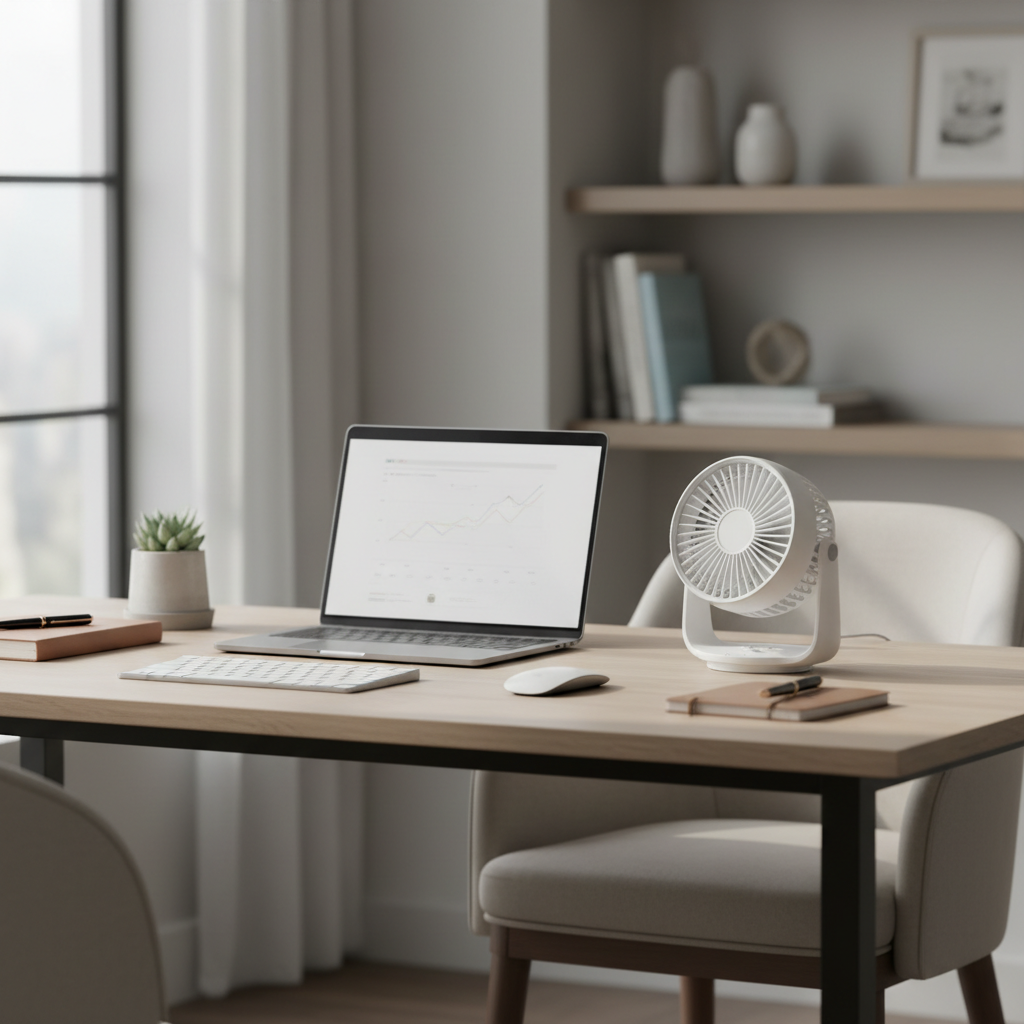
This guide focuses on practical buying signals, a quick comparison table, and setup tips that reduce noise without spending a lot. No “perfect for everyone” promises, just the trade-offs that show up in real rooms.
What “quiet” really means for a desk fan (and why cheap fans get noisy)
Quiet is partly the fan itself, and partly your environment. Many budget fans can feel quiet at low speed, then get harsh at medium or high because the motor and airflow turbulence become noticeable.
- Motor quality: Brushless DC motors often run smoother than basic brushed motors, but not every low-cost fan uses them.
- Blade design: More blades or well-shaped blades can soften the sound profile, while steep or thin blades may “whine” at higher RPM.
- Vibration transfer: A fan on a hollow desk, metal shelf, or wobbly nightstand can sound louder than it is.
- Airflow vs. noise trade-off: A small fan pushing a lot of air usually has to spin faster, and fast tends to sound louder.
According to the U.S. Environmental Protection Agency (EPA), prolonged exposure to higher noise levels can contribute to stress and sleep disruption, so if you plan to run a fan all night, it makes sense to prioritize a smoother, lower-frequency sound.
Quick comparison: best budget quiet desk fan types
Instead of chasing one “best” model, it helps to pick the right type. Here is the cheat sheet most people wish they had before buying.
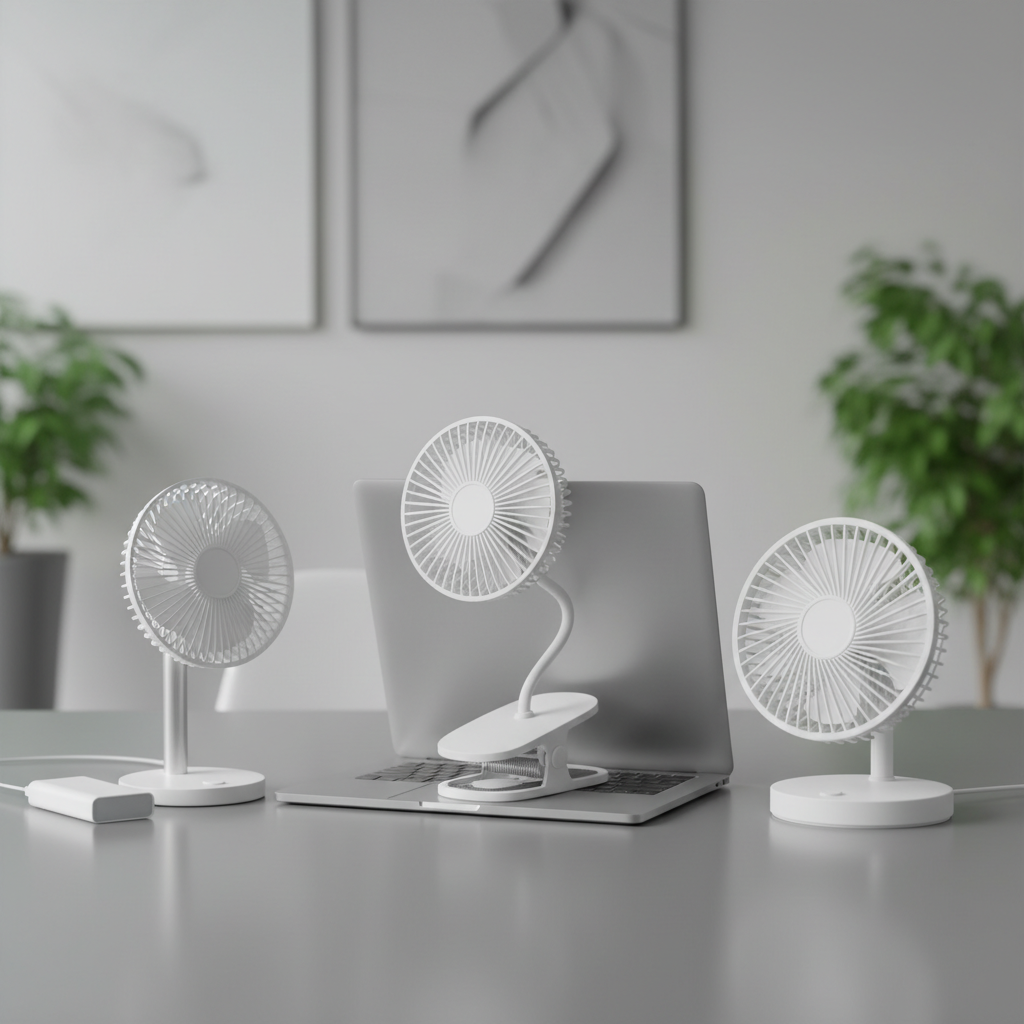
| Fan type | Why it can be quiet | Typical weak spot | Best for |
|---|---|---|---|
| USB mini fan | Lower power, lower top speed | Limited airflow, can buzz on cheap bearings | Close-range cooling at a desk |
| Clip-on fan | Can aim precisely so you run lower speed | Clamps can rattle, limited stability | Dorm beds, treadmills, bunk beds |
| Oscillating desk fan | Spreads air, so you avoid max speed | Oscillation gear noise on low-end units | Shared rooms, small offices |
| Small tower fan | Often smoother sound profile | Can be pricey even when “small” | Bedside + office versatility |
| Rechargeable portable fan | No cord vibration, flexible placement | Battery aging, charging noise/heat sometimes | WFH + travel, power outages |
How to pick the best budget desk fans quiet enough for your space
When people say a fan is “quiet,” they often mean “quiet on the lowest setting.” That is still useful if you buy with intention and plan to run it at low-to-medium most of the time.
Look for these specs and features (without overpaying)
- Multiple speed steps: More steps make it easier to find a comfortable low setting.
- Stable base or grippy feet: Reduces vibration noise on wood or laminate desks.
- Angle range you can actually use: Better aiming lets you stay on a lower speed, which keeps things quieter.
- USB-C power (nice, not mandatory): Convenient for laptops and docks, but cheap adapters can add electrical hiss in rare cases.
- Physical buttons over touch controls: Touch controls can be fine, but some budget units use bright indicators that annoy at night.
If you see “sleep mode,” read it as “low speed plus dimmer lights,” not magic silence. For best budget desk fans quiet performance, the winning move is usually good aiming plus a smooth low speed.
Match the fan to the job (common scenarios)
- Zoom calls and shared offices: Favor a steady low hum over “high-pitch” noise, and avoid cheap oscillation mechanisms.
- Bedside sleeping: Prioritize low-speed smoothness, dim lights, and a base that will not walk across the nightstand.
- Hot laptop setup: A fan that tilts upward helps cool you and the workspace without blasting at full speed.
- Small room air circulation: A slightly larger head (or gentle oscillation) can move air without needing top speed.
Self-check: are you buying quiet, or just buying small?
Small fans are not automatically quiet. Use this quick checklist before you hit “Add to Cart.”
- Will the fan sit within 2–3 feet of your face, or across the room?
- Do you need direct cooling (personal airflow) or room circulation?
- Are you okay with a constant low hum, or do higher-pitched sounds bother you more?
- Will you use it at night, where bright LEDs become a problem?
- Is your desk surface thin, hollow, or wobbly, which can amplify vibration?
If you are buying for close-range comfort, a smaller unit at low speed can feel quieter than a bigger fan that you run hard. If you want the room to feel cooler, size up slightly so you do not have to push the top setting.
Practical setup tips that make a budget fan noticeably quieter
Before returning a fan as “too loud,” try the cheap fixes. They often work because budget noise is frequently vibration or placement, not raw motor volume.
Do this first
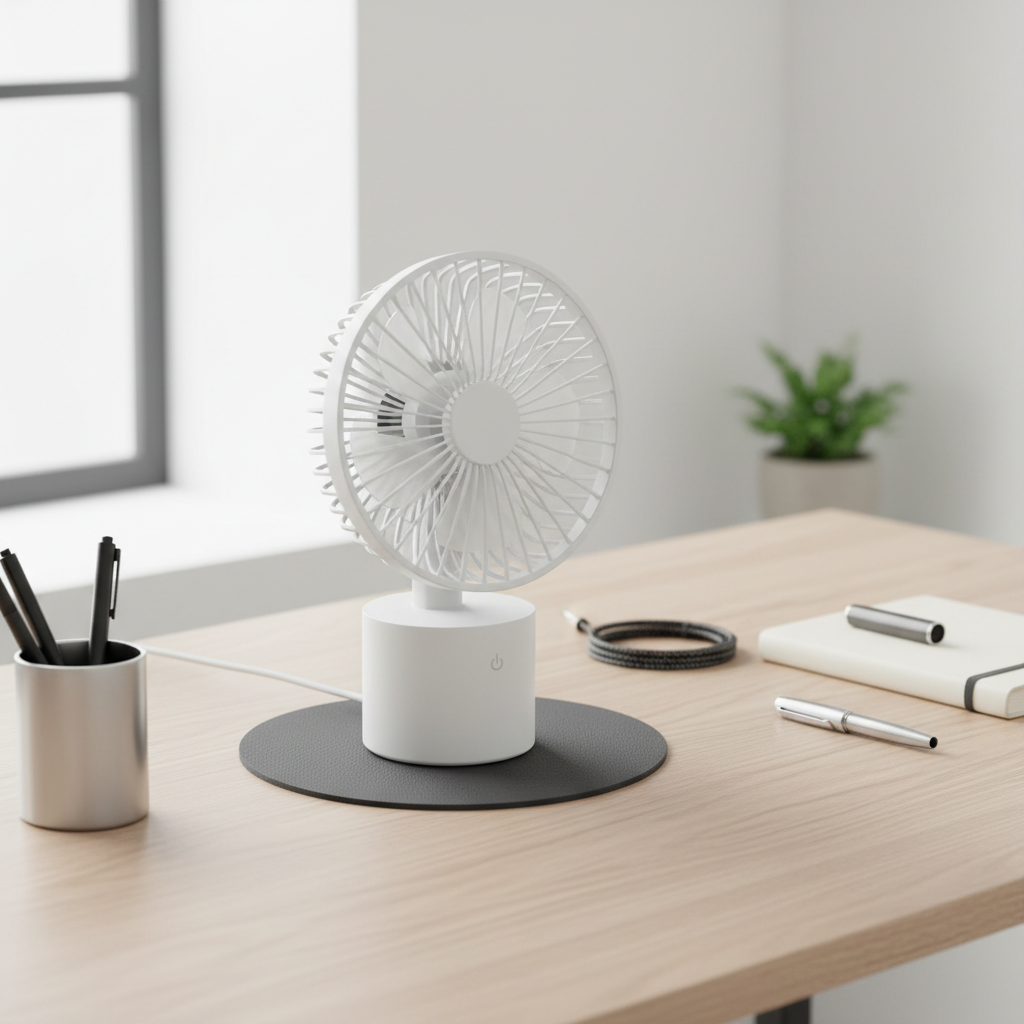
- Add a soft pad under the base: A mouse pad, thin cork, or folded microfiber cloth can cut desk resonance.
- Move it off the edge: Desks can act like a speaker when a fan sits near the corner.
- Aim at your upper chest, not your face: You feel cooling with less perceived blast, so you can keep speed lower.
- Clean the grille and blades: Dust buildup can add turbulence noise and slight imbalance.
According to the U.S. Consumer Product Safety Commission (CPSC), it is a good practice to keep portable fans in good condition and follow the manufacturer’s cleaning instructions, especially for units used around kids or pets.
When oscillation makes things worse
If the “click-click” or gear sound bothers you, try turning oscillation off and repositioning the fan. Many people keep oscillation on because it feels premium, but in small spaces, a fixed angle at low speed can be more comfortable and quieter.
Common mistakes when shopping for a quiet budget desk fan
- Trusting “quiet” marketing without context: Look for reviews that mention low speed sound, not just “it’s quiet.”
- Over-focusing on maximum airflow: On a desk, you rarely need hurricane mode, and that mode will not be quiet.
- Ignoring lighting: A bright status LED can ruin a bedroom setup even if the fan sounds fine.
- Using a weak USB power source: Some fans act inconsistent on underpowered ports, which can create odd surging sounds.
- Choosing a clip-on fan with a shaky clamp: The clamp can buzz against metal bed frames or cheap shelves.
Best budget desk fans quiet enough for sensitive spaces usually win on boring details: stable base, smooth low speed, and a design that does not rattle on your furniture.
When to consider spending a bit more (or getting help)
If you have migraines, tinnitus, sensory sensitivity, or sleep issues, “quiet enough” can be very personal. In that case, it may be worth paying a bit more for a fan known for smoother acoustics, or using a white noise machine instead, depending on what bothers you.
If you notice dizziness, headaches, or worsened sleep while using any fan overnight, consider adjusting distance and speed, and talk to a healthcare professional if symptoms persist. Comfort products should not become a health stressor.
Conclusion: a quieter desk setup usually beats a “magic quiet” fan
The smartest path to best budget desk fans quiet results is choosing the right fan type for your room, then setting it up so you can live on low speed. That is where budget fans tend to sound their best.
Action steps: pick a fan style that matches your distance and use case, then add a simple vibration pad and re-aim the airflow before you decide it is too loud.