
The best wireless mouse for large hands is the one that supports your palm without forcing your fingers to curl, keeps your wrist neutral, and still matches what you do all day, spreadsheets, design, coding, or gaming.
If you have bigger hands, a “good” mouse can still feel wrong, you might get a hot spot under the palm, your pinky drags, or you end up claw-gripping without meaning to. Those small discomforts tend to show up as fatigue first, and performance issues second.
This guide focuses on what actually changes the fit for larger hands: real mouse dimensions, grip style match, weight balance, button placement, and battery tradeoffs. You’ll also get a quick shortlist, a comparison table, and a simple way to sanity-check a mouse before you commit.
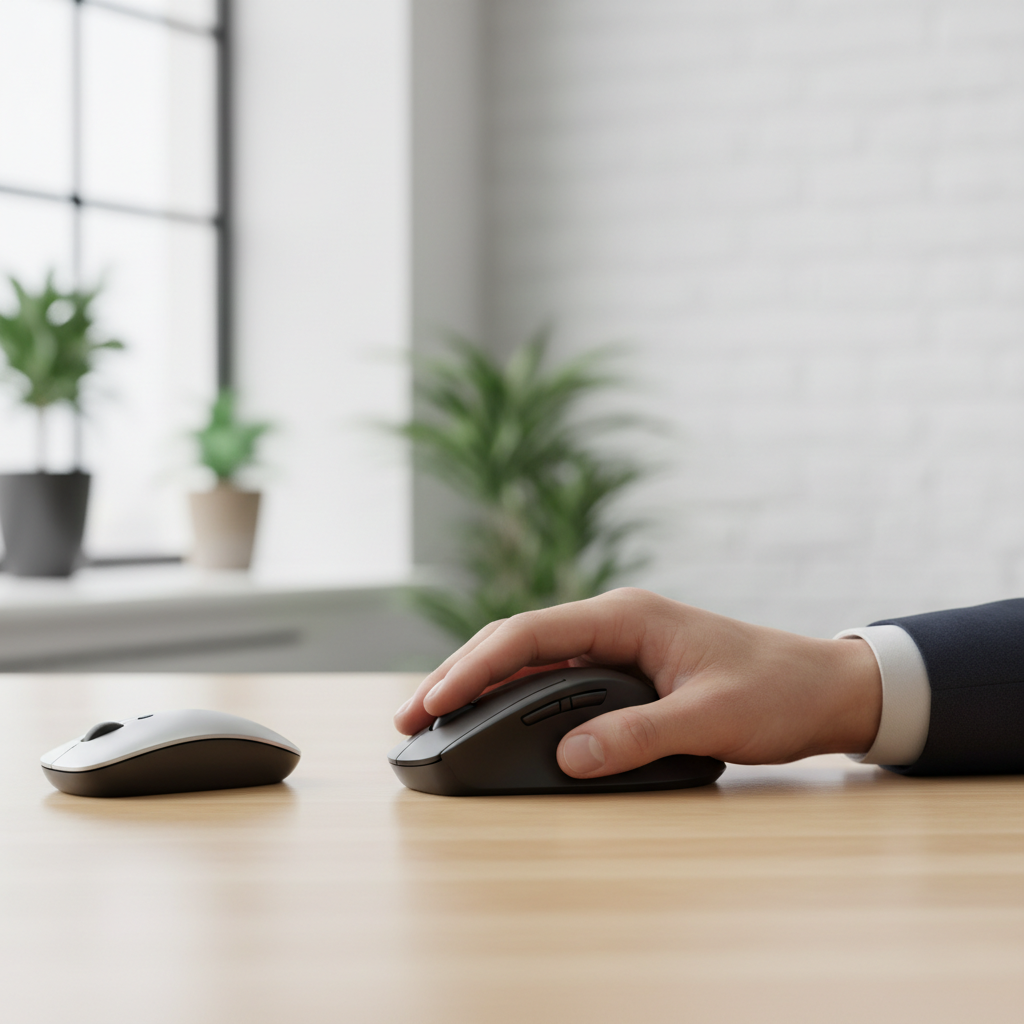
What “large hands” means for mouse fit (and why it matters)
Most people don’t need a medical definition here, they need a comfort definition. If your fingertips hang off the front in a relaxed grip, or your palm never quite settles, you’re shopping in the “large hands” category.
A mouse that’s too small often creates three predictable problems:
- Forced claw grip: fingers stay curled to keep control, which can tire the forearm faster.
- Pinky drag: the outer edge of your hand rubs the pad, especially during long sessions.
- Wrist extension: you compensate by bending the wrist up, which can feel fine at hour one and annoying by hour four.
According to OSHA, neutral postures and reducing awkward wrist positions are common ergonomic principles for minimizing strain at computer workstations. In plain English, “fits your hand” isn’t luxury, it’s how you avoid fighting your tools.
Quick picks: best wireless mouse types for large hands
If you want a fast direction before going deep, here’s the practical mapping most buyers miss: the “best” choice depends on whether you need palm support, speed, or a travel-friendly shape.
- All-day work + comfort: larger ergonomic right-hand shapes with a taller hump and thumb rest.
- Gaming + large hands: bigger symmetrical or right-hand mice with longer bodies and strong sensor performance.
- Productivity shortcuts: larger mice with extra side buttons, a free-spin wheel, or multi-device switching.
- Mac/iPad heavy use: mice that pair reliably over Bluetooth and support smooth scrolling.
Key takeaway: for large hands, prioritize length and hump height before you get picky about DPI or “silent clicks.” The fit drives everything else.
Comparison table: what to look for before you buy
Specs can be confusing because brands highlight sensor numbers and RGB, while your hand cares about geometry. Use this table as a quick filter.
| Feature | What large hands usually need | Why it matters |
|---|---|---|
| Mouse length | Longer body (often 125mm+) | Lets fingers rest without curling |
| Hump height/position | Medium-tall hump, more rear support | Supports palm, reduces “hovering” tension |
| Width and flare | Slightly wider rear, stable sides | Prevents pinch grip and pinky drag |
| Weight | Moderate for work, lighter for FPS gaming | Controls fatigue vs. control feel |
| Buttons | Easy thumb reach without shifting grip | Shortcuts are useless if you must re-grip |
| Connectivity | 2.4GHz dongle + Bluetooth (nice to have) | Flexible across desktop, laptop, tablet |
| Battery | USB-C rechargeable or long-life replaceable | Less downtime, fewer interruptions |
How to choose based on your grip style (this is where most people miss)
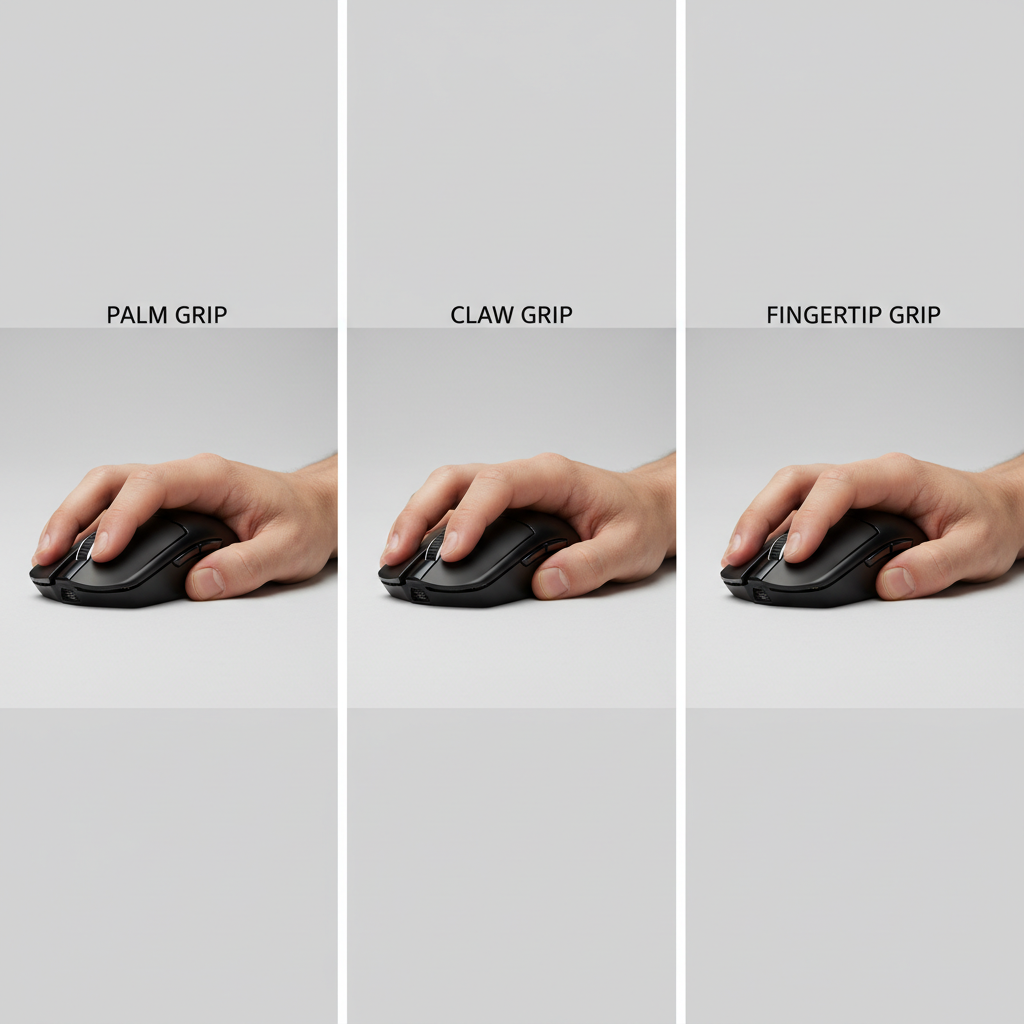
Your grip is the hidden requirement. Two people with the same hand size can need different shapes because one relaxes into a palm grip and the other “steers” with fingertips.
Palm grip (common for large hands)
Look for a longer mouse with a fuller back, so your palm can actually rest. If the hump is too far forward, your hand may slide back and your fingertips overhang.
- Prioritize: length, rear hump support, thumb rest
- Avoid: short “travel” mice, flat ambidextrous shapes if you want full palm contact
Claw grip (control-focused, often gaming)
You’ll want enough length for your fingers, but not so much height that it forces your palm to flatten. A balanced hump and crisp clicks usually feel better here.
- Prioritize: stable sides, defined hump, reliable wireless latency
- Avoid: overly tall ergonomic shells that push your hand into palm grip
Fingertip grip (lighter touch)
Large hands using fingertip grip often prefer a mouse that’s longer but not bulky, so the fingers can micro-adjust without dragging the palm.
- Prioritize: lower weight, smooth feet, longer front taper
- Avoid: heavy “productivity bricks” that feel slow to reposition
A simple self-checklist to confirm you’re buying the right size
Before you hit “buy,” run this quick reality check. It takes two minutes and saves a lot of returns.
- Finger comfort: can your index and middle finger rest on buttons without curling hard?
- Palm contact: does your palm feel supported, not hovering?
- Pinky placement: can your pinky sit on the mouse or at least avoid dragging on the pad?
- Thumb reach: can you click side buttons without shifting your whole hand?
- Wrist posture: when relaxed, does your wrist stay fairly straight instead of bending up?
- Desk space: do you have room for wider movements if you choose a large gaming mouse?
If you answer “no” to two or more, it’s usually a sign the shape or size class is off, even if reviews say it’s comfortable.
Practical buying advice by use case (work, gaming, travel)
Here’s the part that feels obvious, but the tradeoffs are real. The best wireless mouse for large hands for Excel all day can be the wrong pick for competitive shooters, and vice versa.
For office work and long sessions
- Choose a larger body with a comfortable thumb area and a scroll wheel you like using for hours.
- If you do lots of horizontal scrolling, consider a mouse that supports it well, either via a wheel mode or software.
- Pick battery behavior you won’t hate: USB-C charging is convenient, replaceable batteries can last longer between swaps.
For gaming
- Favor shapes that match your grip, then look at weight and sensor reputation.
- A 2.4GHz dongle connection is typically preferred for consistency in fast games.
- If your hands are big, don’t automatically chase the smallest ultralight mouse, control matters too.
For travel and multi-device setups
- Bluetooth pairing and multi-device switching reduce friction if you bounce between laptop and tablet.
- Be cautious with “compact” mice, many are simply too short for larger hands unless you use fingertip grip.
Common mistakes (and what to do instead)
A few patterns show up again and again when people hunt for the best wireless mouse for large hands, and most of them come from shopping by hype rather than fit.
- Mistake: buying based on DPI numbers. Do instead: use grip fit and shape first, then treat sensor specs as a tie-breaker.
- Mistake: ignoring hump position. Do instead: if you want palm support, look for a fuller rear, not just “ergonomic” marketing.
- Mistake: assuming heavier equals “premium.” Do instead: choose weight based on your movement style and fatigue, not price cues.
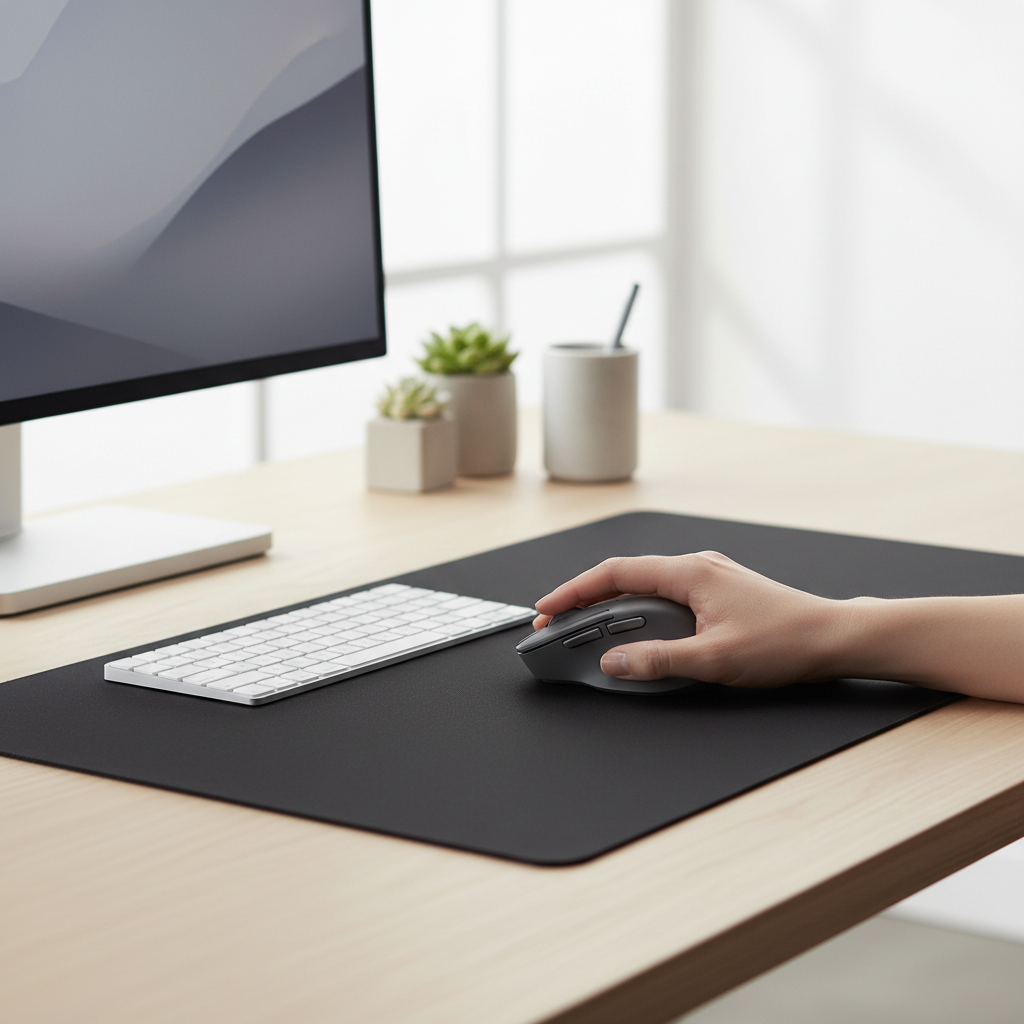
- Mistake: tolerating pinky drag. Do instead: pick a wider rear or add a slightly larger mousepad zone so your hand posture relaxes.
When discomfort means you should look beyond a new mouse
If you get occasional fatigue, a better-fitting mouse often helps. But if you notice persistent pain, numbness, tingling, or weakness, it may be more than gear. According to NIOSH, ergonomics is about reducing risk factors like repetitive motion and awkward posture, but individual symptoms still deserve attention.
In those situations, it’s reasonable to adjust your workstation height, keyboard position, and mousing surface, and consider speaking with a qualified healthcare professional or ergonomics specialist, especially if symptoms keep returning.
Conclusion: how to land on the right pick without overthinking it
The “right” mouse isn’t mysterious: choose a shape that supports your hand length and grip, confirm the thumb buttons feel reachable, and only then decide on extras like scrolling modes or multi-device features.
If you want a simple next step, shortlist two models in different shape families, one larger ergonomic option and one longer symmetrical option, then pick based on which posture feels more natural after a full work session.
FAQ
What size mouse is considered best for large hands?
Many large-hand users feel comfortable with mice around 125mm long or more, but the hump shape matters as much as length. If your fingers relax without curling, you’re in the right range.
Is an ergonomic vertical mouse better for large hands?
It can be, especially for people who want more forearm-neutral posture. But some vertical mice feel tall and narrow, so it’s still worth checking width and button reach.
How do I know if my mouse is too small?
Common signs include forced claw grip, fingertips hanging far off the front, and your pinky dragging the pad. If you re-grip often, that’s another clue.
Do bigger mice reduce wrist pain?
Sometimes, because they can support a more neutral hand position. Pain can have multiple causes though, so if symptoms persist, consider broader workstation adjustments and professional advice.
Is a heavier mouse better for productivity?
Not always. Some people like the planted feel, others fatigue faster. For long office days, moderate weight with a comfortable shape tends to be a safer bet.
Should I choose Bluetooth or a USB dongle?
For general office use, either can work well. For gaming or latency-sensitive tasks, many people prefer a 2.4GHz dongle connection for consistency.
Can a mousepad help if I have large hands?
Yes, a larger pad can reduce edge dragging and give you more room to move without awkward wrist angles. It won’t fix a bad shape, but it can make a decent mouse feel better.
If you want a more “done-for-you” way to choose
If you’re trying to avoid buying and returning multiple options, it helps to narrow choices by grip style and the measurements that affect fit, length, hump position, and width. If you tell me your hand length and how you hold the mouse, I can suggest a short list that’s more likely to feel right on day three, not just minute one.