
Smart home setup for beginners is much easier when you treat it like building a small system, not buying random gadgets and hoping they “just work.” The goal is simple: pick a few use-cases you actually want, choose devices that play nicely together, then set them up with strong Wi‑Fi and sensible security.
If you’ve ever bought a smart bulb that dropped offline, or a camera that required three apps, you already know the real pain point: smart home problems usually come from planning, not “tech skills.” A little structure up front saves you hours of resets later.
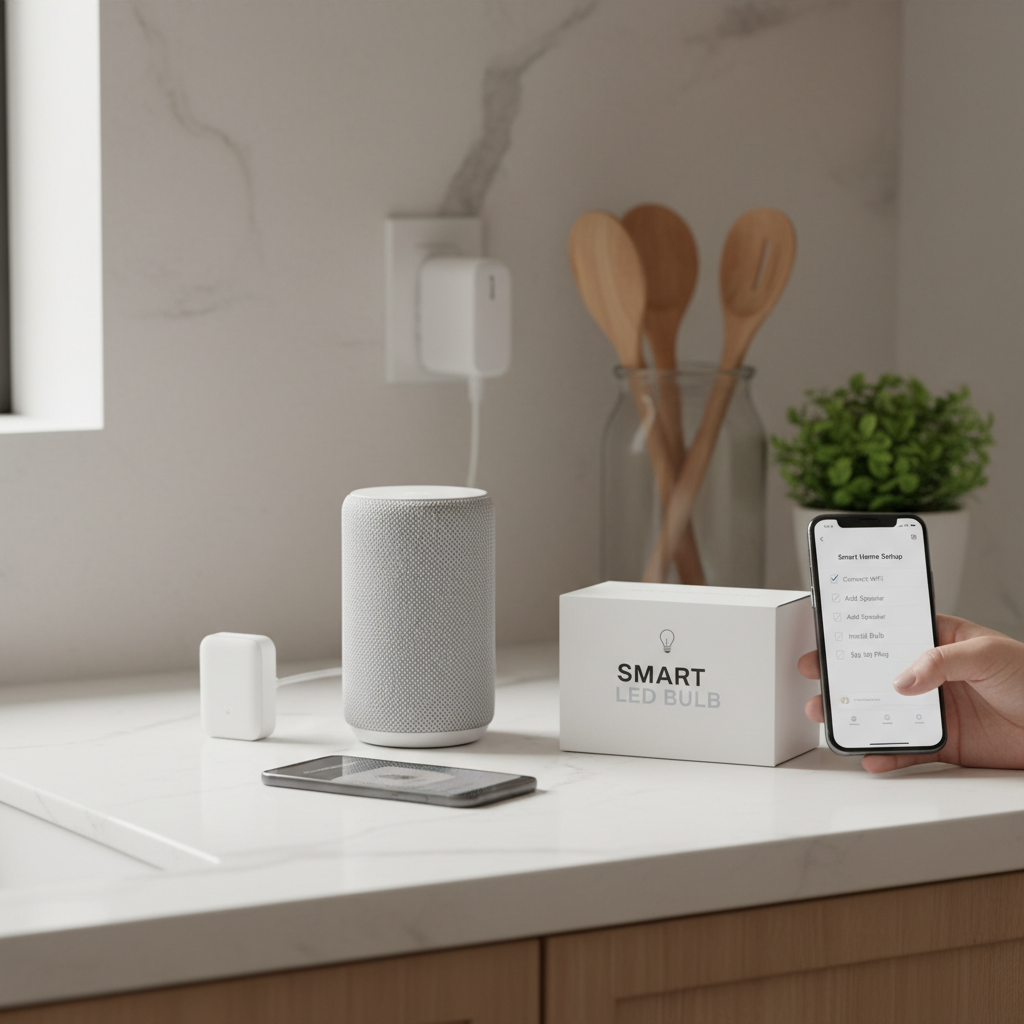
This guide focuses on the choices that matter most in the U.S. market, like which ecosystems to start with, how to avoid compatibility traps, and what order to install things so your setup stays stable.
Start with outcomes, not devices
Before you compare brands, decide what you want your home to do on a normal day. Beginners who start with “I want a smart home” often end up with a pile of gadgets that don’t create any real convenience.
Pick 2–3 outcomes, then buy only what supports them. Common beginner-friendly outcomes:
- Fewer switches: voice control + schedules for lights
- Peace of mind: doorbell camera + simple notifications
- Comfort: smart thermostat or room sensors (optional)
- Energy basics: smart plugs for lamps, fans, holiday lights
Key point: your first “win” should feel reliable and repeatable, like a routine that always runs, not a demo you show guests once.
Choose an ecosystem you can live with (and why it matters)
Most smart home frustration comes from splitting devices across ecosystems with overlapping features. You can mix later, but for a smart home setup for beginners, pick one primary “control layer” so daily use stays simple.
The big three control layers
- Amazon Alexa: widely supported, great for voice control, lots of device options
- Google Home: strong voice and search, solid automation basics
- Apple Home (HomeKit): polished experience, often stricter device compatibility
There’s also Matter, which is a newer interoperability standard that can reduce “will this work with my setup?” questions, but real-world experiences can vary by device category and firmware maturity.
According to NIST (National Institute of Standards and Technology), connected devices should be approached with a security mindset, including maintaining updates and managing access. In plain English: fewer apps and clearer ownership usually means fewer security and management headaches.
Do a quick compatibility check before you buy
A fast pre-purchase check prevents the classic beginner problem: devices that technically connect, but don’t integrate the way you expected.
- Control compatibility: Does it explicitly support your main ecosystem (Alexa/Google/Apple)?
- Connectivity type: Wi‑Fi vs Zigbee vs Thread (more on that next)
- App dependency: Will you still need a separate app for schedules, scenes, or firmware?
- Household access: Can multiple users control it easily without sharing passwords?
- Returns/support: Is support realistic if it fails in 6 months?
If you want an easy rule: devices that can be controlled both by your ecosystem app and their own app tend to be less risky, because you have a fallback if one integration gets weird after an update.
Understand Wi‑Fi vs Zigbee vs Thread (without turning it into a hobby)
You don’t need to be an engineer, but you do need to know what’s connecting to what. The connection type impacts reliability, range, and how many devices your network can handle.
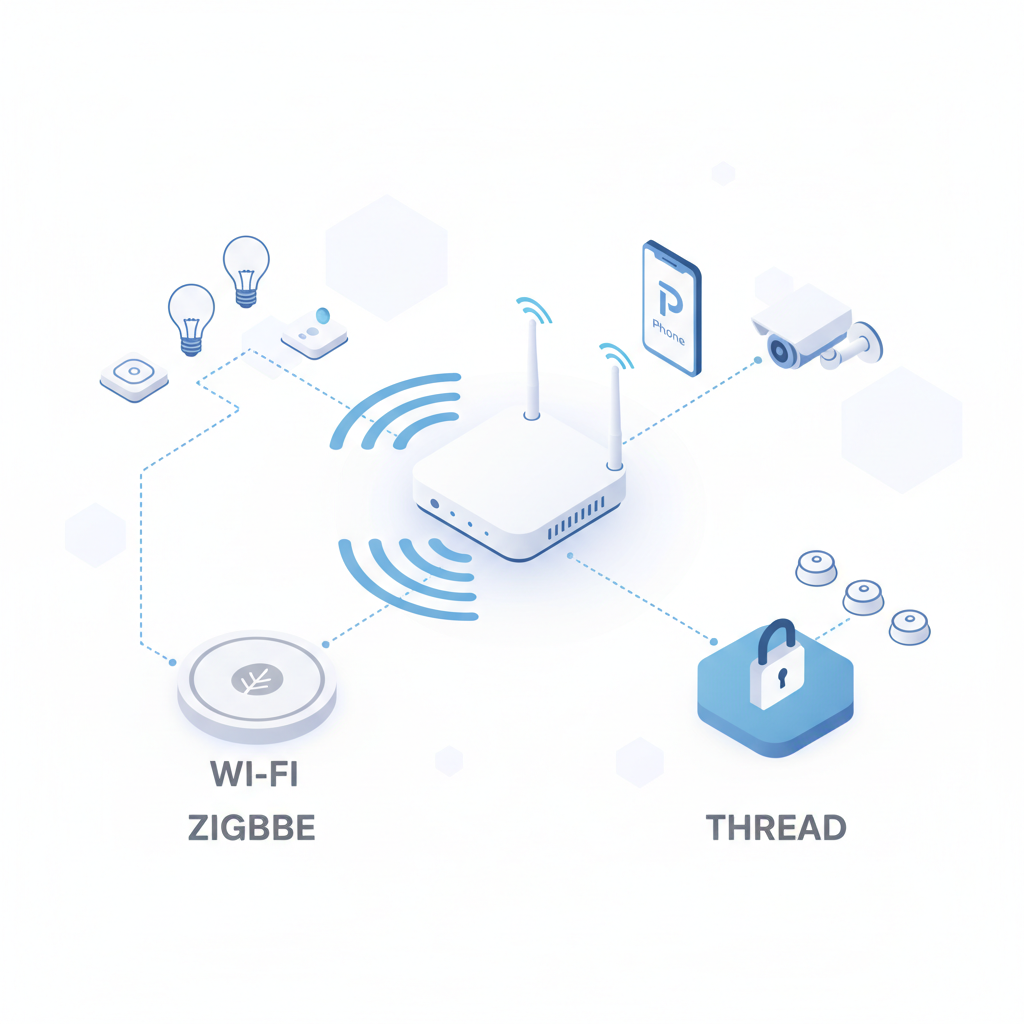
Wi‑Fi devices connect directly to your router. Easy to start, but many devices can strain a weak router or crowded 2.4 GHz spectrum.
Zigbee is a low-power mesh network commonly used for bulbs, sensors, and plugs. Many Zigbee setups require a hub or a compatible smart speaker/display. Mesh means powered devices can help extend range.
Thread is another low-power mesh technology that often works with Matter. It typically needs a Thread border router (sometimes built into newer hubs/smart speakers). When it’s implemented well, it can feel “set and forget.”
Quick comparison table
| Connection | Best for | Typical tradeoff |
|---|---|---|
| Wi‑Fi | Cameras, doorbells, appliances | Can overload weak routers; more password/security management |
| Zigbee | Lights, sensors, smart plugs | Often needs a hub; mixing brands can be uneven |
| Thread | Sensors, locks, modern Matter devices | Requires border router; ecosystem support still varies |
A simple buying plan for beginners (what to get first)
If you’re unsure what to buy, start small and build outward. This order avoids the “nothing talks to anything” problem.
- 1) One controller: a smart speaker/display or your phone ecosystem as primary control
- 2) One room of lighting: smart bulbs or smart switches (choose one approach per room)
- 3) Two smart plugs: quick wins for lamps, fans, coffee maker (use caution with heat appliances)
- 4) One security device: doorbell camera or indoor cam (only if you’re comfortable managing privacy)
- 5) Optional comfort: thermostat or a couple of sensors once basics feel stable
Key point: don’t start with a “smart everything” bundle unless you’re confident it matches your home’s wiring, Wi‑Fi coverage, and preferred ecosystem.
Step-by-step setup: the order that prevents most headaches
Smart home setup for beginners goes smoother when you install in a stable sequence, because each layer depends on the previous one.
1) Get your Wi‑Fi in shape
- Place your router more centrally if possible, avoid hiding it in a metal cabinet
- Use a strong, unique Wi‑Fi password and turn on WPA2/WPA3 if available
- Create a separate guest/IoT network if your router supports it (helpful, not mandatory)
According to CISA (Cybersecurity and Infrastructure Security Agency), using strong, unique passwords and enabling multi-factor authentication where available are foundational steps for connected device security.
2) Set up the ecosystem app cleanly
- Update your phone OS, then install Alexa / Google Home / Apple Home
- Name your “Home” and rooms in a way that matches how you speak (Kitchen, Hallway, Master Bedroom)
- Turn on voice match or personal results only if you actually want those features
3) Add devices one category at a time
- Add lights first, then plugs, then cameras/locks
- Update firmware during setup when prompted
- Rename devices immediately (avoid “Smart Bulb 1A3F”)
4) Create one routine/automation you’ll use daily
- Morning: turn on kitchen lights + start a plug for a lamp
- Evening: dim living room + turn off hallway after 10 minutes
- Away: randomize a lamp schedule for basic occupancy simulation
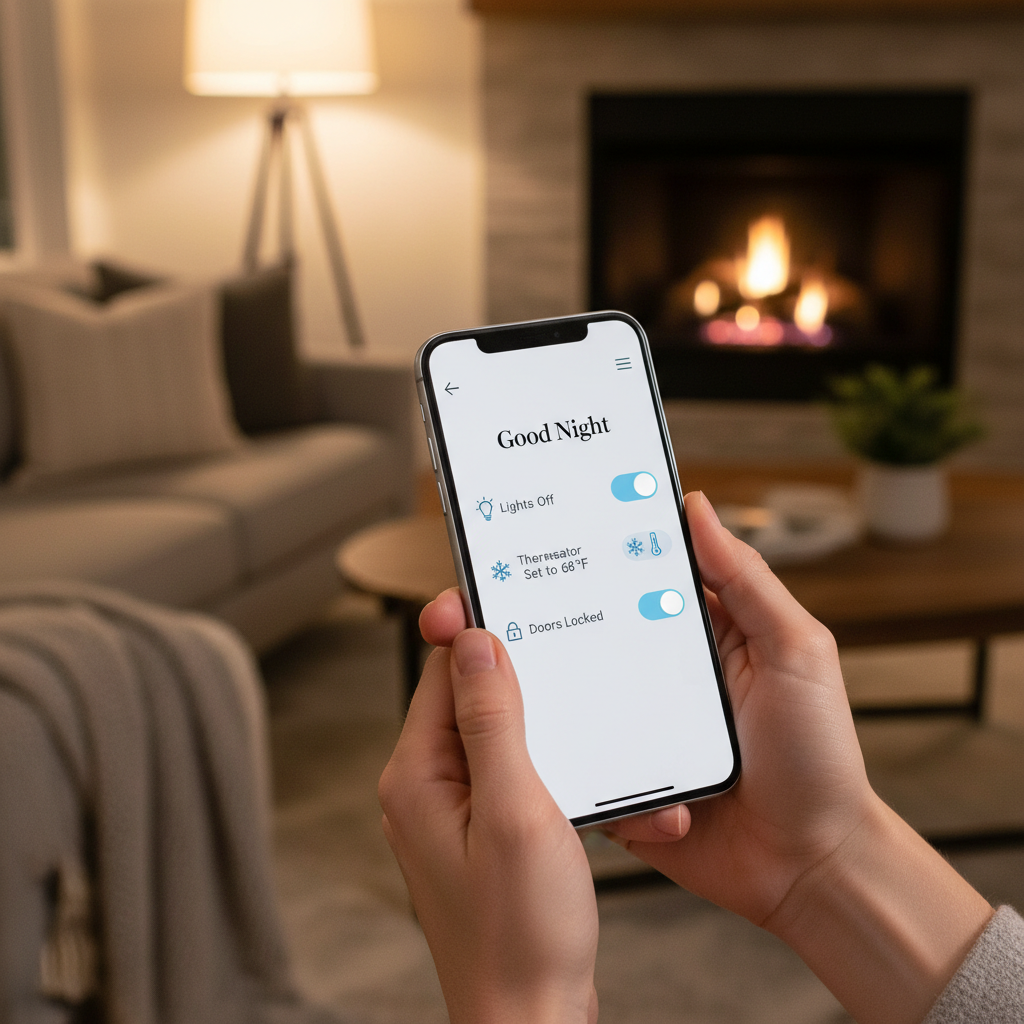
This is where a smart home starts feeling like a system. If you only control devices manually in an app, you basically bought remote controls.
Common mistakes that make a “simple” setup unreliable
Most issues repeat across homes, and they’re usually fixable without replacing everything.
- Mixing bulbs and switches in the same circuit: smart bulbs need constant power, while switches cut power
- Overbuying Wi‑Fi gadgets: too many Wi‑Fi endpoints can expose router weaknesses
- Ignoring placement: hubs in a corner cabinet often cause flaky Zigbee/Thread performance
- Skipping firmware updates: bugs and security issues sometimes get fixed only via updates
- Weak naming: “Bedroom Lamp” is good, “Lamp” becomes chaos after device #6
Also, be careful with anything that touches electrical wiring, gas appliances, or high-current loads. If you’re unsure about your home wiring or breaker capacity, it’s safer to consult a licensed electrician.
Troubleshooting and when to get help
If something fails, don’t troubleshoot randomly. Change one variable, confirm the effect, then move on. This keeps you from “fixing” the wrong problem.
Fast self-check list
- Device offline: restart device, then router, then check app permissions and Wi‑Fi signal
- Automation not running: confirm time zone, home/away status, and whether the trigger device still reports state
- Voice control weird: check device names, room assignments, and duplicate names across rooms
- Camera lag: test upload speed and move the camera closer to Wi‑Fi or add mesh nodes
You may want professional help if you’re installing smart switches, integrating with an alarm panel, setting up whole-home networking, or troubleshooting a persistent electrical issue. For security-sensitive setups (locks, cameras), it can also be worth asking an IT-savvy friend or a local pro to review account access and device sharing.
Conclusion: a beginner setup that stays enjoyable
Smart home tech feels “smart” only when it’s dependable, and that usually comes from choosing a main ecosystem, keeping compatibility tight, and building in layers. If you do one room well, then copy the pattern, you’ll end up with a home that behaves predictably instead of a collection of finicky gadgets.
Action steps: pick your top two outcomes, audit your Wi‑Fi coverage, then buy one controller and one room of lighting before expanding.