
Best budget smart plugs for home are usually the fastest way to automate lamps, fans, and small appliances without rewiring or replacing everything, but the “cheap” options can get confusing fast when you mix Alexa, Google Home, and Apple ecosystems.
If you have ever bought a smart plug that only works in one app, drops offline, or can’t handle a space heater load, you already know the real pain is not the $10–$20 price, it’s wasted time and trust in your setup.
This guide focuses on what matters in 2026: reliability, safety, platform fit, and a few budget models that generally score well on those basics, plus a quick way to choose based on your home and habits.
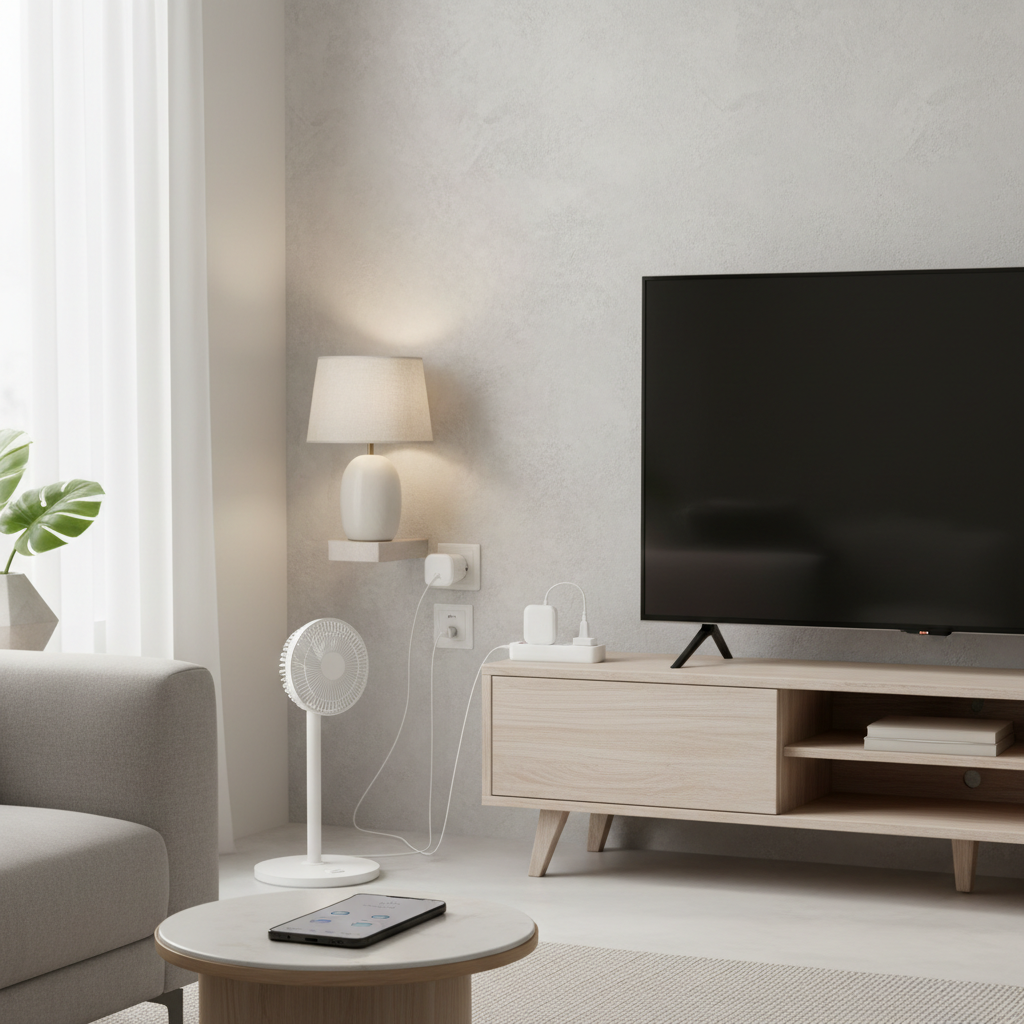
What “budget” should still include in 2026
A low price is fine, but a smart plug still sits between your wall power and something you care about, so there are a few non-negotiables. According to UL Solutions, product safety certification matters for electrical devices because it helps verify the device meets defined safety requirements.
- Safety certification: Look for UL Listed, ETL Listed, or an equivalent safety mark shown on the product and packaging, not just in marketing copy.
- Stable connection: A plug that “works most days” becomes a daily annoyance, especially for schedules and away-mode routines.
- Right wireless type: Wi‑Fi plugs are simplest, Matter plugs are getting easier across ecosystems, and Zigbee usually needs a hub but can be more stable in busy Wi‑Fi homes.
- Enough amperage: Many plugs are 10A or 15A; for anything that heats, spins, or compresses, you want to be conservative and follow the device label.
- Physical fit: Some “mini” plugs still block the second outlet, especially on older wall plates or tight power strips.
Quick pick: a comparison table that matches real-life use
Below is a practical way to compare best budget smart plugs for home shopping, without pretending every household needs the same thing. Models and availability change often, so treat this as a checklist plus a shortlist style, not a forever ranking.
| Best for | What to look for | Common trade-off at budget prices |
|---|---|---|
| Simple schedules (lamps, décor lights) | Wi‑Fi plug with solid app schedules, sunrise/sunset | Bulkier body, occasional cloud dependency |
| Multi-platform homes | Matter support or native Alexa/Google/HomeKit fit | Fewer advanced features in the app |
| Busy Wi‑Fi networks | Zigbee plug + compatible hub | Hub cost and setup complexity |
| Tracking energy use | Energy monitoring with kWh history and export | Measurements can be approximate |
| Small spaces / power strips | True “mini” form factor, sideways outlet design | Harder-to-press physical button |
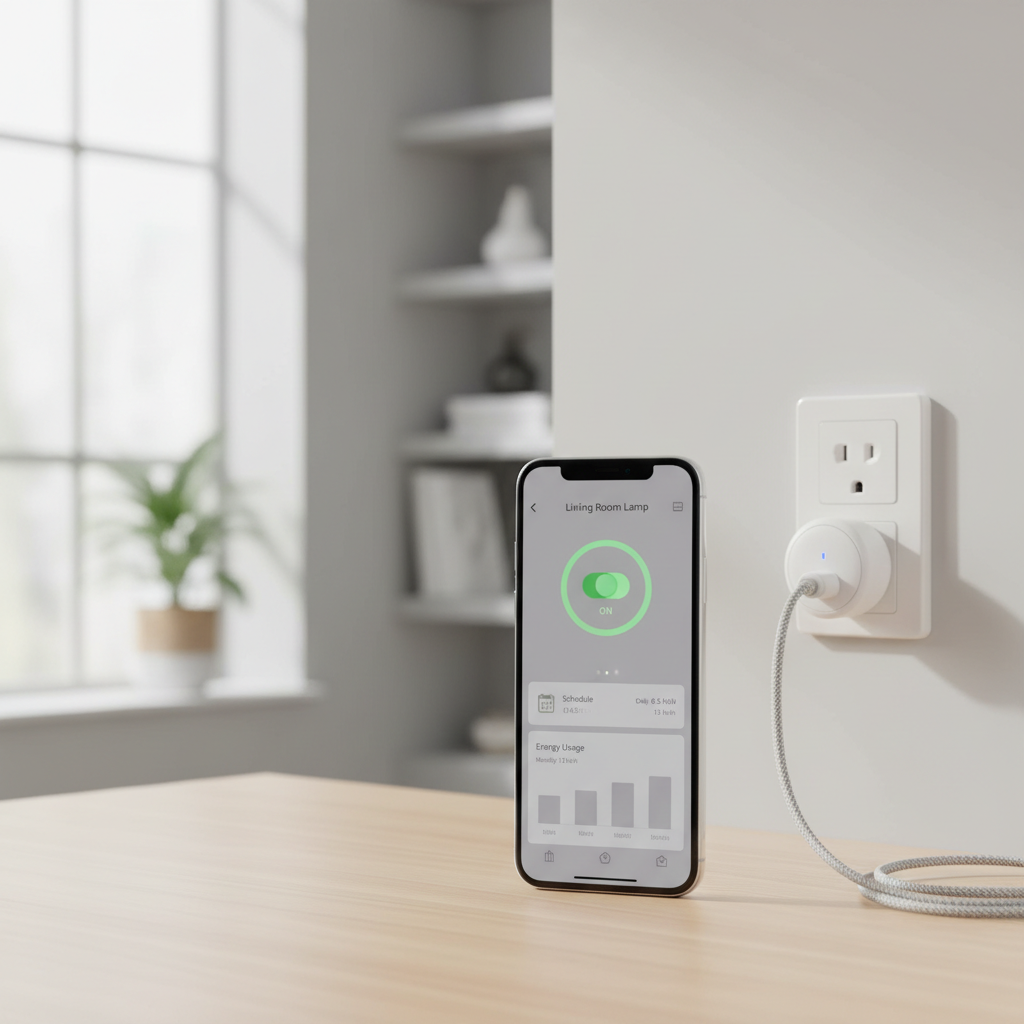
Top budget smart plug categories (and what they’re good at)
Instead of promising one plug for everyone, it’s more honest to group them by what they do well. In many US homes, these are the patterns that show up.
1) Wi‑Fi budget plugs (no hub, fastest setup)
For most people, Wi‑Fi plugs are still the default. They’re convenient for renters, dorms, and anyone who just wants a lamp on a schedule by tonight.
- Good fit: lamps, holiday lights, coffee makers with physical switches, small fans
- What to double-check: 2.4GHz Wi‑Fi requirement, router distance, and whether the plug needs a vendor app even if you use Alexa/Google
2) Matter budget plugs (cross-ecosystem, less lock-in)
Matter support is becoming a real advantage at the low end because it reduces the “wrong app, wrong platform” problem. That said, Matter behavior can still vary depending on your platform version and router, so plan a small test before buying a 4-pack.
- Good fit: homes that mix iPhone + Alexa speakers, or Google Home + Apple devices
- What to double-check: whether it’s Matter over Wi‑Fi or Thread, and what you already have to act as a controller
3) Zigbee budget plugs (often steadier, but needs a hub)
If your Wi‑Fi is crowded, Zigbee can feel calmer. The catch is you’ll need a compatible hub, and not every hub exposes every feature to every platform.
- Good fit: larger homes, lots of devices, or setups where reliability matters more than the cheapest price
- What to double-check: hub compatibility and whether the plug acts as a repeater for your Zigbee mesh
Self-check: which smart plug type fits your home?
If you want a quick decision without overthinking it, run through this list. The goal is to avoid buying a plug that fights your setup.
- You should choose Wi‑Fi if you have a stable 2.4GHz network, fewer than “a lot” of smart devices, and you mainly want schedules and voice control.
- You should choose Matter if you expect to switch platforms, share control with family on different phones, or hate juggling vendor apps.
- You should choose Zigbee if you already own a hub, your Wi‑Fi drops in certain rooms, or you plan to scale to dozens of devices.
- You probably want energy monitoring if your goal includes reducing standby power, identifying a power-hungry dehumidifier, or tracking a home office setup.
- You should pause and read labels if you want to control anything with heating elements or motors, this is where budget mistakes happen.
How to set up a budget smart plug (and keep it reliable)
Most complaints about smart plugs are not about the plug itself, they’re about pairing friction, weak Wi‑Fi, or a routine configured in the wrong place. Here’s the workflow that tends to create fewer headaches.
Step-by-step setup that usually works
- Start with one plug: pair and test before opening a multi-pack.
- Place it close to your router for first pairing, then move it to the target room.
- Name it like a human speaks: “Living Room Lamp” beats “Plug 1,” voice control works better.
- Build schedules in one place: either in the platform (Alexa/Google/Home) or in the vendor app, mixing both can cause conflicts.
- Test the edge cases: power outage recovery, Wi‑Fi reboot, and whether the plug returns to on or off.
Network tweaks that help on a budget
- Stick to 2.4GHz for Wi‑Fi plugs, many budget models do not support 5GHz.
- If your router combines bands, consider a separate 2.4GHz SSID if pairing keeps failing.
- For detached garages or far rooms, a mesh node or extender can matter more than the plug brand.
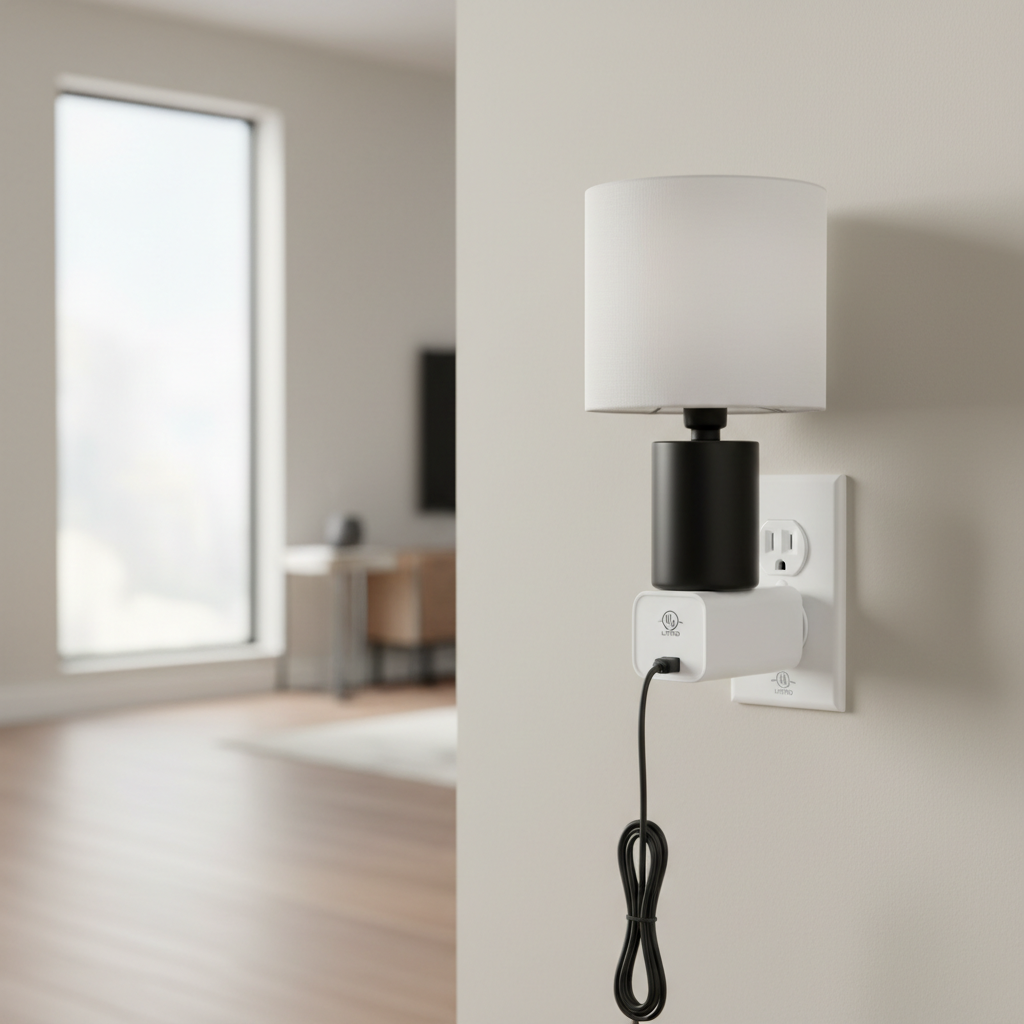
Safety and “don’t waste money” mistakes to avoid
This is the part many guides rush, but it matters. A smart plug is not a universal adapter for everything you own, and budget models vary a lot.
- Space heaters, portable AC units, and high-draw appliances: many manufacturers recommend plugging these directly into a wall outlet. If you are unsure, follow the appliance manual and consider asking a qualified electrician.
- Don’t exceed ratings: check the plug’s amperage and wattage ratings and match them to the device label, when in doubt, choose a more conservative use.
- Outdoor use: only use plugs rated for outdoor conditions, indoor plugs near moisture risk early failure.
- Two outlets blocked: a “cheap” plug that blocks the second socket becomes expensive when you add splitters and clutter.
- Energy monitoring expectations: great for trends, but not always lab-grade accuracy, especially on devices with variable loads.
Practical buying tips: how to get value without overbuying
If your goal is to pick best budget smart plugs for home use, you can usually get better outcomes by buying fewer, then scaling after a week of real use.
- Buy a 1-pack first if you’ve never used the brand, then move to a 2- or 4-pack if it stays stable.
- Prioritize the rooms you feel daily: bedside lamp, entryway lamp, coffee corner, these routines stick.
- Decide on your platform upfront: Alexa, Google Home, Apple Home, or a Matter-first approach, switching later is doable but annoying.
- Look for clear support info: firmware updates, reset steps, and a real support page usually signal a more mature product.
Conclusion: the “best” budget plug is the one you’ll keep using
The best budget smart plug is usually the one that fits your ecosystem, stays connected, and matches the electrical load you plan to control, not the one with the lowest price tag. If you want the safest path, start with one certified plug in a high-impact room, test schedules and outage behavior, then expand to a multi-pack once it earns trust.
Key takeaways:
- Choose Wi‑Fi for speed, Matter for flexibility, Zigbee for scale and stability.
- Check UL/ETL style safety certification and ratings before controlling higher-draw devices.
- Build automations in one place to avoid conflicts, then iterate after a week.
FAQ
What are the best budget smart plugs for home use with Alexa?
In most cases, a basic 2.4GHz Wi‑Fi plug that lists Alexa support works fine for lamps and small appliances. The real differentiator is reliability and whether you can keep routines inside the Alexa app without needing a second vendor app for everyday use.
Do budget smart plugs work with Apple HomeKit in 2026?
Some do, especially if they support Matter, but compatibility can still depend on your Apple Home setup and software versions. If HomeKit is non-negotiable, verify Home or Matter support on the box and confirm the pairing flow before buying a multi-pack.
Is Matter worth it if I just want simple schedules?
Not always. If you are confident you’ll stay on one platform, a standard Wi‑Fi plug can be cheaper. Matter tends to pay off when households mix platforms or when you want less vendor lock-in over time.
Can I use a smart plug with a space heater?
Many space heater makers recommend plugging heaters directly into a wall outlet because of high current draw. If you’re considering it anyway, check both the heater manual and the plug ratings, and when you’re uncertain, it’s smart to ask a qualified electrician.
Why does my smart plug keep going offline?
Common causes include weak 2.4GHz signal, a crowded router, or the plug being too far from the access point behind thick walls. Trying a closer outlet, adding a mesh node, or switching to Zigbee in a hub-based setup often helps more than swapping brands randomly.
Do energy-monitoring smart plugs actually save money?
They can, mainly by showing you what runs longer than you think or what pulls standby power. Savings vary a lot by device and local electric rates, but the visibility often helps you make better choices about schedules and always-on gear.
How many smart plugs can a typical home Wi‑Fi handle?
It depends on the router and how many other devices you already run. Many households do fine with a handful, but if you plan to scale to dozens of smart devices, a stronger router, mesh, or a hub-based protocol can reduce instability.
If you’re trying to automate a few rooms on a tight budget, it often helps to describe your ecosystem, Wi‑Fi situation, and what you want to control, then choose one plug type and standardize, it’s the simplest way to avoid a drawer full of “almost works” gadgets.