
Top free online translators for travel can save you in the exact moments you don’t want extra friction, checking into a hotel late, reading a train notice, or asking for help when your phone signal drops.
But not every “free” translator works the same way, and travel adds pressure: accents, slang, noisy streets, menus with tiny fonts, and spotty Wi‑Fi. A tool that feels fine at home can fall apart in real life.
This guide breaks down the most practical free options, what each does well, where they tend to fail, and how to set up your phone so you’re not stuck typing one-handed in a crowded station.
What matters most for travel translators (not just “accuracy”)
When people search for top free online translators for travel, they usually want one thing: “Will this help me get through the moment without embarrassment or risk?” In practice, a few features matter more than fancy AI claims.
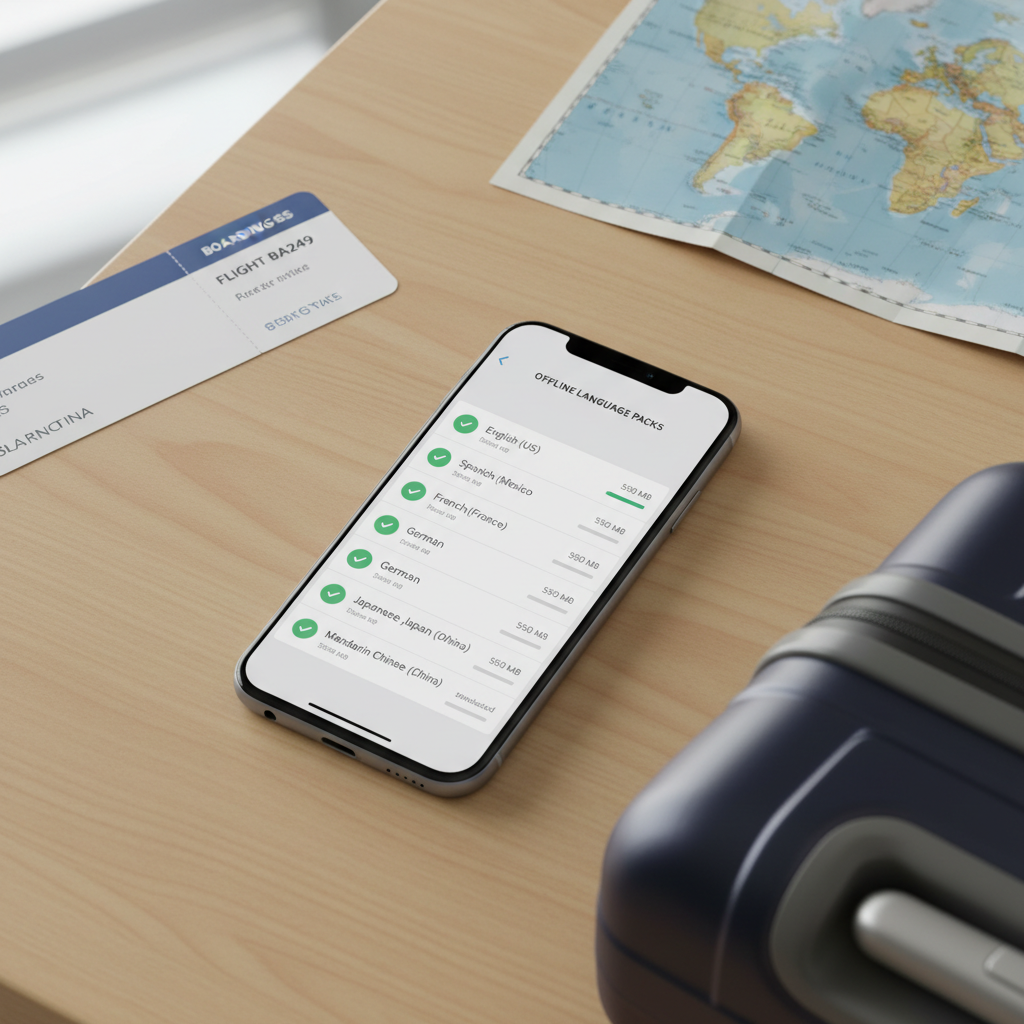
- Offline mode: Essential on planes, rural areas, subways, or when roaming fees hurt.
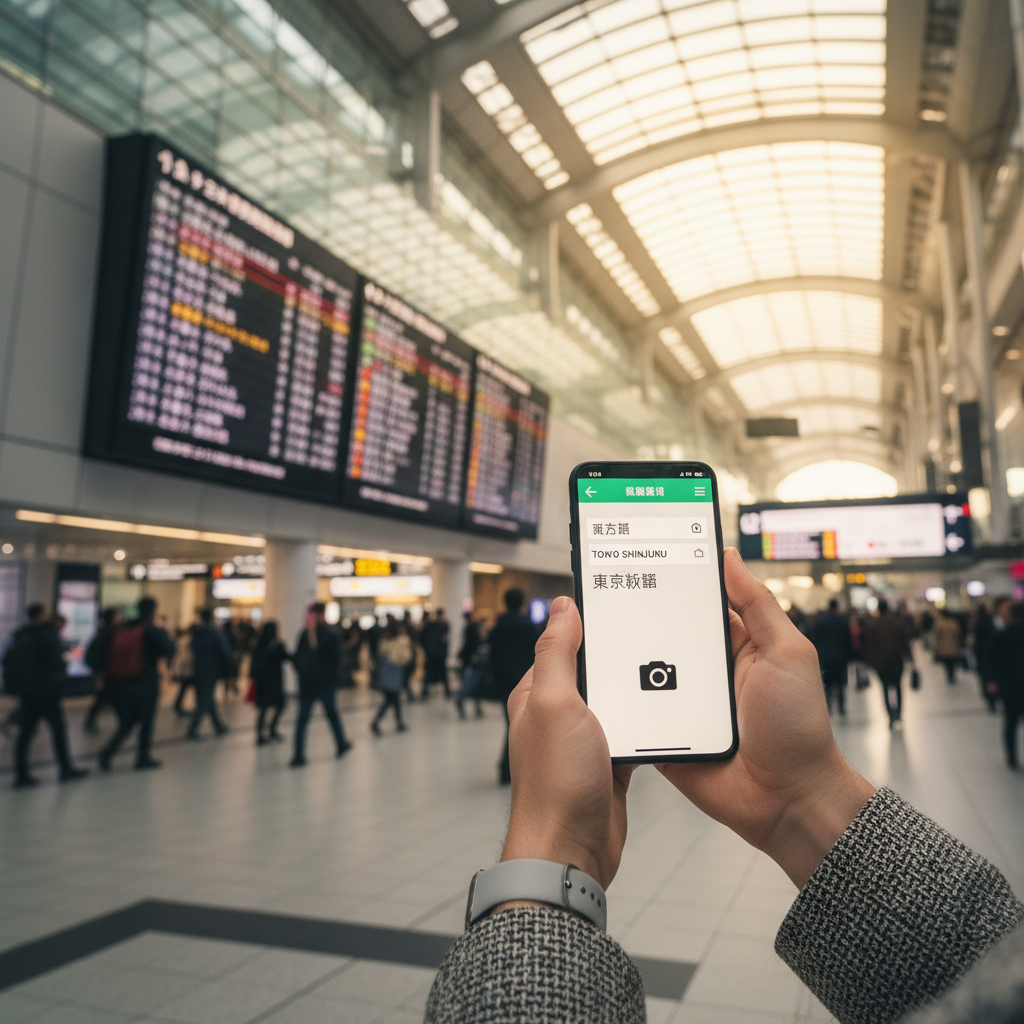
- Camera translation: Menus, signs, museum plaques, ingredient lists, medication labels.
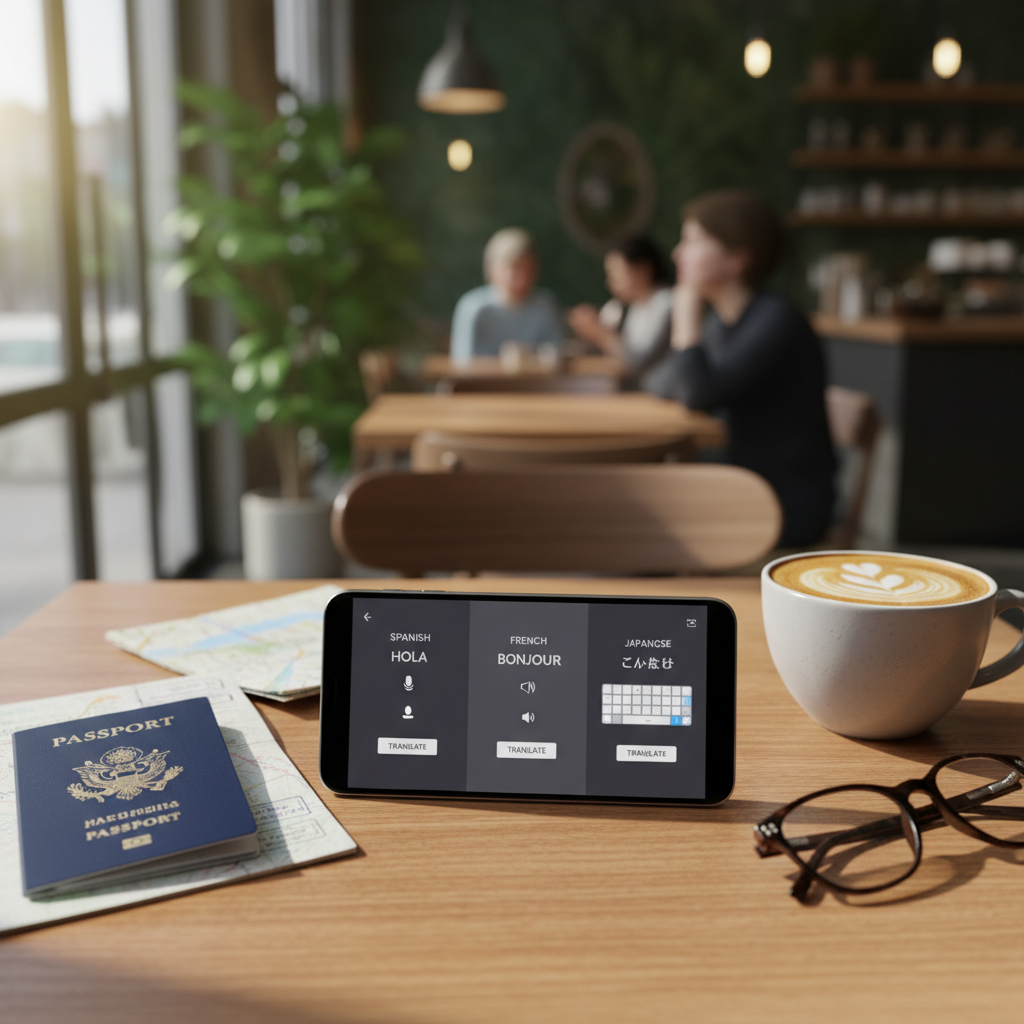
- Conversation mode: Back-and-forth speaking with clear turn-taking.
- Pronunciation help: Audio playback and phonetics can be the difference between “close enough” and confusion.
- Privacy controls: Not every situation should be sent to a cloud service, especially IDs, addresses, booking info.
According to U.S. Department of State, travelers should plan for communication challenges and keep key information accessible, so relying on a single online tool without offline backups can be a weak spot.
Quick comparison table: free translators travelers actually use
This table focuses on what you feel on the road, speed, offline usefulness, and which “input” style is strongest.
| Tool | Best for | Works offline? | Camera translation | Conversation mode | Watch-outs |
|---|---|---|---|---|---|
| Google Translate | All-around travel use | Yes (download packs) | Yes | Yes | Quality varies by language pair; offline is more limited |
| Microsoft Translator | Group conversations, business travel | Yes (selected languages) | Yes | Yes | Some features depend on connectivity and language support |
| DeepL | Natural phrasing for Europe-focused trips | Limited (depends on app/features) | Limited vs others | Not its main strength | Language coverage not as broad as Google |
| Apple Translate (iOS) | iPhone-first, offline basics | Yes (download languages) | Limited (varies by iOS version) | Yes | Language list smaller; better for common tourist languages |
| SayHi | Simple voice translation | Often no | No | Yes (voice-focused) | Connectivity needs can be a deal-breaker |
Top free online translators for travel: honest picks and when to use them
Here’s the practical shortlist. None are “perfect,” but each shines in a specific travel scenario.
Google Translate: the most travel-ready free option
Google Translate is usually the safest default if you want one app that covers text, voice, and camera translation with broad language support.
- Use it for: menus, signs, quick questions, taxi directions, basic hotel check-ins
- Do before you fly: download offline language packs, test the camera mode once
- Reality check: slang and regional phrasing can come out stiff, and that can matter in sensitive conversations
Microsoft Translator: strong for conversations and small groups
Microsoft Translator is handy when you’re traveling with family or colleagues and want a structured back-and-forth, sometimes even across multiple devices.
- Use it for: longer dialogues, meeting a guide, clarifying plans with hosts
- Nice touch: readable conversation layout helps reduce “who said what” confusion
- Reality check: not every language has equally polished offline support
DeepL: better tone for longer messages (when supported)
DeepL often feels more natural for full sentences, especially in several European languages. If you need to write a polite note to a host or explain a situation at a rental, it can be calmer and less robotic.
- Use it for: messages to hotels, Airbnbs, tour operators, customer service
- Pro move: translate, then simplify your English, then translate again
- Reality check: for on-the-street camera translation, other apps may be faster
Apple Translate (iPhone): good offline basics, simple and fast
If you’re on iOS and want something clean that respects the “download and go” mindset, Apple Translate can cover everyday phrases without making the app feel busy.
- Use it for: short conversations, quick lookups, offline essentials
- Reality check: language options are narrower than Google, so check coverage early
SayHi: voice-first simplicity (if you have data)
SayHi is easy when your hands are full and you just want to speak and show the screen. It’s not the most feature-rich, but the learning curve is low.
- Use it for: casual voice translation in cities with reliable signal
- Reality check: without offline mode, it can be frustrating outside coverage
Self-check: which translator setup fits your trip?
Pick the path that matches how you travel, not what sounds “most advanced.”
- If you’ll be in multiple countries: prioritize broad language coverage and offline packs.
- If you’ll rely on trains and buses: camera translation matters more than conversation mode.
- If you have food allergies or dietary rules: you need fast, repeatable phrases and the ability to show text clearly.
- If you’re visiting family or staying with hosts: natural phrasing for messages becomes more important.
- If you’re traveling with kids or elders: bigger text, audio playback, and one-tap “repeat” can reduce stress.
Key point: many travelers do best with two tools, one “offline + camera,” one “better writing.” That combo is often more reliable than hunting for a single perfect app.
Practical travel workflow: how to translate with fewer mistakes
This is the part most people skip, then regret it in the moment. A few habits make top free online translators for travel noticeably more effective.
1) Pre-download and pin your essentials
- Download offline language packs (and test by enabling airplane mode).
- Save a short “medical and safety” note in the local language and English.
- Favorite your address, hotel name, and a simple “please speak slowly” phrase.
2) Use “simple English” before translating
Translation apps tend to do better with short, concrete sentences. If your first draft is long, cut it down.
- Replace idioms like “I’m running late” with “I will arrive 20 minutes later.”
- Avoid jokes and sarcasm, they often land wrong.
- One request per sentence works better than stacked questions.
3) For voice translation, control the environment
- Move away from traffic noise when possible.
- Speak a little slower, not louder.
- Confirm with a short yes/no question after a long translation.
4) For menus and signs, use camera translation wisely
- Hold steady, and get closer instead of zooming.
- If the output looks odd, translate smaller chunks, like one line at a time.
- For ingredients, cross-check by translating the same word twice (camera + typed text).
Common mistakes (and what to do instead)
- Mistake: trusting a single translation for critical decisions.
Do instead: rephrase and translate again, or verify with a second app for high-stakes items. - Mistake: typing full paragraphs with slang.
Do instead: short sentences with concrete nouns and numbers. - Mistake: using a translator as a cultural interpreter.
Do instead: keep tone polite and direct, and avoid humor when you’re unsure. - Mistake: forgetting the “show screen” technique.
Do instead: let the other person read it, many misunderstandings disappear instantly.
According to Centers for Disease Control and Prevention (CDC), travelers should prepare for emergencies and communicate clearly when seeking help, so consider keeping a translated note for allergies, medications, and emergency contacts. If you have complex medical needs, it’s wise to consult a qualified healthcare professional before travel and carry documentation.
When you should get human help (or at least a second check)
Free translators are great until the consequences get real. In these situations, slow down and get a higher-confidence option.
- Medical issues: symptoms, medications, allergies, consent, anything urgent. Ask staff for an interpreter if available.
- Legal or police situations: statements, forms, disputes, or anything you must sign.
- Financial agreements: rental contracts, damage claims, insurance paperwork.
- Safety concerns: evacuation instructions, hazard warnings, or emergency alerts.
If your situation feels high-stakes, using a professional interpreter or a trusted bilingual person is usually the safer call, even if it costs time or money.
Conclusion: pick two tools, set them up once, travel calmer
Most travelers do well with a simple combo: one app that excels at offline and camera translation, plus one app that writes more natural sentences for messages. If you take ten minutes to download language packs, favorite key phrases, and practice camera mode, you’ll get far more value from top free online translators for travel than you will from switching apps every day.
If you want a clean next step, choose your primary translator today, do an airplane-mode test tonight, and save three phrases you know you’ll need, address, dietary needs, and “please speak slowly.”
FAQ
What are the top free online translators for travel if I only want one app?
Google Translate is often the most flexible single choice because it covers text, voice, and camera translation with solid offline options. Still, your best “one app” depends on language and how you travel.
Do free translation apps work without internet when traveling?
Many do, but only if you download languages ahead of time. Offline mode usually supports basic text and some speech features, while more advanced processing may need data.
Which translator is best for translating menus and street signs?
Apps with strong camera translation tend to be easiest for this, especially Google Translate and Microsoft Translator. For tricky menus, translating line-by-line can reduce weird results.
Is DeepL good for travel conversations?
DeepL can be excellent for writing and reading longer messages, but it’s not always the fastest for spontaneous back-and-forth in the street. Many travelers use it as their “message writing” tool.
How can I avoid embarrassing translation mistakes abroad?
Keep sentences short, avoid idioms, and confirm important details with numbers or simple yes/no questions. For anything sensitive, re-translate a rephrased version or cross-check with another app.
Can I rely on translation apps for medical emergencies?
They can help you communicate basic needs, but for urgent or complex medical situations, it’s safer to ask for professional interpretation if available. If you have known conditions, carrying a prepared translated card can help.
What should I download before my trip to make translators more reliable?
Offline language packs, your hotel address in the local script, a few essential phrases, and an “allergy/medical note” are the big ones. Testing once in airplane mode helps you trust what will work.
If you’re planning a trip and want a more hassle-free setup, pick one primary translator, add a second tool for better writing, and build a tiny phrase library before you pack, it’s a small prep step that usually pays off fast.