
Popular technology in the U.S. right now isn’t just about flashy launches, it’s changing how you shop, commute, work, and protect your data in small, everyday ways.
If you’ve felt like gadgets got “smarter” while setup got more complicated, you’re not imagining it. Many consumer tech innovations now bundle AI features, subscriptions, and cloud accounts, so the real question becomes, what’s worth adopting and what’s just noise.
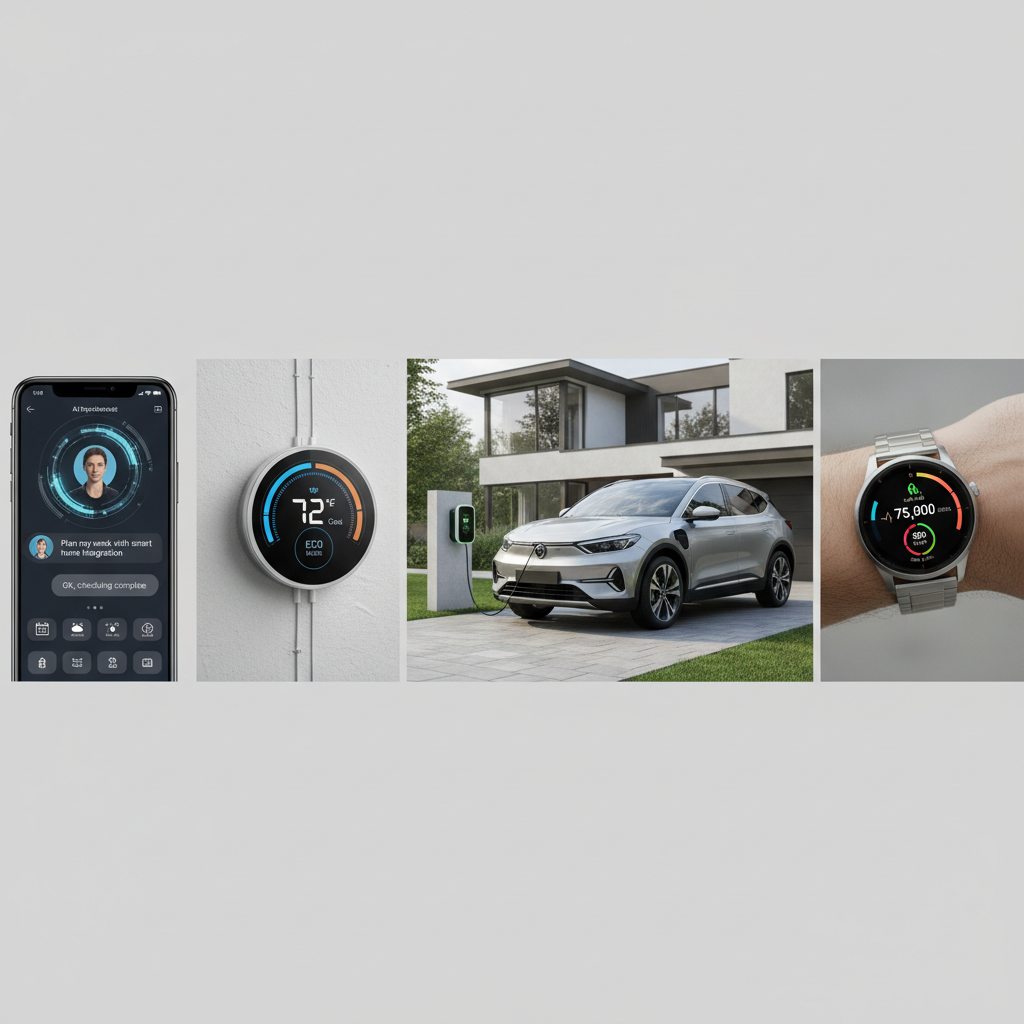
This guide focuses on the trends people are actually using or seriously considering, then translates them into what you should do next: how to buy, what to secure, and where to wait. You’ll also get a quick checklist and a comparison table so you can make decisions faster.
What’s driving today’s emerging tech trends in the U.S.
A lot of emerging tech trends share the same engines under the hood: cheaper sensors, faster chips, better battery tech, and cloud computing services that let features improve after purchase. That’s great when it works, and frustrating when it turns simple products into ongoing account management.
- AI is moving from “apps” into devices, so features like on-device transcription, photo cleanup, and voice assistants show up everywhere.
- Smart home technology matured, but now compatibility and privacy matter more than novelty.
- Cybersecurity solutions became consumer-facing, because scams, account takeovers, and data leaks hit regular households, not only businesses.
- Electric vehicle technology pushed the ecosystem, pulling along charging, home energy upgrades, and software-defined car features.
According to NIST, strong authentication and basic cyber hygiene reduce the risk from common attack patterns, which is why multi-factor authentication and password managers keep showing up in mainstream advice.
AI-powered devices: helpful assistant or extra complexity?
AI-powered devices are showing up in phones, laptops, earbuds, TVs, and even home appliances. The practical upside is time saved, the practical downside is more data flowing through accounts, cloud features, and sometimes a paid tier.
Where AI actually helps day to day
- Communication: real-time captions, call screening, meeting summaries, translation.
- Photos and video: object removal, low-light improvements, auto highlights.
- Search and organization: “find that email/doc/photo” style queries, smarter reminders.
Questions to ask before you buy into AI features
- Is the feature on-device or cloud-based? On-device usually means better privacy and faster response, though it varies by product.
- Does it require an account, a subscription, or constant internet?
- Can you turn it off without losing core functionality?
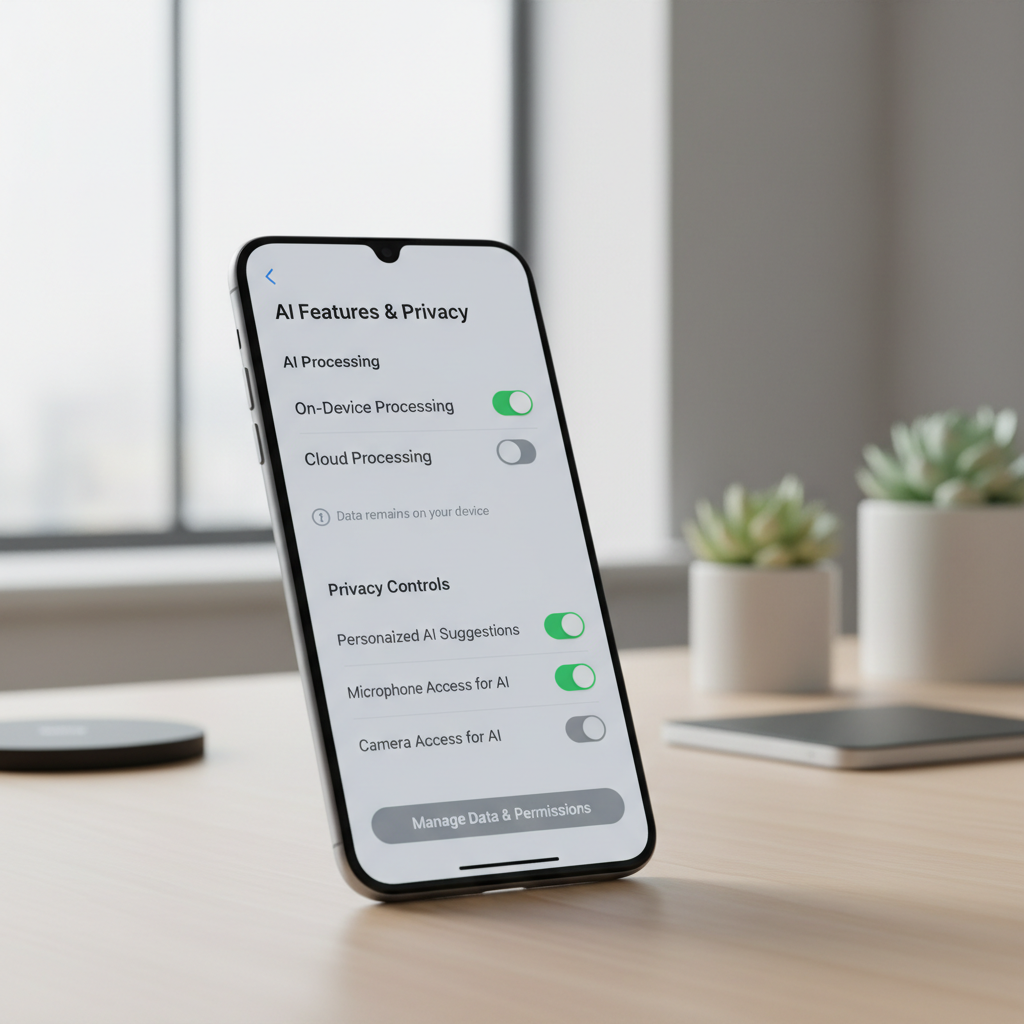
Many people get stuck on one detail: they assume “AI” always means your data leaves the device. In reality, some tasks run locally, some run in the cloud, and some switch depending on complexity. Reading the privacy and “data usage” notes before purchase saves headaches later.
Next-gen gadgets: wearables, spatial audio, and the “good enough” problem
Next-gen gadgets often look incremental, until you match them to a specific need. Wearable tech trends, for example, keep improving in comfort, battery life, and sensors, but you don’t automatically benefit from the newest model if you won’t use the metrics.
Wearable tech trends that matter most
- Longer battery life and better sleep tracking consistency, which makes the data more usable over time.
- Safety features like fall detection and crash alerts, which may help in certain situations, though you should not treat them as emergency guarantees.
- More accurate heart-rate sensing during varied activities, but accuracy still varies by skin contact, movement, and device fit.
According to FDA, not all wearable health features are regulated the same way as medical devices, so it’s smart to treat advanced metrics as guidance and discuss concerning readings with a clinician.
Quick buying rule that prevents regret
If the “new” feature doesn’t change a weekly habit, it’s usually not worth paying a premium. If it removes friction from something you already do, it often is.
Smart home technology: convenience, compatibility, and privacy
Smart home technology is popular because it feels practical: better lighting control, simpler routines, and less energy waste. The trap is mixing ecosystems without a plan, then dealing with multiple apps, accounts, and devices that don’t talk to each other.
Common smart home setups people actually keep using
- Smart thermostat + room sensors for comfort and energy management.
- Video doorbell or outdoor camera for package and entry awareness.
- Smart locks for temporary access, especially for dog walkers, guests, or rentals.
- Leak sensors near water heaters and sinks, boring but genuinely useful.
Privacy and security basics that are worth doing
- Use a separate Wi‑Fi network for IoT devices if your router supports it (often called guest network or IoT network).
- Enable automatic firmware updates where available.
- Review camera retention settings and cloud storage options, then pick the minimum that fits your needs.
According to CISA, keeping software updated and using strong, unique passwords are foundational steps that reduce exposure to common threats, especially for internet-connected home devices.
Cybersecurity solutions for regular people (not just IT teams)
Cybersecurity solutions used to sound like corporate tooling, but scams and credential theft made them normal household purchases. If popular technology adds more logins and connected devices, security has to keep pace.
A simple security stack that covers most homes
- Password manager to eliminate reused passwords.
- Multi-factor authentication on email, banking, and shopping accounts.
- Identity monitoring if you’ve had exposure before, though the value depends on what’s included and how proactive you are.
- Router with security updates and a clear update policy from the manufacturer.
If you only do one thing this week, prioritize your email account security. Email resets everything else, so it’s the real front door.
Cloud computing services: the invisible layer behind your apps
Cloud computing services are why your photos sync, your documents co-edit, and your device can restore in minutes. They also explain why outages and subscription changes can suddenly affect tools you rely on.
How to use the cloud without getting trapped
- Know what’s local vs synced: keep a local backup for irreplaceable files.
- Watch the storage tier: auto-backup plus 4K video can push you into a paid plan faster than expected.
- Export paths matter: choose services that let you export in common formats if you ever switch.
According to FTC, consumers should pay attention to account settings, data access, and sharing controls, especially when services collect or infer personal information.
AR and EV tech: the trends with longer timelines
Augmented reality applications and electric vehicle technology sit in a slightly different bucket: the upside can be big, but adoption depends on price, infrastructure, and how much you drive or travel.
Augmented reality applications you might see first
- Shopping previews for furniture and home design.
- Work instructions and remote assistance in field service.
- Navigation overlays in specific contexts, though usability varies.
EV tech decisions that affect real cost
- Charging access: home charging changes the experience, apartment charging can be more variable.
- Software features: some capabilities may be tied to subscriptions or trim levels.
- Battery warranty and service network: practical considerations that matter more than peak range claims.
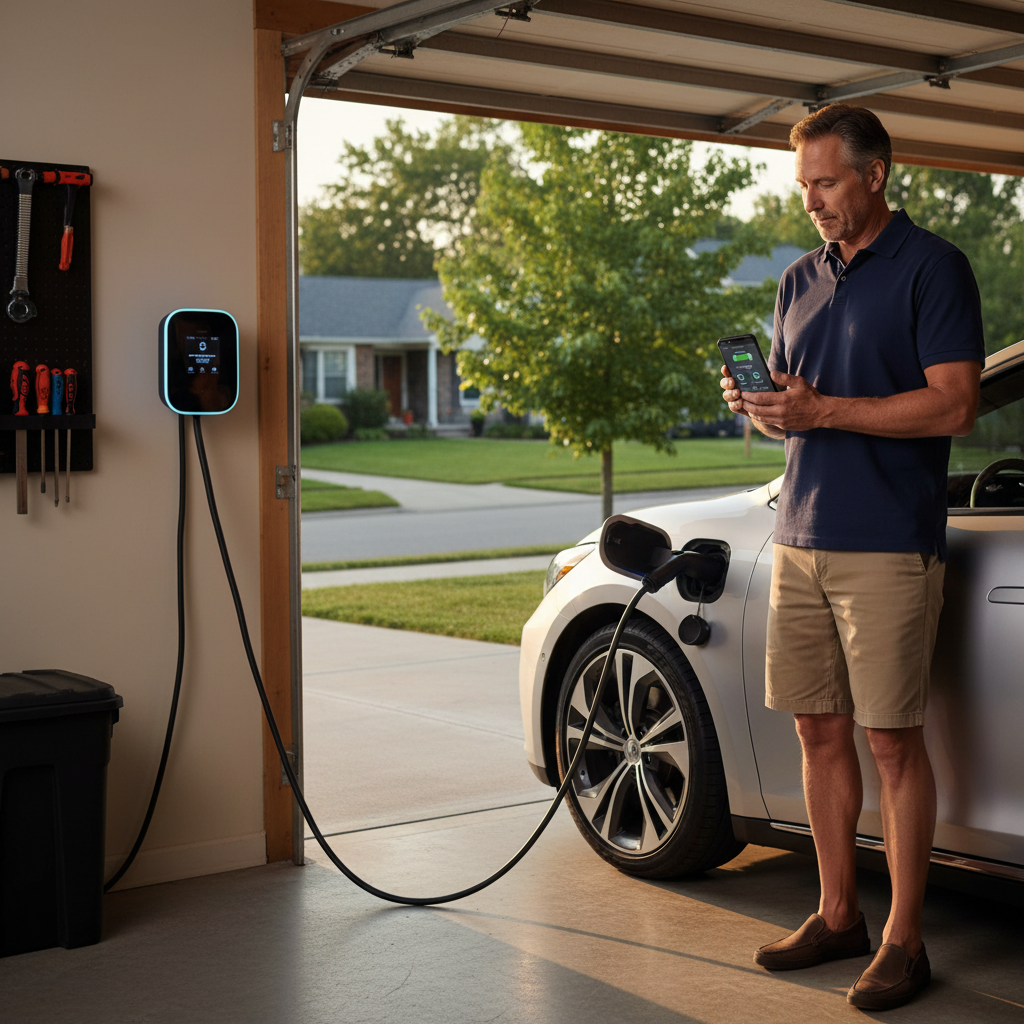
If you’re not ready to switch vehicles, EV-related tech still shows up through home energy monitoring, smart chargers, and utility programs. Those can be worthwhile even before you buy a car, depending on local pricing and incentives.
Quick self-check: which trend is worth your attention?
Here’s a fast way to sort signal from noise, especially when popular technology headlines start blending together.
- You want less daily friction → focus on smart home technology that replaces repeated actions (lights, thermostat, routines).
- You lose time in communication and admin → prioritize AI-powered devices for transcription, summarizing, and search.
- You manage family safety or caregiving → consider wearable tech trends with alerts, but keep expectations realistic.
- You’ve had fraud, phishing, or account issues → start with cybersecurity solutions and email hardening.
- You share files across devices → audit cloud computing services and backup habits.
Comparison table: trend, payoff, and “watch-outs”
This table is intentionally practical. It’s not “which is coolest,” it’s “what changes your life, and what might annoy you later.”
| Trend | Typical payoff | Common watch-outs | Good fit if you... |
|---|---|---|---|
| AI-powered devices | Faster writing, search, call handling | Cloud dependence, privacy settings, subscriptions | Do lots of messaging, meetings, content work |
| Smart home technology | Convenience, routines, energy control | Compatibility, multiple apps, device updates | Want repeatable “set and forget” improvements |
| Wearable tech trends | Habits, safety alerts, fitness motivation | Metric accuracy varies, notification fatigue | Will check data weekly and act on it |
| Cybersecurity solutions | Fewer lockouts, reduced scam risk | Setup effort, learning curve for family members | Shop online often or manage many accounts |
| Cloud computing services | Sync, collaboration, recovery | Storage costs, vendor lock-in, outages | Use multiple devices and need access anywhere |
| Augmented reality applications | Better previews and guidance in context | Early ecosystems, comfort and content limits | Benefit from visual guidance at home or work |
| Electric vehicle technology | Lower fuel cost potential, quieter driving | Charging logistics, service availability | Can charge at home or have reliable local charging |
Practical next steps: a 30-minute plan
If you want to engage with consumer tech innovations without turning your week into a research project, do this in one short session.
- Pick one problem: wasted time, home comfort, account security, commuting costs, or family safety.
- Audit your current setup: list devices, subscriptions, and “things that annoy you.” Don’t skip this part, it prevents duplicate buys.
- Make one upgrade: choose a single change that you can set up in an hour, like MFA on email, a password manager, or a smart thermostat.
- Set a reminder: revisit in two weeks and decide if it delivered value, then expand only if it did.
Key takeaways: the best popular technology choices are boringly consistent, they reduce friction, fit your habits, and don’t create a new security problem while solving an old inconvenience.
Common mistakes that waste money (and patience)
- Buying next-gen gadgets for a hypothetical lifestyle instead of current routines.
- Ignoring privacy defaults and assuming settings will “probably be fine.”
- Mixing smart home ecosystems without checking compatibility and update support.
- Skipping backups because cloud sync feels like backup. It can help, but it’s not always the same thing.
- Waiting until after an account takeover to set up MFA and a password manager.
When it’s worth getting expert help
If you’re managing a small business, handling sensitive client data, or you’ve already dealt with repeated fraud, it may be worth consulting an IT/security professional for a tailored setup. Similarly, if wearable readings cause concern, bringing those questions to a clinician is usually more productive than chasing new devices.
Conclusion: make trends work for you, not the other way around
Popular technology can feel noisy, but the pattern is clear: AI features are becoming standard, smart homes are becoming more practical, and security is no longer optional. If you choose upgrades that map to real routines, you’ll get the benefits without living in settings menus.
If you do one thing next, secure your core accounts, then pick one convenience upgrade you’ll actually use weekly, that’s the cleanest way to turn emerging tech trends into something you can feel in everyday life.