
how to fix tiktok not loading videos is usually less about one “magic setting” and more about isolating what broke: your connection, the app cache, a bad update, or an account/device restriction.
If you’re stuck on a black screen, endless spinning, or videos that load thumbnails but won’t play, you’re not alone, TikTok is a heavy mix of streaming, caching, and background services, so a small glitch can look like a total outage.
This guide walks you through a clean, practical order of fixes, the same way support teams typically troubleshoot: confirm it’s not a TikTok-side problem, then work from network to app to device, and only then touch the bigger resets.
Quick diagnosis: is it TikTok, your network, or your phone?
Before you change anything, spend 60 seconds figuring out where the failure sits, it saves a lot of random toggling.
- Only TikTok fails, everything else streams fine: more likely app cache, permissions, or a TikTok bug.
- Multiple apps buffer: more likely Wi‑Fi/cellular, VPN, DNS, or router issues.
- It works on Wi‑Fi but not cellular (or the opposite): carrier settings, Low Data Mode, or network filtering.
- It fails on one account but works when you switch accounts: account restrictions, corrupted local data, or region/content limits.
According to Apple Support, restarting your device and checking your network are among the first steps when apps fail to load content, because it clears temporary processes and re-establishes connections.
Check TikTok status and rule out a platform-side outage
When TikTok has partial outages, you can waste time “fixing” your phone for a problem you can’t control. A few signs point to a platform-side issue: the app opens, but videos never start across multiple networks, or comments/search fail at the same time.
- Try loading TikTok on a different network (home Wi‑Fi vs mobile hotspot).
- Ask a friend in your area to test playback, same carrier matters more than you’d think.
- Check TikTok’s official channels for incident notes, if they post any.
- Look for widespread reports on major outage trackers, treat this as a clue, not proof.
If it looks like an outage, your best move is to wait it out and avoid repeated reinstalls, constant logins can occasionally trigger extra security prompts.
Fix connection problems that block video streaming
If you’re researching how to fix tiktok not loading videos, network is the most common bottleneck, and also the fastest to verify. TikTok video playback can fail even when “the internet works” for lighter tasks like messaging.
Start with the fast wins
- Toggle Airplane Mode on for 10 seconds, then off, it refreshes your radio connection.
- Switch Wi‑Fi bands if you can, 5 GHz is faster but shorter range; 2.4 GHz penetrates walls better.
- Restart your router, yes it’s basic, but stale DNS and overloaded routing tables are real.
- Disable VPN or ad-blocking DNS temporarily, some configurations interfere with TikTok media domains.
Check data-saving and background restrictions
- iPhone: Settings → Cellular → make sure TikTok has cellular access, also check Low Data Mode.
- Android: Settings → Apps → TikTok → Mobile data & Wi‑Fi → allow background data, unrestricted if appropriate.
- If you use a “battery optimizer” app, test with it off, many are aggressive with streaming apps.
App-level fixes: cache, permissions, and updates
When network looks fine, move to the app itself. TikTok caches a lot of video data, and that cache can corrupt, especially after updates.
Clear cache the safe way
- Open TikTok → Profile → Menu → Settings and privacy → Free up space → Clear cache.
- If the app won’t stay open long enough, you may need the device-level cache/storage steps below.
Force close and relaunch
- iPhone: swipe up to App Switcher → swipe TikTok away → reopen.
- Android: Recent apps → swipe away, or Settings → Apps → TikTok → Force stop.
Update TikTok (and your OS)
Many “not loading videos” issues come from an app version that doesn’t play nicely with your current OS build, or the opposite. Update TikTok first, then check for iOS/Android updates if the issue persists. According to Google Play Help, keeping apps updated helps ensure compatibility, security fixes, and bug patches.
Verify permissions that affect playback
- Local network permission (iOS) can matter in some network setups.
- Background app refresh can reduce repeated reload loops, especially on iOS.
- Storage permission (Android) can affect caching behavior and downloads.
Device storage, time/date, and other “silent” blockers
This part feels unrelated until it fixes your problem in two minutes. Video apps are sensitive to storage pressure and system time drift.
- Free storage: if your phone has very low space, caching fails, try freeing a few GB and reboot.
- Set date & time to automatic: incorrect time can break secure connections and content delivery.
- Restart the phone: not just a soft close, a full reboot resets background services.
According to Microsoft Support guidance on app troubleshooting (general), freeing storage and restarting can resolve temporary app data issues and stuck processes, the logic applies broadly even outside Windows.
Account and content restrictions that look like “loading”
Sometimes playback issues aren’t technical, they’re policy, age, or region constraints that present like a loading failure.
- Try another account on the same device, if it works, you’re dealing with account-specific settings.
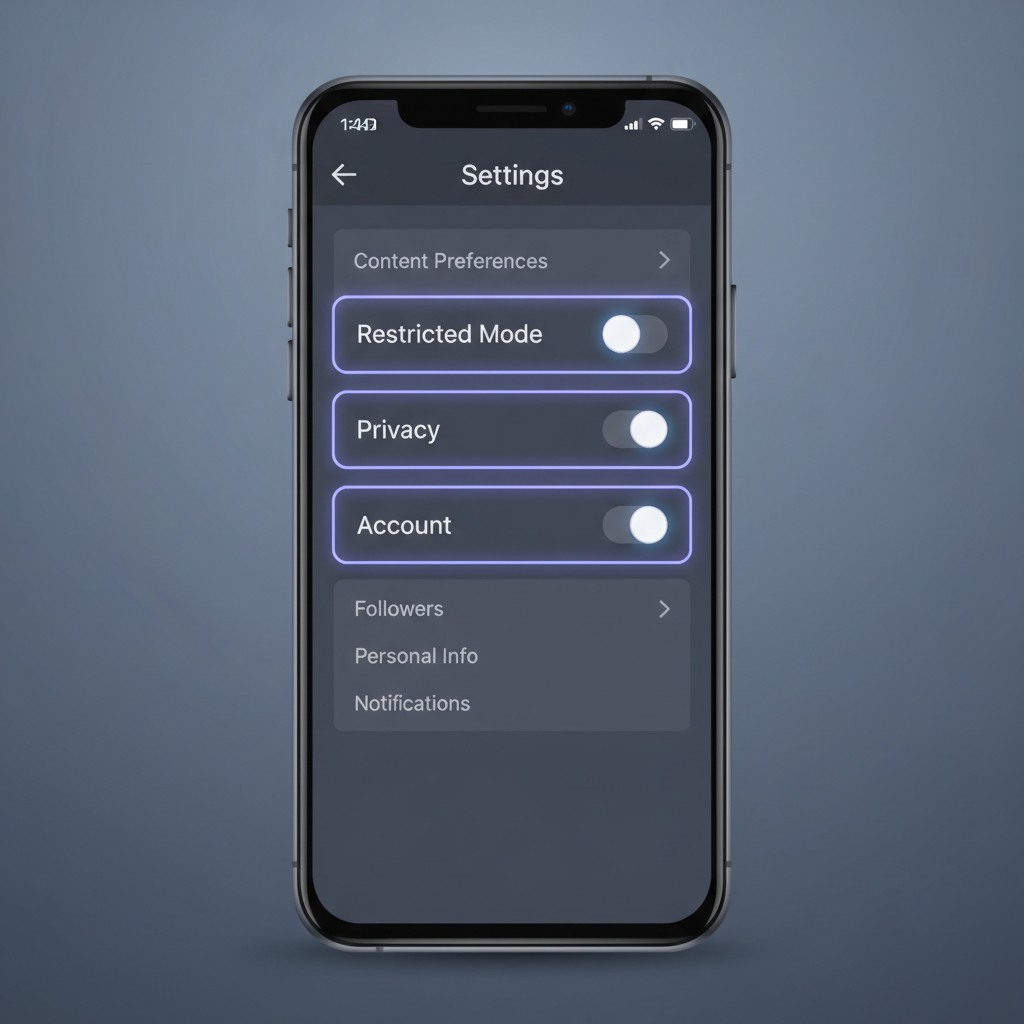
- Check Family Pairing and Restricted Mode if enabled, it can block content categories.
- Log out and log back in, but avoid doing this repeatedly in a short window, it can trigger extra verification.
- Test a different video, if one creator’s videos never load, it may be blocked/removed or region-limited.
The practical fix order (use this checklist, not guesswork)
If you want a reliable path for how to fix tiktok not loading videos, use a consistent sequence and stop as soon as it’s fixed. Here’s the order that tends to minimize effort and risk.
- Switch networks (Wi‑Fi ↔ cellular), toggle Airplane Mode
- Disable VPN/ad-blocking DNS and retry
- Force close TikTok, reopen
- Clear TikTok cache via “Free up space”
- Restart phone
- Update TikTok, then update iOS/Android if needed
- Free storage space, set time/date to automatic
- Log out/in once, test another account
- Uninstall TikTok, restart device, reinstall
Troubleshooting table: symptom → likely cause → fix
Use this when you’re stuck in one specific pattern, it’s quicker than reading every setting screen.
| What you see | What it often means | What to try |
|---|---|---|
| Black screen, audio may start | Rendering glitch, cache issue, outdated app | Force close, clear cache, update app, reboot |
| Endless spinning on every video | Network path blocked, VPN/DNS filtering, outage | Switch network, disable VPN, router restart, wait if outage |
| Thumbnails load but video won’t play | Streaming delivery failing, data saver restrictions | Check Low Data Mode/background data, test cellular vs Wi‑Fi |
| Works on hotspot but not home Wi‑Fi | Router/DNS issue or network-level filtering | Restart router, change DNS, disable router filters |
| One account fails, another works | Account settings, restricted mode, verification issue | Review restrictions, log out/in once, contact TikTok support |
Common mistakes that waste time
- Reinstalling immediately: it’s slower than clearing cache, and you may lose drafts if not saved.
- Changing ten settings at once: you can’t tell what fixed it, and you might create a new problem.
- Ignoring storage: low space causes weird behavior that looks like “network.”
- Leaving a VPN on “just because”: some servers work, some don’t, the inconsistency is the clue.
When you should contact TikTok support or your carrier
If you’ve worked through the checklist and TikTok still won’t play videos across multiple networks, it’s reasonable to escalate.
- TikTok support: account-specific failures, repeated login verification loops, persistent playback issues after reinstall.
- Your carrier: TikTok fails only on cellular, other video apps also struggle, or you suspect throttling or content filtering.
- Device support: overheating, crashes, storage errors that don’t resolve, or system update failures, a repair professional can help if hardware is involved.
Keep it simple when you report: device model, OS version, TikTok version, network type, and whether it works on another network. That detail usually speeds resolution.
Conclusion: get playback back, then prevent it from returning
Most cases boil down to a bad network path or a messy cache, and the fix is less dramatic than people expect. If you try the steps in order, you’ll usually find the culprit without resetting everything.
Action steps: start by switching networks and disabling VPN, then clear TikTok cache, restart, and update the app. If the problem is account-specific, stop troubleshooting the phone and focus on restrictions or support.
If you’d rather not troubleshoot every time, consider keeping TikTok updated, avoiding always-on VPN for streaming, and leaving some storage headroom, small habits, fewer “why won’t this load” moments.