
Useful technology is less about chasing the newest gadget and more about picking tools that remove friction from your day, fewer taps, fewer passwords forgotten, fewer “where did I save that file” moments.
If your phone already feels like a full-time job, you’re not alone. A lot of tech advice reads like a shopping list, but real life is messier: you have a budget, a family, a job, and exactly zero patience for complicated setups that “get better after a week.”
This 2026 guide focuses on practical picks across productivity apps, smart home devices, AI tools for daily life, wearable health tech, and the unglamorous essentials like cybersecurity software and cloud storage solutions. The goal: help you choose what actually sticks.
How to spot “useful” tech (before you buy or subscribe)
The easiest way to waste money is buying something that’s impressive in a demo but annoying on a Tuesday. Before you commit, look for a few green flags that usually predict long-term value.
- Clear trigger, clear payoff: “When I leave home, lights off” beats “smart lighting scenes.”
- Low setup cost: If it takes hours to configure, it often gets abandoned.
- Works with what you already use: calendar, email, iOS/Android, Alexa/Google/HomeKit, employer tools.
- Good failure mode: If Wi‑Fi drops, does it still work manually?
- Reasonable ongoing cost: subscriptions can creep up faster than hardware.
Key point: Useful technology usually reduces decisions. If a tool creates more choices and settings than it removes, it may not be a fit.
Smart home devices that save time (not create chores)
For most households, smart home devices become “useful” when they automate boring routines: comfort, security, and energy. The trick is starting small and avoiding an ecosystem you’ll regret.
High-ROI starters
- Smart thermostat: helps stabilize comfort and can reduce wasted heating/cooling, especially with schedules and geofencing.
- Smart plugs: quick wins for lamps, holiday lights, fans, and “did I leave it on?” anxiety.
- Video doorbell / smart lock: convenience plus visibility, but check local laws and HOA rules if applicable.
- Leak sensors: not exciting, but often the cheapest way to prevent a very expensive surprise.
According to U.S. Department of Energy, heating and cooling often represent a large share of home energy use, so tools that reduce HVAC waste can matter more than flashy gadgets.

Common mistake: buying five devices at once, then spending a weekend naming lights and fixing automations. Start with one routine, prove the value, then expand.
Productivity apps and digital note-taking tools that don’t turn into clutter
Most people don’t need “more productivity,” they need fewer places where work hides. The best productivity apps and digital note-taking tools create one trustworthy system for tasks and reference.
Pick your core system (one)
- Tasks: a simple to-do app is fine if it supports recurring tasks, due dates, and quick capture.
- Notes: choose a tool that makes search fast and saving content frictionless (web clipper helps).
- Calendar: time-blocking works only if events and tasks talk to each other cleanly.
In practice, “one place to capture” beats “the perfect template.” A notes app with solid search and a consistent naming habit usually outperforms a fancy setup you stop using in two weeks.
A lightweight workflow that tends to stick
- Capture: dump ideas and requests into one inbox (notes or tasks).
- Clarify daily: turn the inbox into 3–7 concrete tasks, park the rest.
- Weekly reset: archive noise, pin active projects, refresh recurring items.
AI tools for daily life: where they help, where they can bite you
AI tools for daily life are genuinely useful when they compress “blank page time” or speed up repetitive writing, summarizing, and planning. They’re less helpful when you treat them like a fact oracle.
Good everyday uses
- Drafting: emails, cover letters, customer responses, meeting agendas.
- Summaries: long documents, call notes, policy pages, dense articles.
- Planning: meal plans, travel itineraries, study schedules, packing lists.
- Language help: tone adjustments and clarity rewrites.
Reality check: AI output often needs a human pass for accuracy, tone, and context. According to NIST (National Institute of Standards and Technology), managing AI risk includes understanding limitations and monitoring for errors, which applies even to consumer use.
Practical rule: avoid pasting sensitive personal, medical, or confidential work content into tools unless you understand the provider’s privacy controls and your organization allows it.
Remote work technology that reduces “meeting fatigue”
Remote work technology pays off when it makes communication clearer and reduces back-and-forth. A lot of teams accidentally buy tools that increase notifications instead.
What usually helps most
- Audio upgrades: a reliable headset or USB mic often beats a new webcam for perceived quality.
- Async-first tools: shared docs, recorded updates, task boards that show ownership.
- Scheduling sanity: booking links and time-zone-aware calendars reduce coordination overhead.
- Ergonomics tech: monitor arms, decent lighting, and a keyboard you like can outperform “productivity” software.
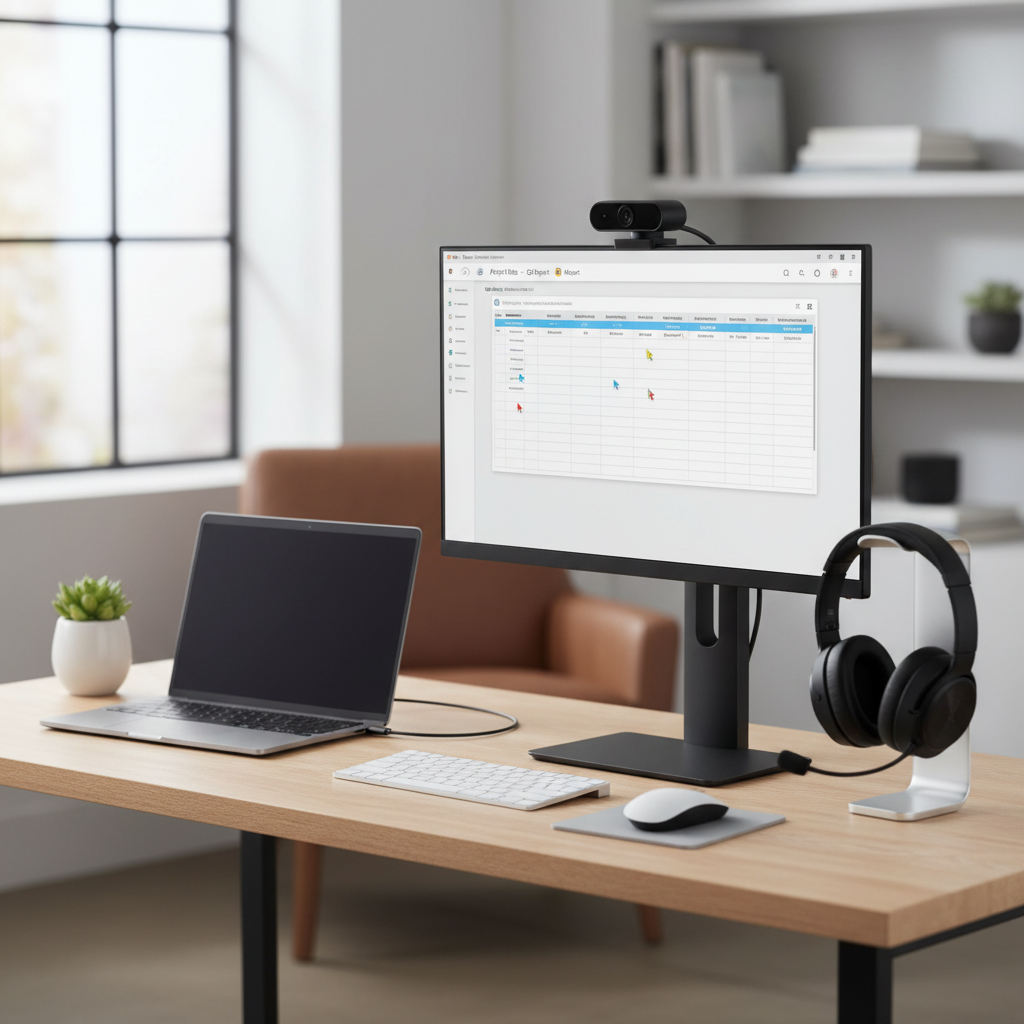
Quick win: set one team norm, “if it can be solved in a doc comment, don’t schedule a meeting.” Tools matter, but norms create the real leverage.
Security and cloud storage solutions: the boring tech that saves your week
Useful technology includes the stuff you only appreciate after something goes wrong: compromised passwords, a stolen laptop, a corrupted drive. This is where cybersecurity software and cloud storage solutions earn their keep.
A practical baseline (personal use)
- Password manager: unique passwords + autofill reduces both risk and friction.
- Multi-factor authentication: use an authenticator app or hardware key when possible.
- Device updates: turn on automatic updates for OS and browsers.
- Backups: follow a simple 3-2-1 mindset when feasible: multiple copies, multiple media, one offsite.
According to CISA, using strong authentication and keeping software updated are foundational steps that reduce common cyber risks. You don’t need paranoia, you need consistency.
Cloud storage: what to prioritize
- Cross-device sync: phone + laptop + tablet without manual transfers.
- Version history: helps recover from accidental deletes or bad edits.
- Sharing controls: link expiration and permission levels matter more than raw storage size.
Wearable health tech, personal finance tech, and energy-saving gadgets (choose with intent)
This category can be great, but it’s also where people overbuy. Wearable health tech, personal finance tech, and energy-saving gadgets work best when they nudge one behavior you already want.
Wearables: keep expectations realistic
- Sleep and activity trends: useful for patterns, not perfection.
- Heart metrics: can be informative, but they’re not a diagnosis; if you see concerning readings, consider discussing with a clinician.
- Notifications: fewer is better, otherwise the device becomes another distraction.
According to FDA, some digital health features may fall under medical device oversight while others are general wellness, which is a good reminder to treat many consumer metrics as guidance, not medical certainty.
Personal finance tech that reduces stress
- Budgeting apps: best when they show cash flow clearly and make categories easy to adjust.
- Bill automation: autopay for fixed bills can prevent late fees, but keep alerts for low balances.
- Credit monitoring: can help spot issues early; review what data you share and what’s actually included.
Energy-saving gadgets that often make sense
- Smart power strips: reduce standby “always on” usage in media areas.
- LED upgrades: not trendy, but consistently practical.
- Room sensors: helpful if you have uneven heating/cooling or forget lights.
A simple buying framework (and a quick comparison table)
If you want useful technology without turning it into a hobby, use this quick framework: pick one pain point, one tool, one week to validate. If it doesn’t save time or reduce stress, return it or cancel the trial.
Fast comparison: what to buy first
| Need | Useful tech to start with | Why it works | Watch-outs |
|---|---|---|---|
| Stop losing files | Cloud storage solutions + backup | Sync + version history | Permissions, shared links |
| Less password stress | Password manager + MFA | Security with less friction | Account recovery setup |
| Focus at work | Productivity apps + note system | One capture point, faster retrieval | Too many tools |
| Calmer home routines | Smart home devices (thermostat/plugs) | Automation removes micro-tasks | Wi‑Fi reliability, ecosystems |
| Better health habits | Wearable health tech | Trend awareness, reminders | Not medical advice |
Actionable setup checklist (30–90 minutes)
- Turn on MFA for email, banking, and your Apple/Google account.
- Pick one cloud folder as your default “active documents” location.
- Create one notes inbox and one tasks inbox, stop capturing anywhere else.
- Automate one home routine (lights off at midnight, thermostat schedule, or a smart plug timer).
- Set two notification limits: work chat quiet hours and wearable alerts trimmed down.
Conclusion: build a small stack you’ll actually keep using
Useful technology tends to look boring from the outside: fewer apps, fewer alerts, fewer manual steps, and a couple of automations that quietly do their job. If you take one step this week, make it security plus backup, then add one convenience tool that removes a daily annoyance.
Your next move: choose a single pain point, run a 7-day test, and keep only what saves time or reduces stress in a way you can feel.